
About
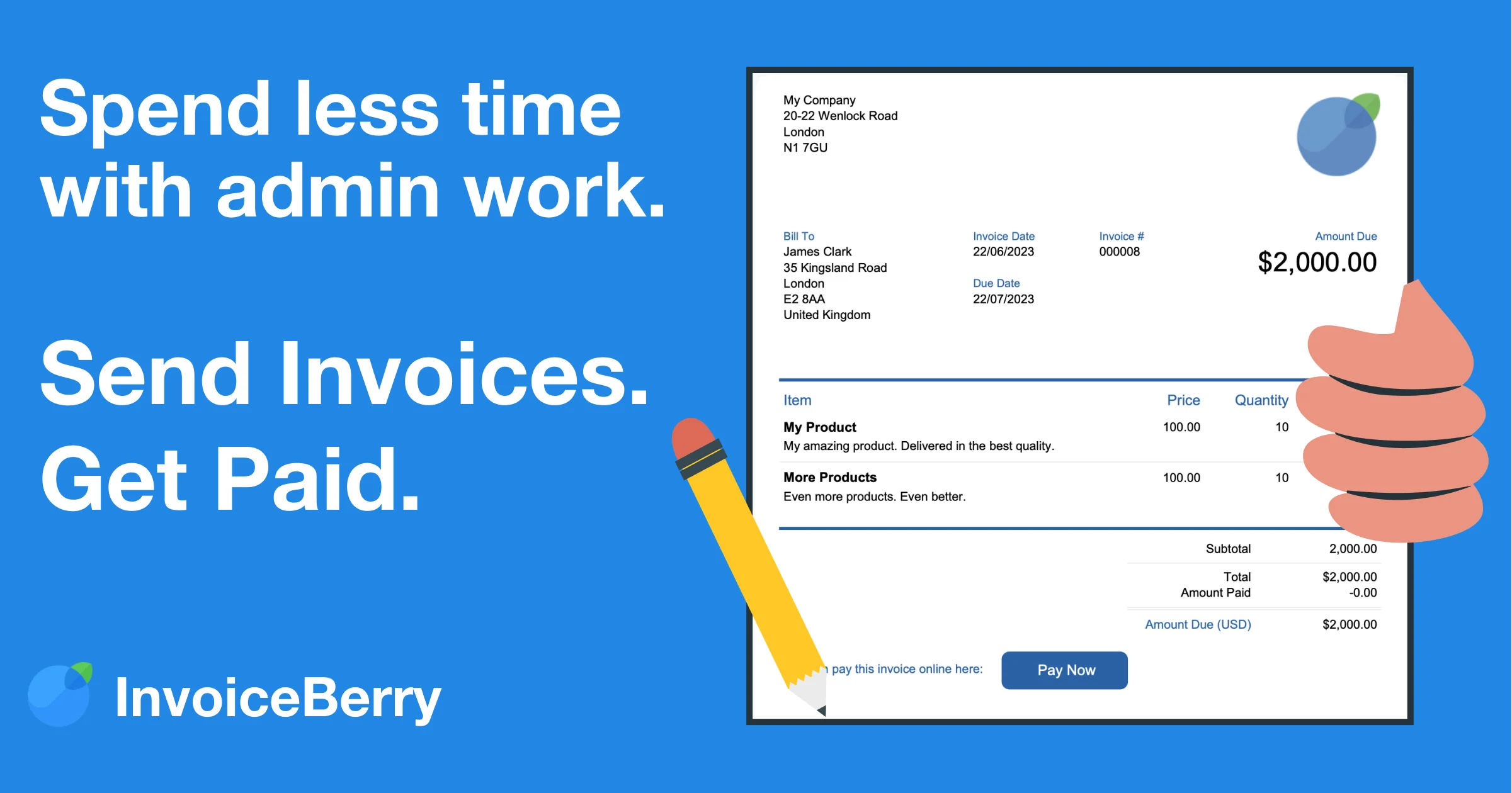
InvoiceBerry is a streamlined online invoicing solution designed specifically for small businesses, freelancers, and sole traders who want to spend less time on admin and more time growing their business. The platform lets you create polished, professional invoices in under 60 seconds using customizable templates — just add your logo, line items, and client details, then send directly via email or export as a PDF. Beyond invoice creation, InvoiceBerry offers robust expense tracking, detailed financial reports, and a clear client management system. Its smart dashboard surfaces unpaid invoices immediately, so you always know who owes you money. One-click payment reminders make following up effortless, reducing late payments without awkward conversations. The platform supports recurring invoices for repeat clients, putting regular billing on autopilot. Quotes can be converted into invoices with a single click, eliminating redundant data entry. InvoiceBerry integrates directly with leading payment gateways — Stripe, PayPal, Square, and WePay — enabling customers to pay right from their invoice, with payments automatically recorded in real time. With support for multiple currencies and over 100,000 small businesses already on the platform, InvoiceBerry is a practical, affordable choice for entrepreneurs who need professional invoicing without the complexity of full accounting software. A free trial is available with no credit card required.
Key Features
- 60-Second Invoice Creation: Choose from professional templates, upload your logo, add line items and client details, then send via email or export as a PDF — all in under a minute.
- Online Payment Integrations: Connect Stripe, PayPal, Square, or WePay so customers can pay directly from their invoice, with payments automatically recorded in real time.
- Expense & Payment Tracking: Track business expenses and monitor who has paid and who hasn't from a centralized dashboard, with one-click late payment reminders.
- Recurring Invoices & Quote Conversion: Schedule automatic recurring invoices for repeat clients, and convert accepted quotes into invoices with a single click.
- Multi-Currency Support & Reports: Bill international clients in their local currency and generate financial reports to keep your business records accurate and organized.
Use Cases
- Freelancers creating and sending professional invoices to clients within seconds, without needing accounting knowledge.
- Small business owners tracking outstanding payments and sending automated reminders to reduce late payments.
- Consultants and contractors setting up recurring invoices for retainer clients to automate monthly billing.
- Sole traders managing both expense tracking and client invoicing in one place to keep financial records tidy.
- Entrepreneurs converting project quotes into invoices instantly after client approval to speed up the payment cycle.
Pros
- Extremely Easy to Use: Designed for non-accountants, the interface is clean and intuitive — no training or financial expertise required to get started.
- Multiple Payment Gateway Integrations: Support for Stripe, PayPal, Square, and WePay gives clients flexible payment options, reducing friction and speeding up collections.
- Time-Saving Automation: Recurring invoices, one-click quote-to-invoice conversion, and automated reminders significantly reduce manual billing work.
- Affordable for Small Businesses: Pricing is accessible for freelancers and small teams, with a free trial available and no credit card required to start.
Cons
- Limited to Invoicing & Basic Expense Tracking: InvoiceBerry is not a full accounting suite — businesses needing payroll, advanced bookkeeping, or tax filing will need a separate tool.
- Not Ideal for Large or Complex Businesses: The feature set is intentionally simplified, which may not meet the needs of growing businesses with complex billing workflows or large teams.
- Fewer Third-Party Integrations: Compared to platforms like FreshBooks or QuickBooks, InvoiceBerry has a more limited ecosystem of app and software integrations.
Frequently Asked Questions
What is InvoiceBerry?
InvoiceBerry is a simple online invoicing software designed for small businesses, freelancers, and sole traders. It lets you create and send professional invoices, track expenses, manage client payments, and accept online payments — all from one easy-to-use platform.
Is there a free trial available?
Yes, InvoiceBerry offers a free trial with no credit card required. You can sign up and start creating invoices immediately to evaluate whether the platform suits your needs.
Which payment gateways does InvoiceBerry support?
InvoiceBerry integrates with Stripe, PayPal, Square, and WePay. Once connected, your customers can pay directly from the invoice they receive, and payments are automatically recorded in your account.
Can I set up recurring invoices for regular clients?
Yes. InvoiceBerry's recurring invoice feature lets you schedule automatic invoices for regular or repeat customers, so your billing runs on autopilot without manual effort each billing cycle.
Can I convert a quote into an invoice?
Absolutely. Once a client accepts a quote, you can convert it into a finalized invoice with a single click — no need to re-enter any information, saving you time and reducing errors.