P
About
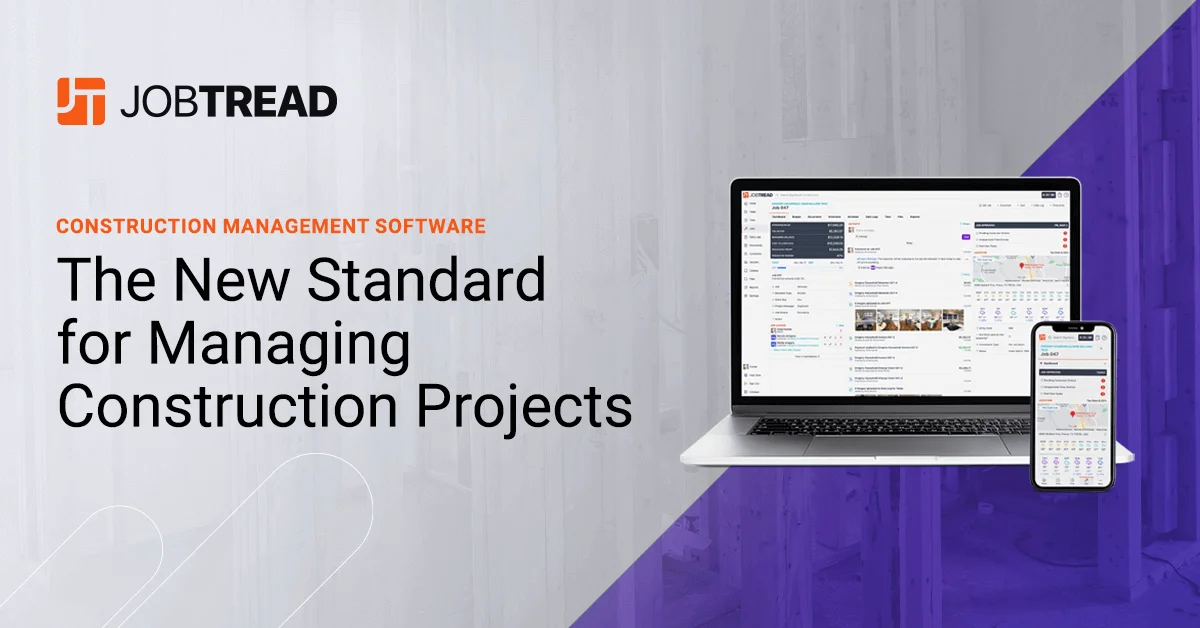
JobTread is an all-in-one construction project management and estimating software designed for general contractors, home builders, remodelers, roofers, pool builders, outdoor living contractors, and commercial contractors. The platform streamlines every stage of a construction project — from lead capture and proposal generation through project execution and final payment collection. On the sales and estimating side, JobTread provides a full CRM, takeoff tools, a cost catalog, bid requests, and digital contracts with eSignatures. During project delivery, teams can manage tasks and scheduling, record daily logs, track time, share files and photos, and collaborate with subcontractors and vendors through dedicated portals. The financial suite covers budgeting, job costing, change orders, purchase orders, work orders, subcontractor billing, and customer invoicing — giving contractors real-time visibility into project profitability. Customer-facing features include client portals, selections and allowances management, homeowner financing options, and integrated online payment collection. JobTread integrates natively with QuickBooks Online, CompanyCam, Eagleview, Home Depot, Zapier, Gusto, and others, and recently launched an AI Connector for connecting AI tools directly to project data. The platform also supports franchises and multi-company operations. Training resources, certifications, bootcamps, and an annual user conference round out the ecosystem.
Key Features
- Estimating & Takeoff: Build accurate project estimates using integrated takeoff tools, a reusable cost catalog, and automated bid requests to subcontractors and suppliers.
- Project Management: Manage tasks, schedules, daily logs, time tracking, and project documents — with dedicated portals for subs and vendors to collaborate seamlessly.
- Job Financials & Costing: Track budgets, manage change orders, issue purchase orders and work orders, and monitor real-time job profitability from a single dashboard.
- Customer Experience Tools: Provide homeowners with a client portal for selections, allowances, messaging, online payments, and warranty documentation throughout the project.
- Integrations & AI Connector: Connect natively with QuickBooks Online, CompanyCam, Zapier, Eagleview, Gusto, and more — plus the new AI Connector for AI-powered workflows on live project data.
Use Cases
- Home builders managing multi-phase residential construction projects from first lead through final walkthrough and warranty.
- Remodelers tracking job costs and change orders in real time to protect profit margins on kitchen and bath renovations.
- Roofing contractors handling insurance restoration projects with integrated estimating, scheduling, and subcontractor billing.
- Commercial contractors coordinating purchase orders, work orders, and subcontractor portals across multiple concurrent jobs.
- Construction franchises standardizing estimating and financial workflows across locations with centralized reporting and dashboards.
Pros
- Truly All-in-One: Covers the full contractor workflow — sales, estimating, project management, financials, and customer communication — eliminating the need for multiple disconnected tools.
- Strong Financial Visibility: Real-time job costing, change order tracking, and profitability dashboards give contractors clear insight into where money is being made or lost on every project.
- Client-Facing Portal: Homeowner portals for selections, invoicing, and messaging elevate the customer experience and reduce back-and-forth communication.
- Broad Integration Ecosystem: Pre-built integrations with QuickBooks, Zapier, CompanyCam, and others ensure JobTread fits into existing contractor tech stacks with minimal friction.
Cons
- Construction-Specific Scope: The platform is purpose-built for the construction industry, making it unsuitable for businesses outside of contracting and home improvement.
- Pricing Not Publicly Listed: Pricing details are not disclosed on the website and require contacting the sales team, which can slow down the evaluation process.
- Feature Breadth Means a Learning Curve: The extensive feature set — while powerful — can be overwhelming for smaller teams or solo contractors new to construction management software.
Frequently Asked Questions
Who is JobTread designed for?
JobTread serves home builders, remodelers, roofers, pool builders, outdoor living contractors, specialty contractors, commercial contractors, and franchises — essentially any construction business looking to manage projects and finances in one place.
Does JobTread have a mobile app?
Yes, JobTread includes a mobile app so field teams can access schedules, daily logs, time tracking, files, and project communications from the job site.
What accounting software does JobTread integrate with?
JobTread integrates natively with QuickBooks Online, and accounting partners can manage multiple JobTread customers from a single accounting login.
Can homeowners and clients access the platform?
Yes, JobTread provides customer portals where homeowners can review project progress, make selections, approve change orders, communicate with the team, and pay invoices online.
Does JobTread support AI features?
Yes, JobTread recently launched an AI Connector that allows users to connect AI tools directly to their JobTread project data for enhanced automation and insights.