

About
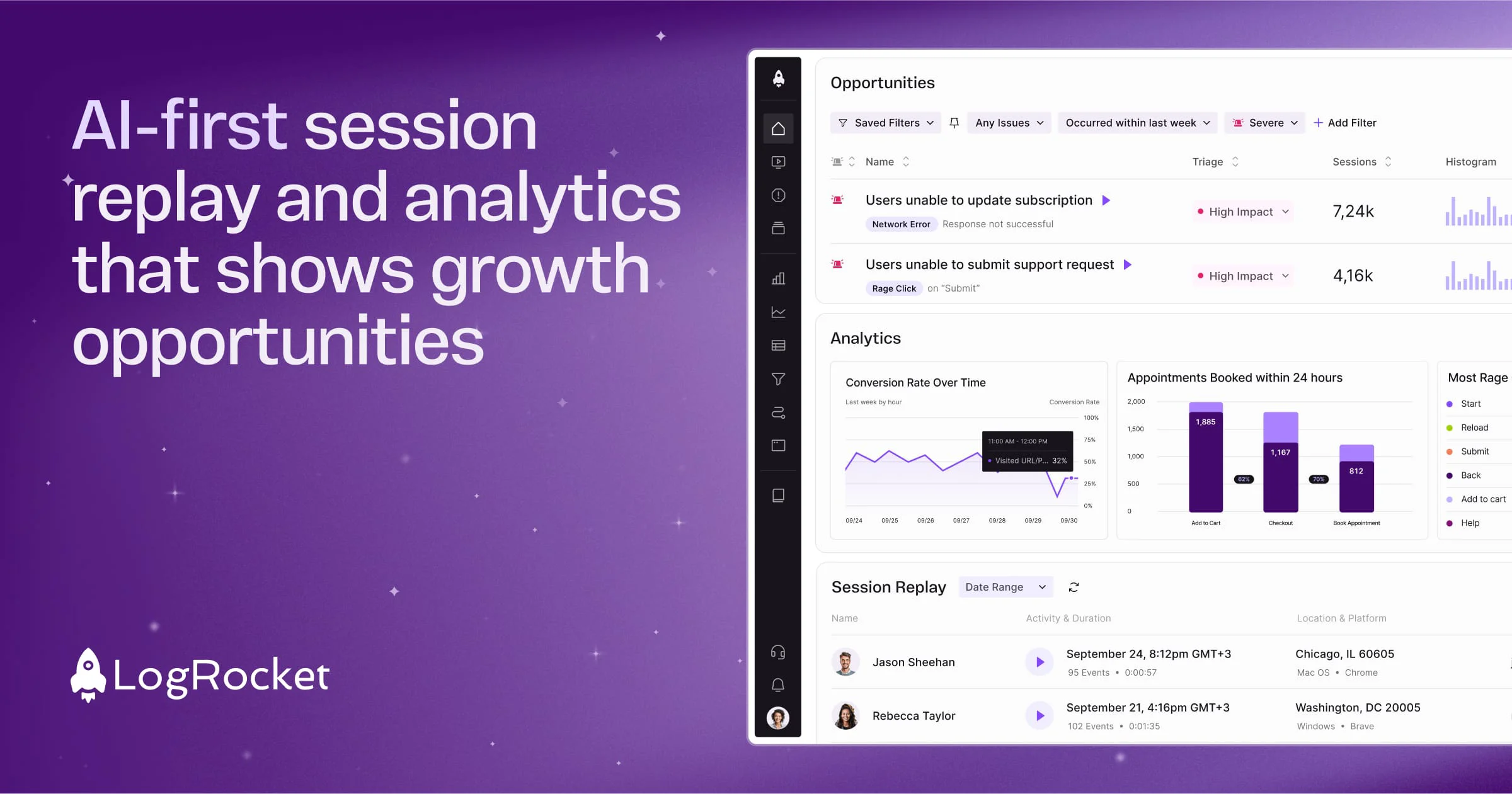
LogRocket is a comprehensive user experience intelligence platform built for the AI-first age, trusted by over 3,000 companies including 7-Eleven and Blue Cross Blue Shield. At its core, it captures detailed session replays — including DOM playback, console logs, network logs, errors, and performance data — so teams can see exactly what users experienced in their apps. The platform's flagship AI feature, Galileo AI, acts as an AI product manager that proactively watches every session, identifies technical and UX issues impacting the business, and surfaces actionable insights without requiring teams to manually sift through data. Beyond session replay, LogRocket offers product analytics with conversion funnels, path analysis, and timeseries charts; UX Analytics that blends qualitative and quantitative insights; error tracking to prioritize the most impactful bugs; and frontend performance monitoring to correlate performance metrics with real user impact. LogRocket integrates seamlessly with popular tools across customer support, A/B testing, observability, voice-of-customer, and data warehouse categories. Installation is straightforward via NPM or script tag, with SDKs available for various frameworks and support for both web and mobile apps. It is ideal for product managers, engineers, and UX designers who want to reduce guesswork, optimize conversion funnels, and build better digital experiences backed by real user data.
Key Features
- Galileo AI Product Manager: An AI that automatically analyzes every user session to proactively identify technical and UX issues, surface conversion opportunities, and prioritize what needs immediate attention.
- Session Replay: Capture and replay every user session with full DOM playback, console logs, network logs, errors, and performance data to see exactly what each user experienced.
- Product Analytics: Build conversion funnels, path analyses, and timeseries charts to understand user behavior at both aggregate and individual levels, powered by AI insights.
- Error & Issue Tracking: Automatically surface the most frequent errors, network failures, and crashes affecting users, with AI filtering to cut through noise and focus on high-impact problems.
- Frontend Performance Monitoring: Correlate frontend performance metrics with their real impact on user experience, with in-depth telemetry, charts, and dashboards to track changes over time.
Use Cases
- Engineering teams diagnosing hard-to-reproduce bugs by watching the exact session replay that preceded an error or crash.
- Product managers analyzing conversion funnels and drop-off points to identify where users abandon key flows and optimize the experience.
- UX designers using session replays and heatmaps to understand how users actually interact with new features versus intended design behavior.
- Customer support teams reviewing session replays to quickly understand and resolve user-reported issues without lengthy back-and-forth.
- eCommerce companies like 7-Eleven optimizing self-checkout flows by correlating frontend performance data with conversion metrics.
Pros
- AI-Powered Insights Without Manual Effort: Galileo AI automatically identifies the most impactful issues and opportunities, saving teams hours of manual session analysis and data wrangling.
- All-in-One Platform: Combines session replay, analytics, error tracking, and performance monitoring in one tool, eliminating the need for multiple fragmented point solutions.
- Broad Integration Ecosystem: Works with customer support tools, A/B testing platforms, observability stacks, and data warehouses, fitting naturally into any existing tech stack.
- Easy Installation: Quick setup via NPM or script tag in just three steps, with framework-specific SDKs for both web and mobile apps.
Cons
- Can Be Costly at Scale: Pricing scales with session volume and features, which can become expensive for high-traffic applications or large enterprise teams.
- Data Privacy Considerations: Capturing detailed session replays requires careful configuration to mask or redact sensitive user data, adding implementation overhead for compliance-heavy industries.
- Learning Curve for Advanced Features: While basic session replay is straightforward, fully leveraging product analytics, funnels, and AI insights may require onboarding time for less data-savvy teams.
Frequently Asked Questions
What is Galileo AI in LogRocket?
Galileo AI is LogRocket's built-in AI product manager that automatically watches user sessions, identifies impactful UX and technical issues, and surfaces actionable insights to help teams improve conversion and engagement without manual analysis.
How does LogRocket's session replay work?
LogRocket captures a pixel-perfect recording of every user session, including DOM events, console logs, network requests, errors, and performance data. Teams can replay any session to see exactly what a user experienced at any point in time.
Is LogRocket free to use?
LogRocket offers a free tier to get started. Paid plans unlock higher session volumes, advanced analytics, AI features, and enterprise-grade integrations and support.
What frameworks and platforms does LogRocket support?
LogRocket supports any web application regardless of language or framework, and provides dedicated SDKs for popular technologies. It also supports mobile apps on iOS and Android.
How does LogRocket help with error tracking?
LogRocket automatically surfaces the most frequent errors, network failures, and crashes affecting users. Each error is enriched with session replay context so developers can immediately understand the full circumstances of any issue.