

About
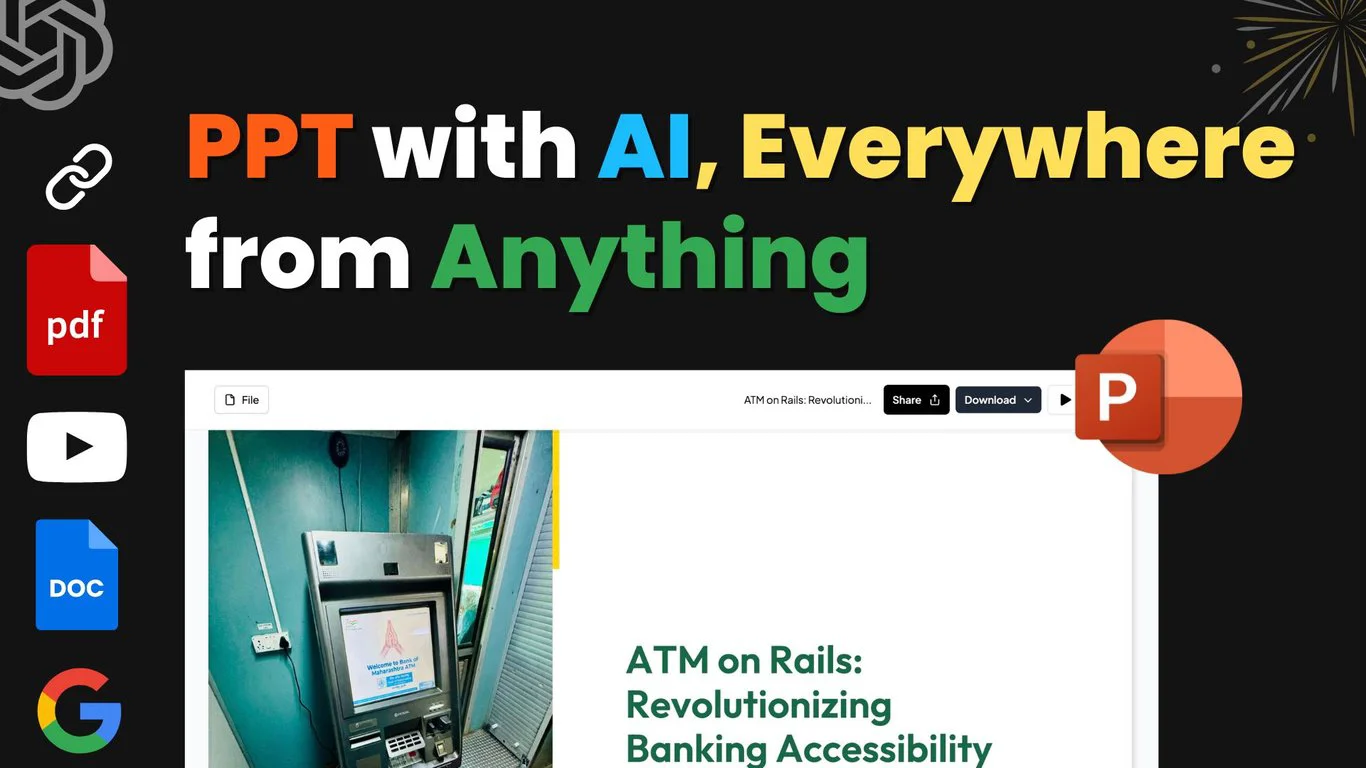
MagicSlides is a next-generation AI presentation tool powered by Gemini AI that transforms any idea or content source into a professional PowerPoint or Google Slides presentation with a single click. Users can input a topic, paste a URL, upload a PDF or DOCX file, or drop a YouTube link, and the AI will generate visually stunning, well-structured slides in seconds. The platform offers a versatile AI Chat assistant that lets users create presentations from scratch, add or edit individual slides, clone existing slides, and refine content—all through natural conversation. MagicSlides supports a wide variety of specialized slide types including Pros/Cons slides, Bullet Point + Image slides, Timeline slides, and SWOT Analysis slides, making it easy to communicate ideas in a structured, impactful way. With support for 136+ languages, MagicSlides is ideal for global teams, educators, marketers, and business professionals who need to produce high-quality presentations quickly. Finished presentations can be downloaded directly as PowerPoint files, edited in Google Slides, or refined within the MagicSlides platform itself. Its tiered pricing model includes a free entry point, making it accessible for individuals and scalable for enterprise use.
Key Features
- Multi-Source Input: Generate presentations from a typed topic, pasted URL, uploaded PDF, DOCX file, or YouTube video link.
- AI Chat Presentation Assistant: Chat with an AI to create presentations from scratch, add or edit slides, clone slides, and get design recommendations.
- 136+ Language Support: Create and deliver presentations in over 136 languages, making it ideal for global audiences and multilingual teams.
- Specialized Slide Types: Quickly generate structured slides like Pros/Cons, SWOT Analysis, Timeline, and Bullet Point + Image layouts using AI.
- Export to PowerPoint & Google Slides: Download finished presentations as PowerPoint files or open them directly in Google Slides for further editing.
Use Cases
- Business professionals creating client pitches or internal reports from documents or URLs in minutes.
- Students and educators turning lecture notes, PDFs, or research papers into structured presentation slides.
- Marketers quickly generating multilingual sales decks or campaign overviews for international teams.
- Content creators converting YouTube videos or blog post URLs into shareable slide presentations.
- Consultants producing SWOT analysis, timeline, or pros/cons slides for structured decision-making presentations.
Pros
- Blazing Fast Generation: Powered by Gemini AI, MagicSlides produces polished, professional presentations in seconds rather than hours.
- Versatile Content Sources: Accepts topics, URLs, PDFs, DOCX files, and YouTube videos as input, covering virtually any use case.
- Broad Language Coverage: Support for 136+ languages makes it one of the most globally accessible AI presentation tools available.
- Free Tier Available: Users can get started and create their first presentation without needing a paid subscription.
Cons
- Limited Design Customization: Advanced manual design control may be limited compared to dedicated tools like PowerPoint or Canva.
- AI Output May Need Refinement: Generated slides occasionally require manual editing to perfectly match specific brand guidelines or nuanced content needs.
- Feature Caps on Free Plan: The free tier has usage limits, and access to premium templates and features requires a paid subscription.
Frequently Asked Questions
What types of content can I use as input?
MagicSlides accepts typed topics or prompts, pasted URLs, uploaded PDF files, DOCX documents, and YouTube video links as input sources for generating presentations.
Which AI model powers MagicSlides?
MagicSlides is powered by Gemini AI, Google's advanced large language model, which enables fast and high-quality slide generation.
Can I export my presentation to PowerPoint or Google Slides?
Yes. Once your presentation is generated, you can download it as a PowerPoint (.pptx) file or open it directly in Google Slides for further editing.
Is MagicSlides free to use?
MagicSlides offers a free tier that lets you create presentations without a subscription. Paid plans unlock additional features, templates, and higher usage limits.
How many languages does MagicSlides support?
MagicSlides supports over 136 languages, allowing you to create and present in your preferred language for global audiences.