

About
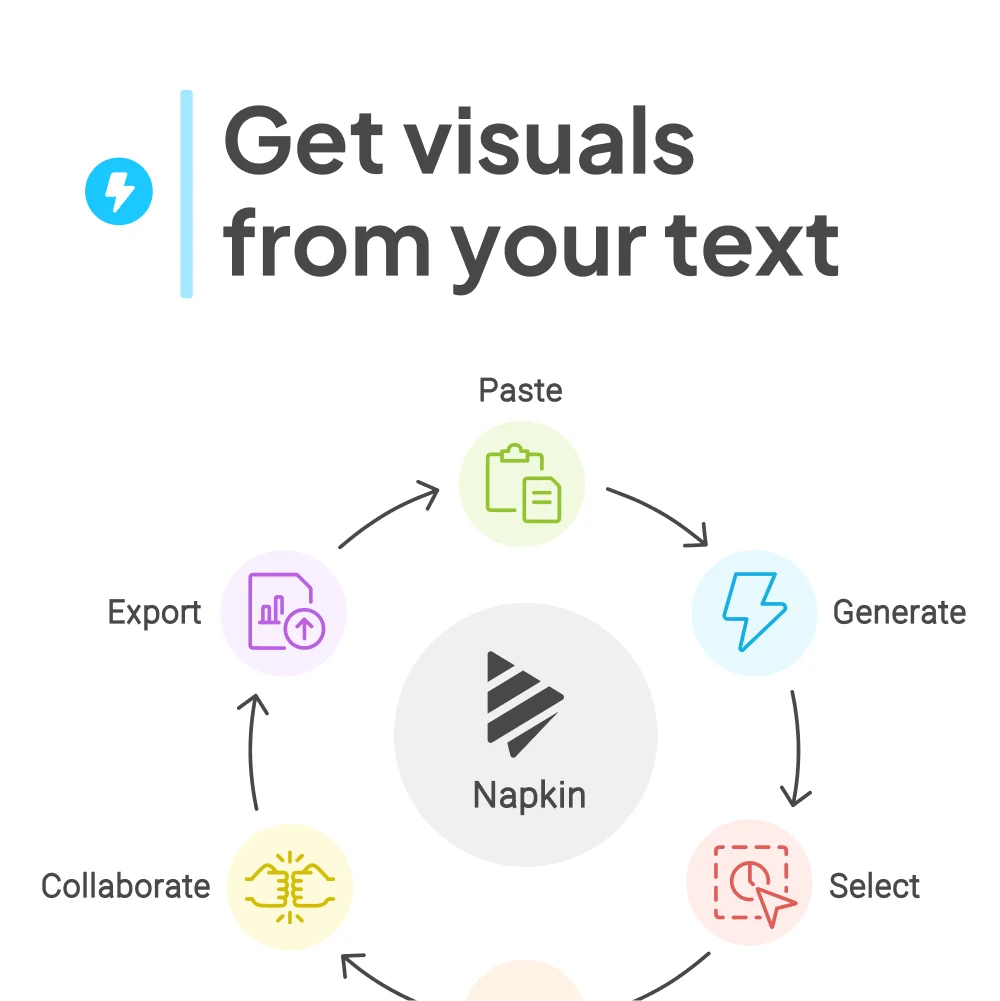
Napkin AI is an intelligent visual storytelling platform that bridges the gap between written ideas and compelling visual communication. Unlike traditional design tools that require manual effort or AI tools that rely on complex prompting, Napkin works directly from your text — paste or type your content and it instantly generates the most relevant visuals, from diagrams and mind maps to flowcharts and data charts. Once generated, visuals are fully editable. Users can swap icons from an extensive library, add decorators to emphasize key points, use dynamic connectors, adjust colors for light or dark modes, and switch between casual or formal fonts — all without design experience. Finished visuals can be exported as PPT, PNG, PDF, or SVG for seamless integration into any workflow. Napkin is purpose-built for business storytelling across a wide range of use cases: making presentations more impactful, enriching blog articles, driving social media engagement, and producing cleaner documentation. It is used by project managers, educators, marketers, founders, and executives who need professional visuals quickly. The tool's core strength lies in its zero-friction approach — there's no steep learning curve or lengthy prompt engineering. Whether you're a design novice or a seasoned professional, Napkin helps you communicate ideas visually in a fraction of the time it would normally take.
Key Features
- Text-to-Visual Generation: Automatically generates diagrams, infographics, flowcharts, and mind maps directly from pasted or typed text — no prompting required.
- Fully Editable Visuals: Every generated visual can be customized with icons, connectors, decorators, color schemes, and fonts to match your brand and style.
- Multiple Export Formats: Export finished visuals as PowerPoint (.ppt), PDF, PNG, or SVG files for use in presentations, documents, websites, and social media.
- Extensive Icon & Asset Library: Access a large database of icons and smart decorators to enrich visuals and emphasize key points with ease.
- Light & Dark Mode Support: Color palettes are automatically optimized to look great on both light and dark backgrounds, ensuring versatility across platforms.
Use Cases
- Creating visually compelling presentation slides from written notes or reports without manual design work.
- Generating eye-catching infographics and diagrams for blog posts and LinkedIn articles to boost engagement.
- Producing clear, visual documentation and process flows for internal team wikis and knowledge bases.
- Designing social media graphics and visual explainers from marketing copy or product descriptions.
- Educators and trainers turning lesson plans or concepts into structured visual aids for classroom use.
Pros
- Zero Prompt Engineering: Works directly from your existing text, eliminating the need to craft complex prompts — making it accessible to non-technical users.
- Fast Visual Creation: Dramatically reduces the time it takes to create professional-quality diagrams and infographics compared to traditional design tools.
- Versatile Export Options: Supports PPT, PDF, PNG, and SVG exports, making visuals easy to integrate into virtually any content or workflow.
- No Design Experience Required: Intuitive editing tools allow anyone to produce polished visuals without a background in graphic design.
Cons
- Limited Advanced Customization: While visuals are editable, deep customization options may be limited compared to dedicated design tools like Figma or Illustrator.
- Web-Only Platform: Currently available only as a web application, with no dedicated desktop or mobile apps for offline use.
- AI Output May Need Refinement: Auto-generated visuals may not always perfectly match the user's intent and may require additional manual editing.
Frequently Asked Questions
How does Napkin AI generate visuals from text?
Napkin analyzes the content and context of your text, then automatically selects and generates the most relevant visual format — such as a diagram, flowchart, or infographic — based on the ideas expressed.
Do I need design skills to use Napkin AI?
No. Napkin is designed for non-designers. Its intuitive editing interface allows anyone to adjust icons, colors, fonts, and layout without any graphic design background.
What file formats can I export from Napkin?
You can export visuals as .ppt (PowerPoint), .pdf, .png, and .svg files, making them compatible with presentations, documents, and web content.
Is Napkin AI free to use?
Napkin offers a free plan to get started. Paid plans are available for users who need advanced features or higher usage limits.
What types of visuals can Napkin AI create?
Napkin can generate a variety of visuals including infographics, diagrams, mind maps, flowcharts, data charts, and more — all based on your input text.