
About
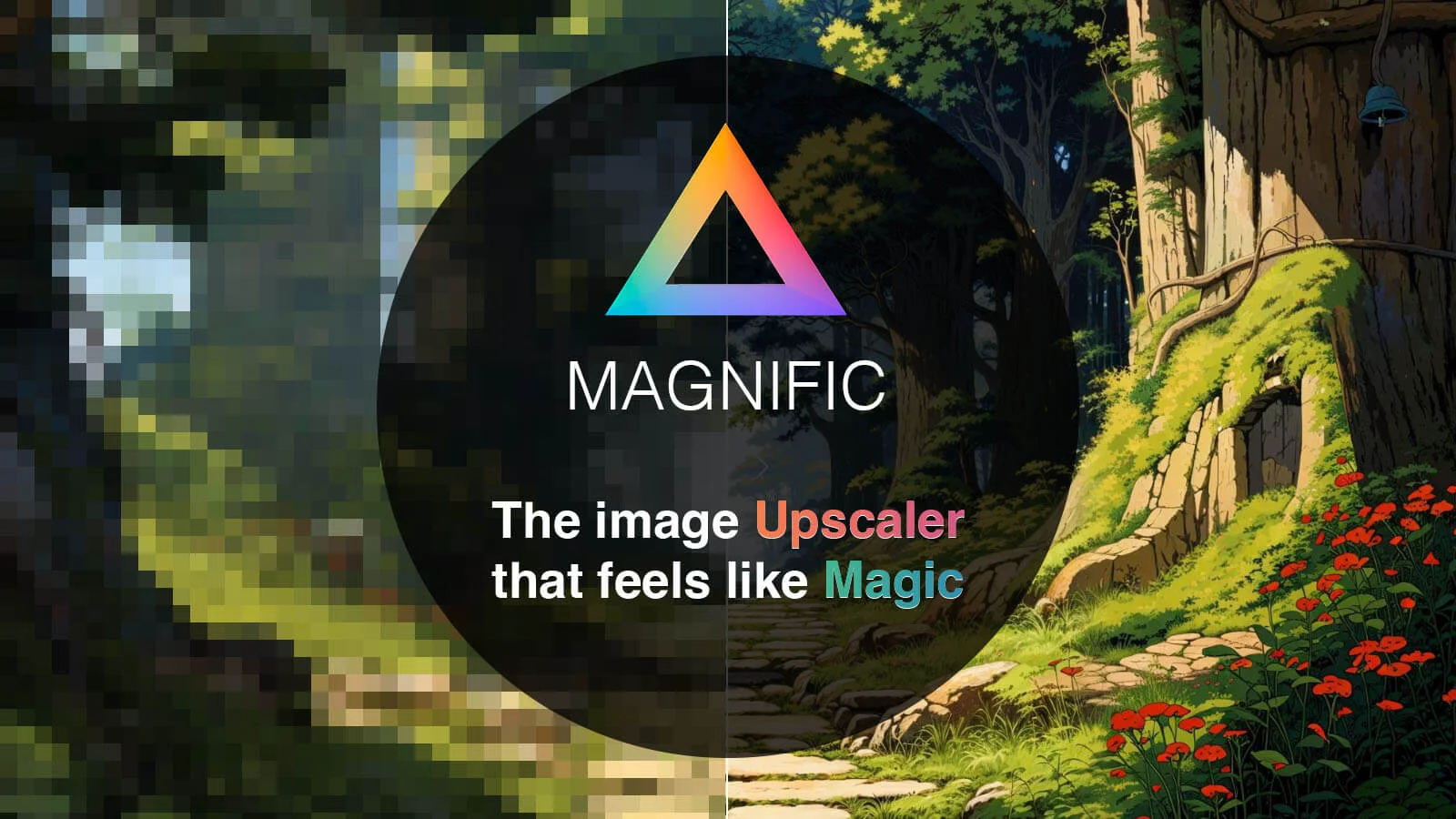
Magnific AI is a state-of-the-art AI image upscaling and enhancement platform powered by generative AI. Unlike conventional upscalers that simply interpolate pixels, Magnific intelligently reimagines and adds new details to images guided by user-supplied text prompts and adjustable parameters like the 'Creativity' slider — enabling unprecedented levels of resolution and realism. The tool supports a vast range of image types including portraits, illustrations, landscapes, video game assets, architectural renders, interior design images, food photography, and sci-fi or fantasy artwork. Users can upscale, enhance, transform, or even generate entirely new images through its intuitive web interface or dedicated API. Magnific AI is designed to be accessible to creators of all skill levels. Beginners benefit from its clean UI, tutorials, and community support, while professionals can leverage the API for integration into existing creative pipelines — including Photoshop. Whether you're a digital artist upscaling AI-generated artwork, a photographer restoring fine detail, a game studio enhancing assets, or a marketing team producing high-quality visuals, Magnific delivers results that feel magical. Its flexibility across creative domains and its ability to be guided by natural language makes it a powerful addition to any visual workflow.
Key Features
- AI-Powered High-Resolution Upscaling: Transforms any image into an insanely high-resolution version, far beyond what traditional upscalers achieve, by leveraging generative AI to reconstruct and add fine detail.
- Creativity Slider for Detail Hallucination: A unique 'Creativity' parameter lets users control how much new detail the AI generates — from subtle enhancement to bold reimagination — giving full creative control over the output.
- Prompt-Guided Enhancement: Users can steer the upscaling and enhancement process with text prompts, ensuring the AI adds detail that aligns with the intended style, subject matter, or artistic vision.
- Broad Image Type Support: Works across portraits, illustrations, landscapes, game assets, architectural renders, interior design, food photography, sci-fi art, and more — making it versatile for virtually any creative domain.
- API & Photoshop Integration: Offers a dedicated API and direct Photoshop login support, enabling professional users and studios to integrate Magnific into existing creative pipelines seamlessly.
Use Cases
- Upscaling AI-generated art to print-ready or display-quality resolutions with added fine detail.
- Enhancing professional photography by recovering and reconstructing detail in portraits, landscapes, and food shoots.
- Improving video game and graphic design assets to higher resolutions for modern displays or marketing materials.
- Elevating marketing and e-commerce visuals by transforming low-res product or campaign images into high-fidelity assets.
- Restoring and enhancing film stills, historical photos, or archival images with generative detail reconstruction.
Pros
- Unmatched Detail Generation: Goes far beyond interpolation-based upscaling by genuinely hallucinating and reconstructing realistic detail, producing results that look natural and high-fidelity.
- Versatile Across Creative Domains: Handles everything from portraits and illustrations to game assets and food photography, making it a universal tool for diverse creative professionals.
- Intuitive Interface with Advanced Controls: Easy enough for beginners with its clean UI and tutorials, yet powerful enough for pros thanks to prompt guidance, creativity sliders, and API access.
Cons
- Fully Paid Service: Magnific AI operates on a paid subscription model with no confirmed free tier, which may be a barrier for casual users or those just exploring AI upscaling.
- Output Quality Depends on Prompt Skill: Getting the best results requires crafting effective prompts and understanding the creativity/parameter controls, which may take experimentation to master.
- Processing Time for High-Resolution Outputs: Generating highly detailed, high-resolution images via generative AI can take longer than simple algorithmic upscalers, especially for complex or large files.
Frequently Asked Questions
How does Magnific AI's upscaler work?
Magnific uses advanced generative AI to transform any image into a higher-resolution version. Rather than simply enlarging pixels, it reimagines and adds new details guided by your text prompt and parameters like the 'Creativity' slider, which controls how much the AI hallucinates new content.
Is Magnific AI suitable for beginners?
Yes. Magnific is designed to be accessible to creators of all skill levels. It features an intuitive interface, in-depth tutorials, and a supportive community to help beginners get started quickly.
Who is Magnific AI designed for?
Magnific is built for photographers, graphic designers, digital artists, illustrators, AI artists, game studios, and businesses needing high-quality visuals for marketing. Essentially, anyone who works with images and needs to enhance resolution or add fine detail.
What types of images can Magnific AI enhance?
Magnific works with a wide variety of image types including portraits, illustrations, landscapes, video game assets, 3D renders, interior design images, architectural photos, food photography, film stills, and fantasy or sci-fi artwork.
Does Magnific AI offer an API?
Yes. Magnific offers a dedicated API (Magnific API) that allows developers and studios to integrate its upscaling and enhancement capabilities directly into their own tools, applications, or creative pipelines, including Photoshop.