About
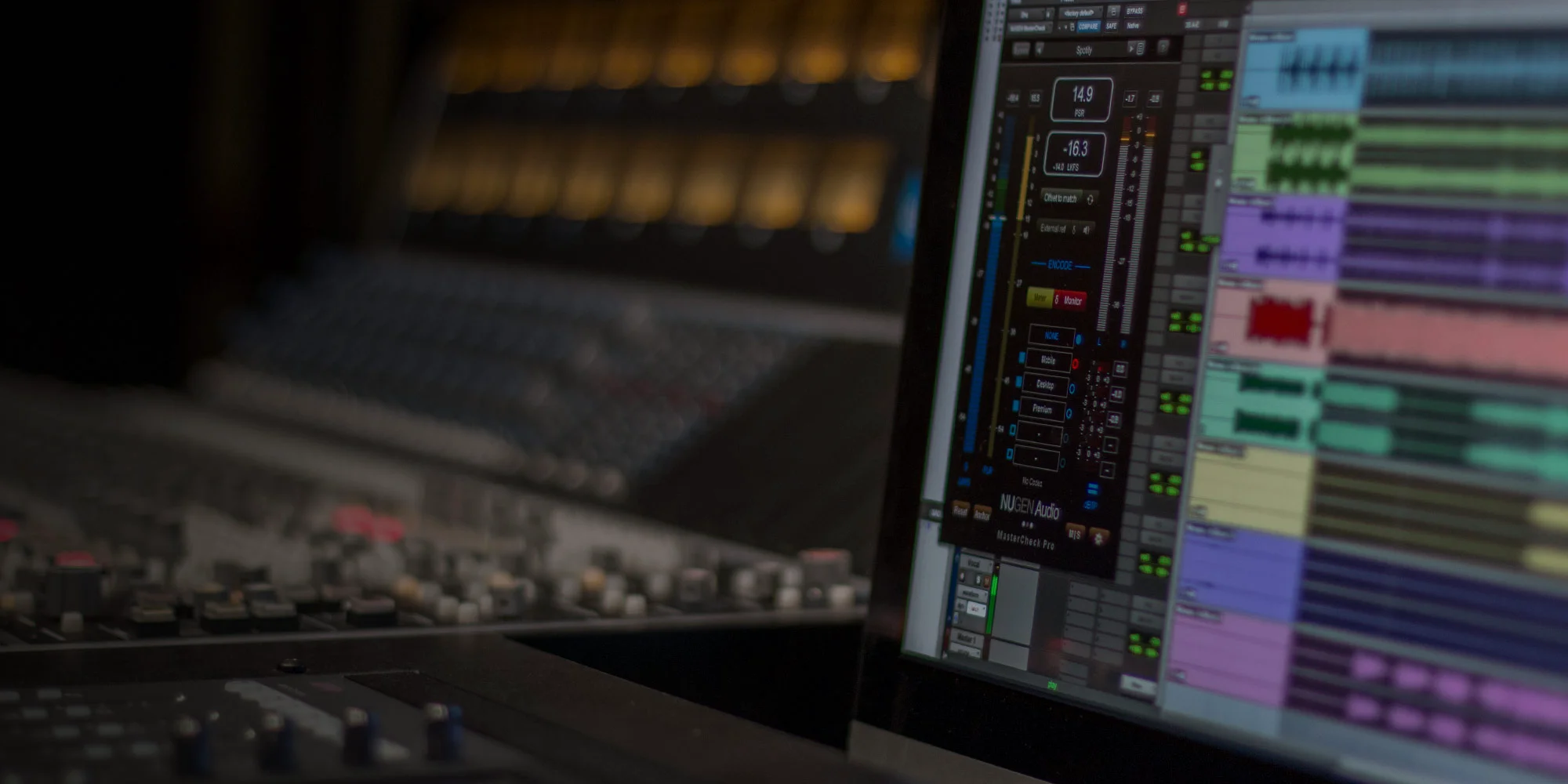
NUGEN MasterCheck is a cross-platform mastering optimization plug-in built for professional audio engineers who need confidence that their mixes translate consistently across every delivery format. As streaming services like Spotify, Apple Music, Tidal, YouTube, SoundCloud, Bandcamp, Qobuz, and Pandora each apply their own loudness normalization and data compression algorithms, MasterCheck provides real-time auditioning of how those processes will affect the final audio — before it ever leaves the studio. The plug-in displays industry-standard metering including Integrated Loudness, True Peak, PLR (Peak-to-Loudness Ratio), and PSR (Perceived Spectral Ratio), giving engineers precise control over the perceived loudness vs. dynamics balance. The Codec mode and Offset to Match function allow side-by-side comparisons of each streaming platform's encoding artifacts, enabling preemptive compensation. Resizable portrait and landscape views make it adaptable to virtually any session layout. MasterCheck is equally valuable at both the mixing and mastering stages. Mixers can reference loudness levels early to avoid over-compression, while mastering engineers can fine-tune masters for platform-specific targets. It also serves as a client communication tool, visually demonstrating why louder isn't always better in the streaming era. Supporting up to 7.1.4 channels, MasterCheck handles immersive audio formats including Dolby Atmos beds. It is available as a standalone purchase or as part of NUGEN's Modern Mastering and NUGEN Producer bundles.
Key Features
- Streaming Platform Codec Simulation: Audition how codec encoding on Spotify, Apple Music, Tidal, YouTube, SoundCloud, Bandcamp, Qobuz, and Pandora will affect your master before delivery.
- Loudness Normalization Preview: Simulate each platform's loudness normalization algorithm in real time to hear exactly how your master will be presented to listeners.
- Industry-Standard Metering: Displays Integrated Loudness, True Peak, PLR, and PSR measurements to help engineers find the optimal balance between loudness and dynamics.
- Immersive & Surround Audio Support: Supports up to 7.1.4 channels, making it compatible with Dolby Atmos beds and other immersive, 3D, and surround audio formats.
- Flexible Layout: Resizable portrait and landscape views allow MasterCheck to fit neatly into virtually any DAW session layout.
Use Cases
- A mastering engineer auditions how a client's album will sound after Spotify's loudness normalization and ogg codec encoding, adjusting the master's gain and dynamics before delivery.
- A mixing engineer references MasterCheck's loudness metering during a mix session to ensure the track is not over-compressed before it reaches mastering.
- A podcast producer checks True Peak levels and simulates platform codec behavior to ensure consistent audio quality across Apple Podcasts and Spotify.
- A music producer uses MasterCheck to visually demonstrate to a client why over-limiting reduces perceived loudness on streaming platforms, convincing them to allow more dynamic range.
- An immersive audio engineer monitors a Dolby Atmos bed mix in 7.1.4 using MasterCheck to verify loudness compliance before submitting to streaming services.
Pros
- Platform-Specific Accuracy: Simulates real codec and loudness behavior for each major streaming service, eliminating guesswork and post-delivery surprises.
- Useful at Both Mix and Master Stages: Can be used during mixing to catch over-compression early, not just at the final mastering stage.
- Immersive Audio Ready: Full support for up to 7.1.4 channels means it's future-proof for Dolby Atmos and spatial audio workflows.
- Client Communication Tool: Provides a visual, audible demonstration of loudness normalization, making it easier to educate clients on modern delivery standards.
Cons
- Premium Price Point: At $249, MasterCheck is a significant investment, particularly for hobbyist producers or those who master infrequently.
- Desktop-Only Plugin: Requires a DAW and runs only on macOS or Windows — no web-based or standalone application version is available.
- Codec List May Lag Platform Changes: As streaming services update their encoding algorithms, the plugin's simulations may need updates to remain fully accurate.
Frequently Asked Questions
Which streaming platforms does MasterCheck support?
MasterCheck supports Spotify, Apple Music, Tidal, YouTube, SoundCloud, Bandcamp, Qobuz, and Pandora, with additional platforms accessible via the Codec mode and Offset to Match function.
Is there a free version of MasterCheck?
NUGEN offers a free demo of MasterCheck that you can download and try before purchasing. The full version is priced at $249.
What DAW formats and channel configurations does MasterCheck support?
MasterCheck is available as a standard DAW plug-in for macOS and Windows and supports up to 7.1.4 channels, covering stereo, surround, and immersive audio formats including Dolby Atmos beds.
Can I use MasterCheck during mixing, or only at the mastering stage?
MasterCheck is useful at both stages. Mixers can reference loudness and True Peak levels early in the process to avoid over-compression, while mastering engineers use it to fine-tune finals for each platform.
What metrics does MasterCheck display?
MasterCheck displays Integrated Loudness, PLR (Peak-to-Loudness Ratio), PSR (Perceived Spectral Ratio), and True Peak — all standard metrics for modern streaming delivery.