
About
Otter AI Pro is a powerful AI-driven meeting assistant and transcription platform designed to help professionals, students, and journalists capture every important conversation without missing a beat. Using advanced natural language processing, Otter transcribes voice in real time, automatically identifying different speakers and highlighting key phrases and action items. With Otter, users can record meetings, interviews, lectures, and any spoken conversation, then instantly receive a synchronized transcript that pairs audio with text and inline images. Notes are fully searchable, editable, and shareable across any device, making collaboration effortless. The Pro tier unlocks extended transcription minutes, advanced export options, priority support, and deeper team collaboration features. Otter integrates with popular conferencing tools like Zoom, Google Meet, and Microsoft Teams, automatically joining meetings and generating notes without manual intervention. Otter is ideal for business professionals who need accurate meeting records, journalists conducting interviews, students capturing lecture content, and any team that wants to improve focus and efficiency during important conversations. Its combination of accessibility, accuracy, and intelligent organization makes it one of the leading AI transcription solutions on the market.
Key Features
- Real-Time Transcription: Automatically converts spoken conversations into accurate text as they happen, enabling participants to stay focused instead of taking manual notes.
- Speaker Identification: Distinguishes and labels multiple speakers within a conversation, making it easy to attribute quotes and follow dialogue in transcripts.
- Smart Note Sync: Combines audio, text, and inline images into synchronized smart notes that can be reviewed, edited, and shared from any device.
- Searchable Conversation Archive: All transcripts are indexed and fully searchable, allowing users to instantly find key moments, phrases, or decisions from past recordings.
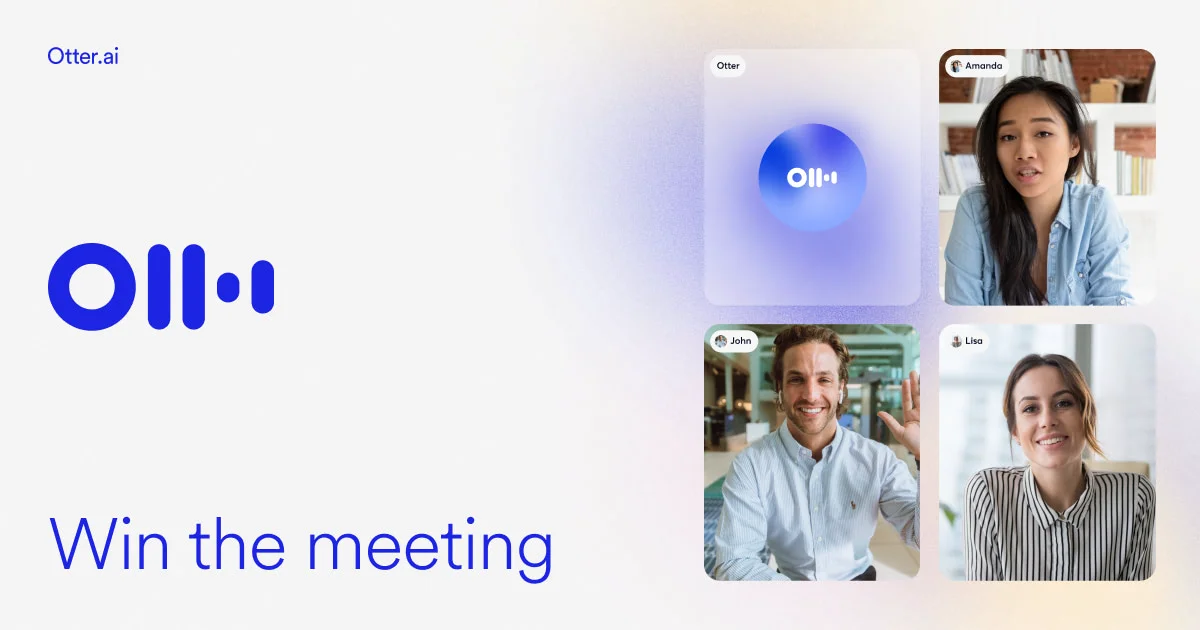
- Meeting Assistant Integrations: Automatically joins and transcribes Zoom, Google Meet, and Microsoft Teams meetings, generating shareable notes without manual setup.
Use Cases
- Business professionals using Otter to automatically transcribe and summarize team meetings, client calls, and standups without manual note-taking.
- Journalists and researchers recording interviews and generating instant, searchable transcripts to speed up reporting and analysis.
- Students capturing real-time lecture transcriptions to review, study, and share class notes more effectively.
- Remote teams using Otter's meeting bot to ensure all participants have access to accurate, synchronized notes from virtual meetings.
- Content creators transcribing podcast episodes, video interviews, or brainstorming sessions to repurpose spoken content into written formats.
Pros
- Highly Accurate Real-Time Transcription: Otter's AI delivers reliable, fast transcription with good accuracy across a variety of accents and speaking styles, reducing post-meeting workload.
- Seamless Cross-Device Accessibility: Notes sync instantly across web, iOS, and Android, making it easy to access and share conversation records from anywhere.
- Automatic Meeting Bot: The Otter assistant can join virtual meetings automatically, removing the need for manual recording and letting users stay present in the conversation.
- Collaboration-Friendly: Shared workspaces, team folders, and real-time note editing make it simple for groups to collaborate around meeting content.
Cons
- Transcription Minute Limits on Free Tier: The free plan caps monthly transcription minutes, which may not be sufficient for users with frequent or lengthy meetings.
- Accuracy Drops in Noisy Environments: Background noise or heavily accented speech can reduce transcription accuracy, occasionally requiring manual correction.
- Advanced Features Locked Behind Pro Plan: Features like extended minutes, advanced export formats, and priority support require a paid subscription, which may not suit budget-conscious users.
Frequently Asked Questions
What is Otter AI Pro?
Otter AI Pro is the premium tier of Otter.ai, an AI-powered transcription and meeting notes platform. It provides more transcription minutes, advanced collaboration tools, and priority support compared to the free plan.
How does Otter transcribe meetings?
Otter uses AI and natural language processing to convert spoken audio into text in real time. It can record directly through the app or automatically join virtual meetings via its meeting bot integration with Zoom, Google Meet, and Microsoft Teams.
Is Otter AI available on mobile devices?
Yes, Otter AI is available on iOS and Android in addition to its web platform, allowing users to record, review, and share notes from anywhere.
Can Otter identify different speakers in a conversation?
Yes, Otter includes automatic speaker identification, which distinguishes and labels different voices within a recording so users can easily follow multi-person conversations in the transcript.
What integrations does Otter AI Pro support?
Otter AI Pro integrates with major video conferencing platforms including Zoom, Google Meet, and Microsoft Teams. It also offers a Chrome extension and supports export to various formats for use in other workflows.