
About
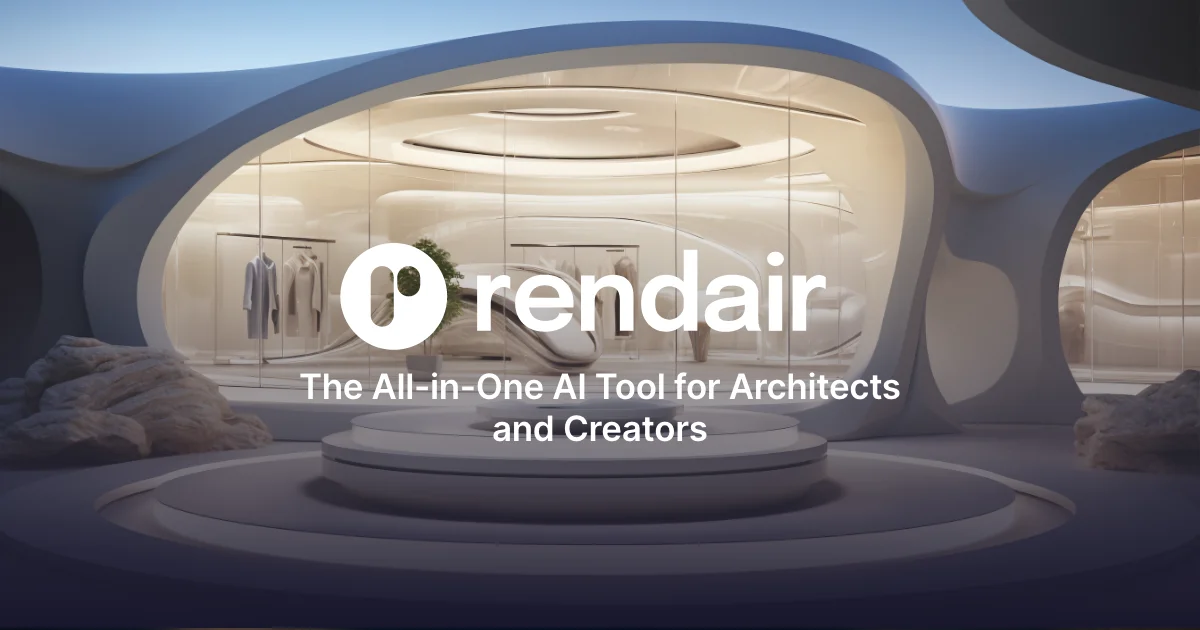
Rendair AI is a comprehensive AI-powered rendering platform designed to transform the architectural visualization workflow. Built for architects, interior designers, and visualization professionals, it consolidates multiple rendering tasks into a single, intuitive tool. Users can take sketches, floor plans, or 3D model exports and convert them into stunning photorealistic renders within seconds—eliminating the need for complex traditional rendering pipelines. The platform's core features include a conversational AI chat interface that lets users generate and refine images using natural language instructions, a Create & Render module for turning drawings or 3D models into photorealistic visuals, and an Edit & Adjust tool for making targeted changes to any part of an image. The Upscale & Enhance feature sharpens renders and prepares them for high-resolution presentations, while the Video & Animate module transforms static renders into smooth, realistic architectural walkthrough videos. Rendair AI integrates with any 3D application, making it highly flexible for existing workflows in software like SketchUp, Rhino, Revit, or Blender. It is particularly valuable for speeding up client approval processes, generating design variations quickly, and producing presentation-ready visuals without outsourcing to specialized rendering studios. With over 500,000 users globally and a praised user interface, Rendair AI is suitable for sole practitioners, design studios, and large architectural firms alike.
Key Features
- AI Chat-Driven Rendering: Use natural language to instruct Rendair's AI chat interface to generate, edit, and refine architectural renders in real time.
- Create & Render from Drawings or 3D Models: Convert sketches, floor plans, or 3D model exports into photorealistic architectural visuals in seconds.
- Edit & Adjust: Make targeted edits to any portion of an existing render — change materials, lighting, furniture, or landscaping effortlessly.
- Upscale & Enhance: Sharpen and upscale renders to high resolution, ensuring presentation-ready image quality for client deliverables.
- Video & Animate: Transform static architectural renders into smooth, realistic walkthrough or fly-through videos for compelling client presentations.
Use Cases
- An architect converts a hand-drawn concept sketch into a photorealistic exterior render within minutes to share with a client for early design approval.
- An interior designer uses the Edit & Adjust tool to swap out furniture materials and lighting in an existing render without starting from scratch.
- A visualization studio upscales a set of renders to print-ready resolution for a high-profile presentation using the Upscale & Enhance feature.
- A small architecture firm animates a completed building render into a walkthrough video to use in a project pitch deck.
- A freelance designer integrates Rendair AI into their SketchUp workflow to quickly generate multiple design variations and present them to clients for feedback.
Pros
- All-in-One Platform: Combines generation, editing, upscaling, and animation in a single tool, removing the need for multiple specialized software applications.
- Works with Any 3D Software: Integrates seamlessly with popular 3D applications like SketchUp, Revit, Rhino, and Blender, fitting into existing design workflows.
- Massive User Base & Proven Results: Used by 500,000+ architects worldwide with consistently positive testimonials praising image quality, speed, and ease of use.
- Intuitive Interface: Natural language chat control and a well-organized UI make it accessible to architects without deep technical rendering expertise.
Cons
- Rendering Style Limitations: AI-generated renders may not always match highly specific stylistic or material requirements that traditional rendering engines can achieve with fine-grained control.
- Subscription Required for Full Features: Advanced capabilities such as high-resolution upscaling and video animation are likely gated behind paid plans, limiting free-tier users.
- Internet Dependency: As a web-based platform, it requires a stable internet connection and cannot be used offline, which may be limiting on job sites or in remote locations.
Frequently Asked Questions
What types of input can Rendair AI work with?
Rendair AI can work with sketches, hand drawings, floor plans, and exports from any 3D modeling application such as SketchUp, Revit, Rhino, or Blender.
Do I need prior rendering experience to use Rendair AI?
No. Rendair AI is designed to be intuitive and accessible. You can use the natural language chat interface to generate and edit renders without any specialized rendering knowledge.
Can Rendair AI create animated walkthroughs?
Yes. The Video & Animate feature allows you to convert static architectural renders into smooth, realistic animated videos for client presentations.
Is Rendair AI free to use?
Rendair AI offers a free plan to get started. Additional features, higher resolution outputs, and advanced tools such as video animation are available on paid subscription tiers.
How does Rendair AI help speed up client approvals?
By rapidly generating photorealistic renders and variations from early-stage drawings or 3D models, Rendair AI lets architects present compelling visuals to clients much earlier in the design process, reducing revision cycles.