

About
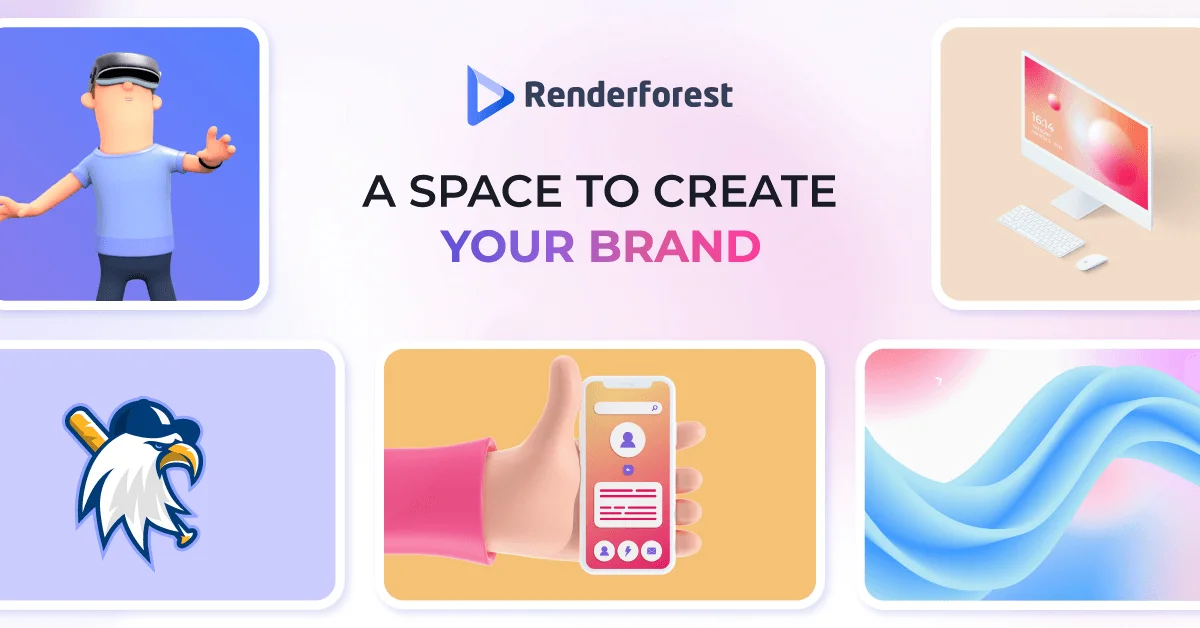
Renderforest is a comprehensive AI-powered creative platform designed for individuals and businesses who need high-quality visual content without the complexity of traditional tools. At its core, the platform offers an AI Video Generator capable of transforming text or images into polished videos complete with visuals, voiceovers, and music — in seconds. It also features a robust AI Image Generator, AI Logo Generator, and an AI Website Builder, making it a true all-in-one solution for digital branding and content creation. The platform is powered by an impressive lineup of the latest AI models including Sora 2, Veo 3, Bytedance Seed, Hailuo Minimax, Pixverse, Flux Kontext Max, Seedream 4.0, and GPT Image, ensuring top-tier generation quality. Users also have access to over 1,200 studio-quality video templates — spanning social media reels, explainer videos, logo animations, music visualizers, whiteboard animations, and more — all crafted by world-class motion designers. Renderforest caters to a wide range of users including marketers, YouTubers, content creators, HR teams, educators, and small business owners. Its intuitive drag-and-drop video editor provides granular control over footage, customization, and export settings. The platform's freemium model lets anyone start for free, making professional creative production accessible at any budget level.
Key Features
- AI Video Generator (Text & Image to Video): Convert text scripts or static images into fully produced videos with AI-generated visuals, voiceovers, and background music using models like Sora 2 and Veo 3.
- 1,200+ Professional Video Templates: Choose from a massive library of studio-quality templates spanning intros, social media reels, explainer videos, logo animations, slideshows, and music visualizers.
- AI Image & Logo Generator: Generate stunning images and brand logos instantly using advanced AI models including Flux Kontext Max, Seedream 4.0, and GPT Image.
- AI Website Builder: Build and publish professional websites for small businesses, marketing campaigns, or personal portfolios without any coding knowledge.
- Intuitive Video Editor: Take full creative control with a feature-rich drag-and-drop editor to customize, cut, and export videos to any format or platform.
Use Cases
- Marketing teams creating branded promotional videos and social media ads without a production crew.
- YouTubers and content creators producing intros, reels, and short-form videos using AI-powered templates.
- Small businesses building a professional online presence with AI-generated logos, websites, and product explainer videos.
- HR and learning & development teams producing onboarding videos, training materials, and internal communications.
- Educators and trainers creating animated explainer videos and educational content for online courses.
Pros
- All-in-One Creative Suite: Combines AI video, image, logo, and website creation in a single platform, eliminating the need for multiple subscriptions.
- Powered by Leading AI Models: Integrates best-in-class models (Sora 2, Veo 3, Flux Kontext Max, etc.) ensuring high-quality, up-to-date generative output.
- Massive Template Library: 1,200+ professionally designed templates make it easy to produce polished content quickly, even without creative experience.
- Free to Start: The freemium model allows users to explore the platform and create content without an upfront financial commitment.
Cons
- Advanced Features Locked Behind Paid Plans: Higher-resolution exports, premium templates, and more AI generation credits typically require a paid subscription.
- Limited Offline Access: As a web-based platform, Renderforest requires an internet connection and does not offer a desktop application for offline use.
- Template-Based Customization Constraints: While templates are high quality, deep customization beyond the provided structure may be limited compared to professional editing software.
Frequently Asked Questions
Is Renderforest free to use?
Yes, Renderforest offers a free plan that lets you explore the platform and create content. Premium features such as HD exports, advanced AI credits, and premium templates require a paid subscription.
What AI models does Renderforest use for video generation?
Renderforest integrates multiple state-of-the-art AI models including Sora 2, Veo 3, Bytedance Seed, Hailuo Minimax, Pixverse, Flux Kontext Max, Seedream 4.0, GPT Image, and its own proprietary AI engine.
Can I create videos from text with Renderforest?
Yes. Renderforest's Text to Video feature allows you to input a script or idea, and the AI automatically generates visuals, adds voiceovers, and selects background music to produce a complete video.
What types of content can I create on Renderforest?
You can create AI-generated videos, animations, logo animations, social media reels, explainer videos, mockups, AI images, brand logos, and full websites — all within one platform.
Who is Renderforest designed for?
Renderforest is built for a wide range of users including marketers, small business owners, content creators, YouTubers, HR professionals, educators, and anyone who needs professional visual content without advanced technical skills.