

About
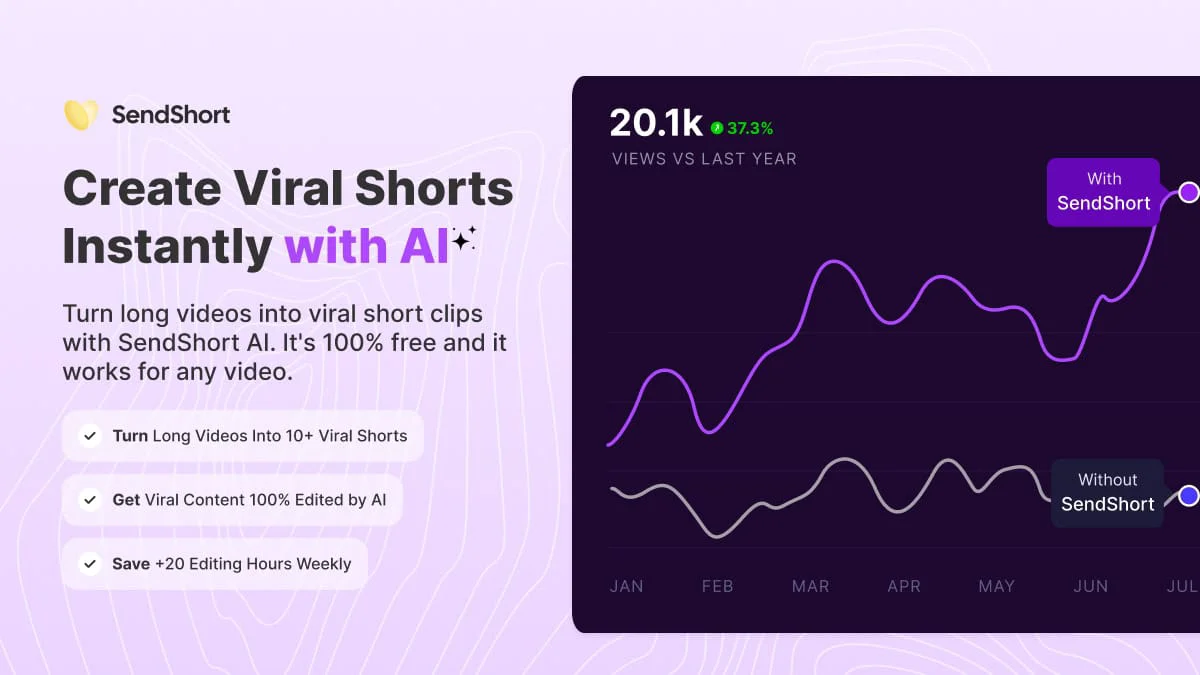
Sendshort AI is a comprehensive AI-powered short-form video creation platform designed to help content creators, marketers, and businesses repurpose long videos into viral short clips with minimal effort. The platform automatically analyzes long-form content and extracts the most engaging moments, then applies AI-driven editing — including captions, B-roll footage, transitions, and voiceovers — without requiring any manual work. Key capabilities include faceless video generation (where AI creates images, voiceovers, and background visuals from a text prompt), automated series creation (where content is produced on autopilot based on preset instructions), and UGC-style videos using customizable AI avatars. The subtitle engine supports 30+ languages with auto-translation in a single click, enabling creators to instantly reach international audiences. Sendshort also features a built-in video scheduler that pushes content to 10+ platforms including TikTok and YouTube Shorts, with controls for public/unlisted visibility. The tool is positioned as a cost-effective alternative to hiring dedicated video editors, with users reporting savings of 20+ editing hours per week. Whether you're a solo creator running a faceless channel, a marketer repurposing webinars, or a brand building a consistent social media presence, Sendshort AI streamlines the entire short-form video workflow from upload to publish.
Key Features
- AI-Powered Clip Extraction: Automatically identifies and extracts the most engaging moments from long-form videos to create multiple ready-to-publish short clips.
- Auto Subtitles & Translations: Adds styled captions to videos in one click and auto-translates them into 30+ languages, enabling instant international reach.
- Faceless Video Creation: Generates complete videos — including AI images, voiceovers, and background visuals — from a text prompt, so creators never need to appear on camera.
- Multi-Platform Scheduler: Schedules and auto-publishes short videos to 10+ platforms including TikTok and YouTube Shorts, with visibility controls per post.
- Automated Content Series: Lets creators set instructions once so that AI continuously generates new short-form content on autopilot, ideal for niche or faceless channels.
Use Cases
- A YouTube creator repurposes hour-long podcast episodes into 10+ viral TikTok and YouTube Shorts clips with zero manual editing.
- A marketer builds a faceless niche channel by generating AI-scripted story or fact videos on autopilot using the automated series feature.
- A business owner translates their most popular video content into 30+ languages to expand reach to international audiences in one click.
- A social media manager schedules a week's worth of short-form content across TikTok, Instagram Reels, and YouTube Shorts in a single session.
- An educator converts lengthy tutorial videos into bite-sized clips with auto-generated captions, making content more accessible and shareable.
Pros
- Massive Time Savings: Users report saving 20+ hours per week by automating the entire short-form video editing and publishing pipeline.
- No Editing Skills Required: The AI handles cutting, captioning, B-roll insertion, and transitions automatically, making it accessible to total beginners.
- International Reach Built-In: One-click subtitle translation into 30+ languages allows creators to scale content globally without additional tools or translators.
- Affordable Alternative to Video Editors: At $19/month, it replaces the need for dedicated video editors who can cost $3,000+ per month.
Cons
- AI Output May Need Manual Touch-Ups: Auto-extracted clips and AI-generated content may occasionally miss context or require manual editing to meet specific creative standards.
- Limited Creative Control on Autopilot: Heavy automation is great for volume, but creators seeking very custom, branded edits may find the AI defaults too generic.
- Free Tier Likely Has Limitations: While a free trial is available, full access to scheduling, translations, and series automation requires a paid subscription.
Frequently Asked Questions
Is Sendshort AI free to use?
Sendshort AI offers a free tier to get started with no credit card required. A paid plan at $19/month unlocks the full feature set including scheduling, multi-language translation, and automated series.
What types of videos can I turn into shorts?
Sendshort works with any long-form video — you can paste a YouTube link or upload your own file. It's compatible with interview content, podcasts, educational videos, vlogs, and more.
Can I create videos without showing my face?
Yes. Sendshort has a dedicated Faceless Video mode where AI generates images, voiceovers, and backgrounds from text prompts, so you never need to appear on camera.
Which platforms does Sendshort support for publishing?
Sendshort can schedule and publish to 10+ platforms including TikTok and YouTube Shorts, with controls for public or unlisted visibility per post.
How many shorts can AI generate from one long video?
Sendshort can generate 10 or more short-form clips from a single long video, automatically selecting the most engaging segments for each clip.