

About
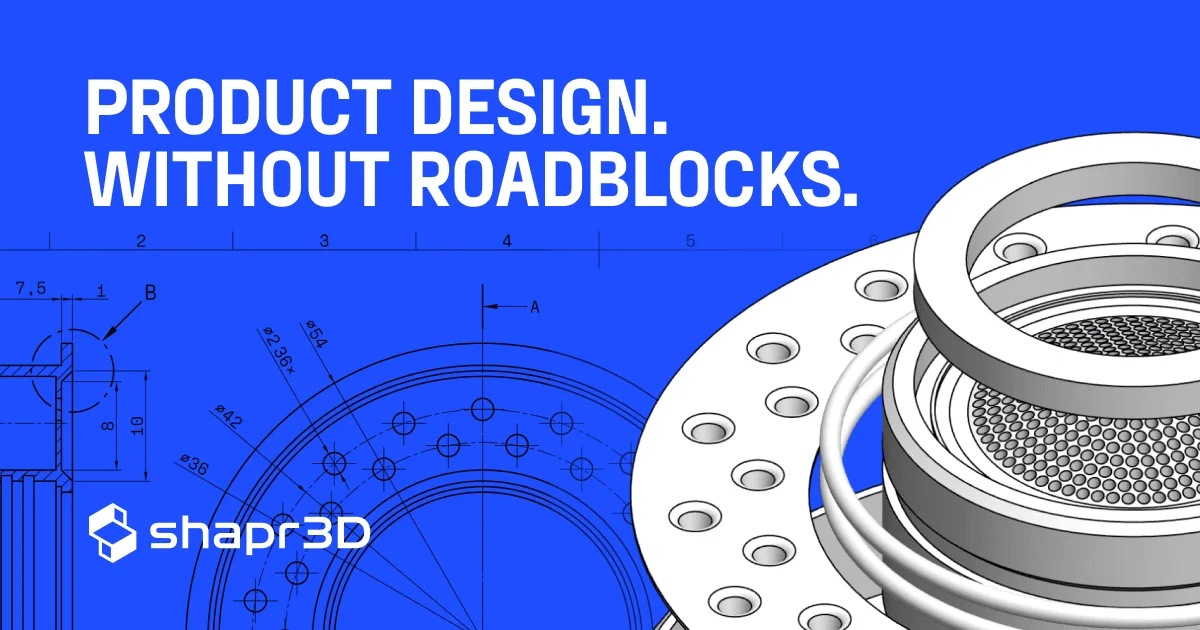
Shapr3D is a cross-platform CAD and 3D modeling application built to streamline the entire design-to-manufacturing workflow. Available on Windows, macOS, and iPadOS (with Apple Pencil support), it delivers a highly intuitive interface that lets users go from idea to 3D model in minutes — no steep CAD learning curve required. The tool supports full parametric 3D modeling with sketch constraints, 2D technical drawings for engineering documentation, and photorealistic visualization with materials, environments, and AI-generated renders. Its integrated AR capabilities allow teams to view full-scale models in real-world environments, with Apple Vision Pro support for immersive collaborative design reviews. Shapr3D is purpose-built for design teams, manufacturing teams, and prototyping teams across industries including automotive, consumer electronics, and fast-moving consumer goods. It offers real-time collaboration through team spaces, review links, a web viewer, and broad CAD import/export compatibility for seamless integration into existing PLM workflows. Enterprise plans include advanced security, self-hosted cloud options, and CAD compatibility layers to connect with company-wide tooling. Whether you're a freelance industrial designer doing rapid prototyping or a global manufacturing team optimizing assembly planning, Shapr3D scales to fit the job.
Key Features
- Parametric 3D Modeling: Create precise 3D models using sketch-based constraints and intuitive CAD tools suitable for both beginners and professional engineers.
- AI-Powered Rendering & Visualization: Generate photorealistic renders with AI assistance, using customizable materials and environments to present designs compellingly.
- Integrated AR & Apple Vision Pro Support: View and review full-scale 3D models in augmented reality, including immersive collaborative sessions on Apple Vision Pro.
- 2D Technical Drawings: Automatically produce detailed 2D technical documentation directly from 3D models for engineering handoffs and manufacturing.
- Team Collaboration & CAD Compatibility: Share designs via review links and team spaces, and import/export files compatible with major CAD systems and PLM platforms.
Use Cases
- Industrial designers rapidly prototyping new consumer electronics concepts and iterating on form factors before committing to physical samples.
- Manufacturing engineering teams conducting virtual assembly planning and tooling design reviews to catch production issues early.
- Product designers creating full-scale AR presentations of furniture or packaging concepts for client sign-off without physical mockups.
- Engineering teams generating 2D technical drawings directly from 3D CAD models to streamline handoffs to manufacturing partners.
- Enterprise organizations integrating Shapr3D with existing PLM systems to unify end-to-end product development communication across global teams.
Pros
- Cross-Platform Accessibility: Works seamlessly on iPad (with Apple Pencil), macOS, and Windows, enabling flexible workflows in the studio or on the go.
- Beginner-Friendly Yet Powerful: The intuitive interface allows new users to build their first 3D model within 15 minutes, while still meeting the demands of professional engineers.
- End-to-End Workflow Coverage: From concepting and prototyping to manufacturing review and AR presentations, Shapr3D covers the full product development lifecycle.
- Enterprise-Grade Security Options: Offers self-hosted cloud and robust compliance features, making it suitable for large organizations with strict data governance requirements.
Cons
- Advanced Features Locked Behind Paid Plans: Collaboration, team spaces, and enterprise CAD compatibility require paid subscriptions, limiting free-tier users significantly.
- Best Experience Requires Apple Hardware: While available on Windows, the most fluid modeling experience leverages Apple Pencil on iPad, which may not suit all workflows.
- Not a Full PLM Replacement: Shapr3D integrates with PLM systems but does not replace them, requiring additional tooling for full product lifecycle management.
Frequently Asked Questions
Is Shapr3D free to use?
Shapr3D offers a free download that allows you to get started with 3D modeling at no cost. Advanced features such as collaboration, team spaces, and enterprise integrations require a paid subscription.
What platforms does Shapr3D support?
Shapr3D is available on iPadOS (16 or later, preferably with Apple Pencil), macOS (Ventura 13.0 or later), and Windows (10 version 2004 or later).
Can I use Shapr3D for professional engineering projects?
Yes. Shapr3D supports parametric CAD modeling, 2D technical drawings, and exports to manufacturing-ready file formats, making it suitable for professional engineering and industrial design workflows.
Does Shapr3D support team collaboration?
Yes. Shapr3D provides team spaces for file management, shareable review links, a web viewer, and real-time collaboration features — including design reviews on Apple Vision Pro.
What industries use Shapr3D?
Shapr3D is used across automotive and transportation, consumer electronics, home appliances, and fast-moving consumer goods industries for tasks ranging from conceptual design to manufacturing planning.