
About
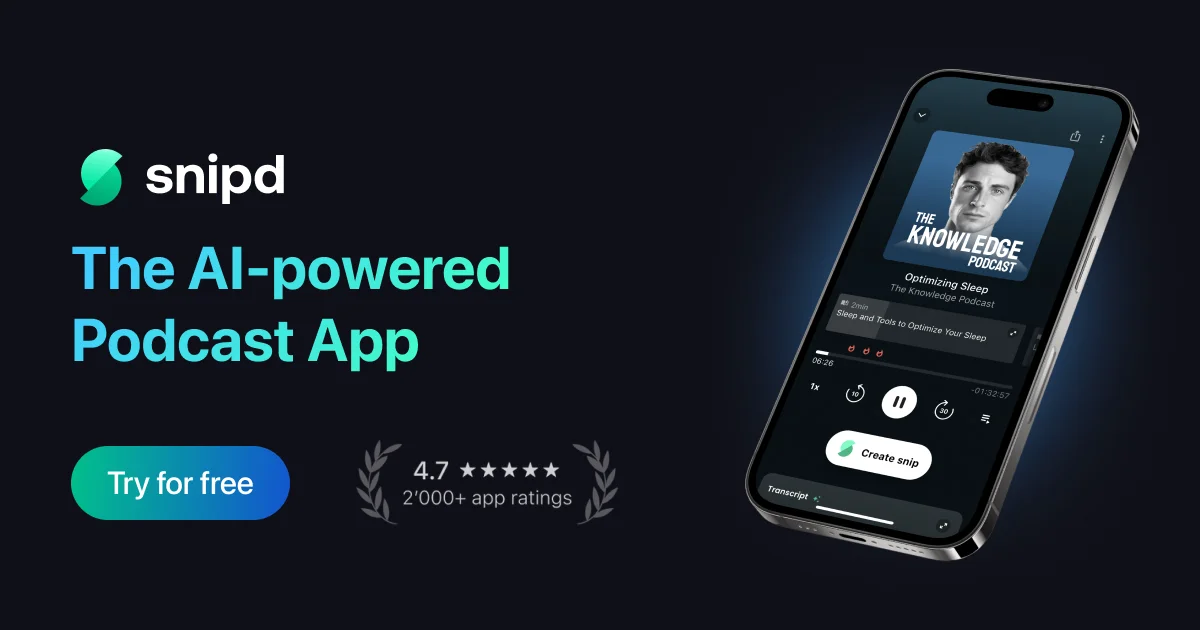
Snipd transforms passive podcast listening into active learning. At its core, the app lets you triple-tap your headphones to instantly save a "snip" — a clipped audio segment complete with AI-generated transcript and summary — without ever touching your phone. This works hands-free whether you're driving (CarPlay), working out (Apple Watch), or doing chores. Beyond podcasts, Snipd lets you import YouTube videos, audiobooks from Libro.fm, and any uploaded audio or lecture file, applying the same AI features to all content. Before you hit play, AI-generated episode summaries outline topics, guests, and key takeaways so you invest your listening time wisely. The Chat with Episodes feature lets you ask questions about any episode you've listened to, functioning like a personal AI assistant over your podcast library. Full transcripts with speaker identification, auto-generated chapters, custom AI prompts, and multi-language support across 26 languages round out the feature set. Highlights can be exported as Markdown or synced to Notion, Readwise, Obsidian, Glasp, Bear, Logseq, and more. You can also share insights as text, images, links, or video clips. Snipd is ideal for lifelong learners, students, knowledge workers, and anyone who wants to extract more value from audio content.
Key Features
- Headphone Tap to Save: Triple-tap your headphones to instantly capture a audio snip with AI-generated transcript and summary — completely hands-free.
- Chat with Episodes: Ask questions and rediscover insights from episodes you've listened to, like a ChatGPT interface built on your personal podcast library.
- AI Summaries & Auto-Chapters: Get full episode summaries before you listen and navigate episodes with AI-generated chapters so you always know what's worth your time.
- Multi-Source Audio Import: Import YouTube videos, Libro.fm audiobooks, or any uploaded audio file and apply Snipd's full AI feature set to all content.
- Export & Sync to Note-Taking Apps: Seamlessly export highlights as Markdown or sync to Notion, Readwise, Obsidian, Logseq, Bear, and Glasp to build a lasting knowledge base.
Use Cases
- A student listens to educational podcasts during their commute and triple-taps their headphones to save key concepts, which automatically sync to their Obsidian knowledge base.
- A knowledge worker previews AI-generated episode summaries to decide which podcasts are worth listening to before investing time.
- A fitness enthusiast captures motivational insights and actionable tips while working out using Apple Watch controls, with no phone interaction required.
- A content creator imports YouTube interview videos into Snipd to extract quotable moments and export them as formatted notes for future content.
- A lifelong learner connects their Libro.fm account to annotate audiobooks with AI-powered highlights that sync to Readwise for spaced repetition review.
Pros
- Truly Hands-Free Capture: Headphone tap, CarPlay, and Apple Watch support mean you can save insights without interrupting your workout, commute, or chores.
- Broad PKM Integration: Direct sync with Notion, Obsidian, Readwise, and Logseq makes Snipd a natural fit for anyone maintaining a personal knowledge management system.
- Goes Beyond Podcasts: YouTube imports, audiobook support, and custom file uploads make Snipd useful for a wide range of audio and learning content.
- Multilingual AI Support: AI features work across 26 languages, making the app accessible to a global audience.
Cons
- iOS-Centric Ecosystem: CarPlay and Apple Watch integrations favor iPhone users; Android users may miss out on the most seamless hands-free experience.
- Best Value Requires Premium: Advanced AI features like custom prompts, unlimited snips, and full export capabilities may sit behind a paid subscription tier.
- Audio-Only Focus: Snipd is purpose-built for audio content; users looking to capture insights from articles, PDFs, or video courses will need additional tools.
Frequently Asked Questions
How do I save a podcast highlight with Snipd?
Simply triple-tap your headphones while listening. Snipd's AI automatically creates a snip with the audio clip, a transcript, and a generated summary of that moment.
Can I use Snipd for content other than podcasts?
Yes. You can import YouTube videos, connect your Libro.fm account for audiobooks, or upload any audio file such as lectures or personal recordings to use with Snipd's AI features.
Which note-taking apps does Snipd integrate with?
Snipd integrates with Notion, Readwise, Obsidian, Logseq, Bear, Glasp, and supports Markdown export for use with any other tool.
Does Snipd support languages other than English?
Yes. Snipd's AI features support 26 languages including English, German, Spanish, French, and many more.
Is Snipd free to use?
Snipd offers a free tier that includes access to core features. A premium plan unlocks advanced AI capabilities, unlimited snips, and deeper integrations.