

About
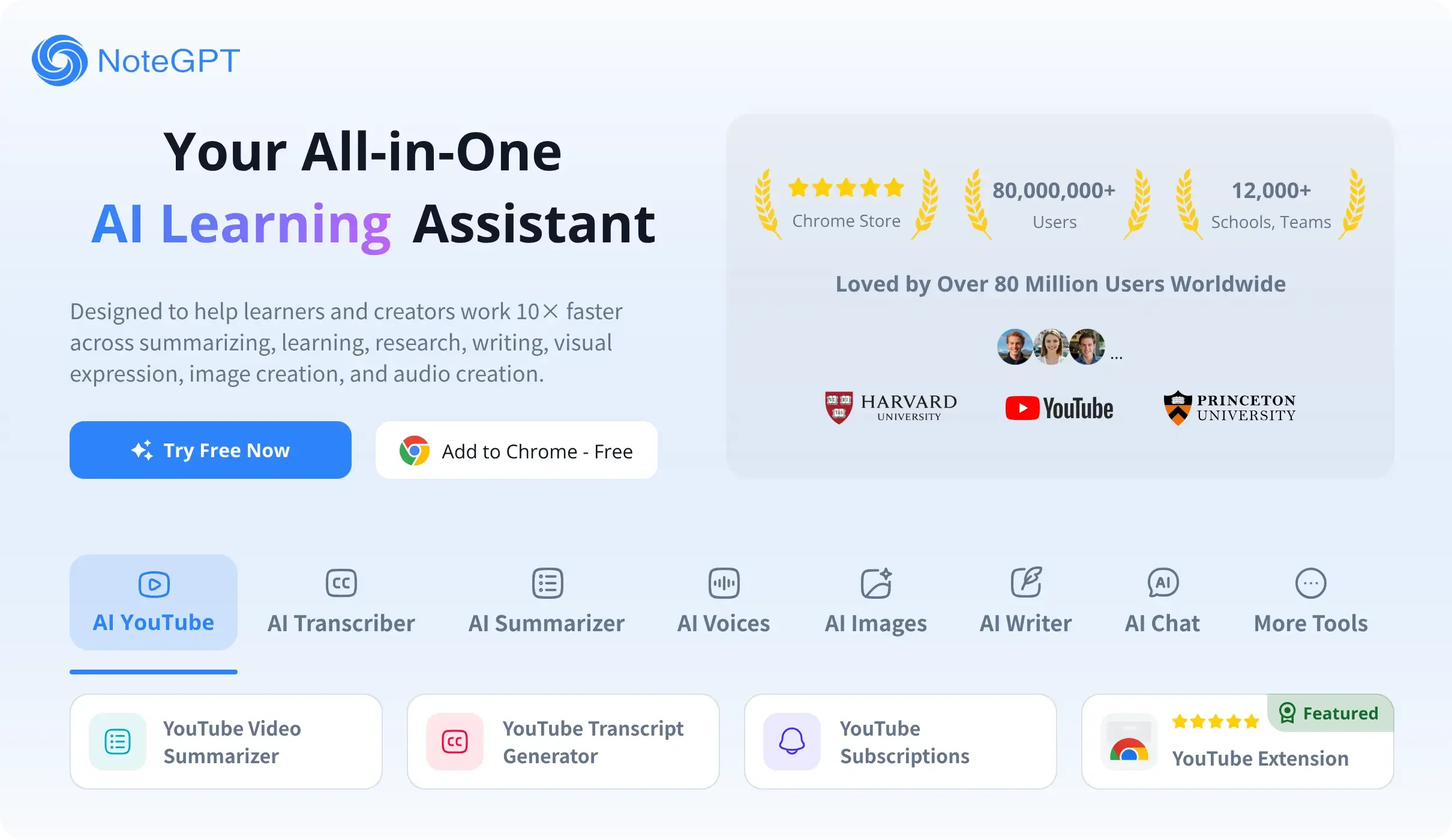
NoteGPT is an all-in-one AI-powered learning assistant that brings together more than 20 specialized tools under one roof. At its core, NoteGPT excels at multi-format summarization — users can instantly summarize YouTube videos, PDFs, PowerPoint files, articles, books, audio, and images with high accuracy. The platform's transcription suite converts video, audio, and speech to text, making it easy to capture and reference spoken content. Students benefit from AI-generated flashcards, quizzes, and a math solver, while writers can leverage the AI essay writer, essay grader, AI humanizer, and AI detector to produce and polish academic content. NoteGPT also includes a suite of voice tools — text-to-speech, AI podcast generator, voice cloning, and an AI voice designer — alongside a robust image toolkit featuring an AI image generator, editor, headshot generator, background remover, and object remover. Professionals and researchers can translate PDFs, convert them to audio, generate presentation slides, and chat with leading AI models (ChatGPT, Claude, Gemini, DeepSeek) directly within the platform. A Chrome extension makes it seamless to summarize web content on the fly. With a generous free tier and paid plans for power users, NoteGPT serves students, educators, professionals, researchers, and creators looking to dramatically accelerate how they consume, organize, and produce knowledge.
Key Features
- Multi-Format AI Summarizer: Instantly summarize YouTube videos, PDFs, PowerPoint files, articles, audio, books, and images, saving hours of reading and watching time.
- Transcription Suite: Convert YouTube videos, video files, audio recordings, and live speech to accurate text with dedicated transcription tools.
- AI Flashcards, Quizzes & Homework Help: Automatically generate flashcards and quizzes from any content, plus get step-by-step help on math problems and homework questions.
- AI Writing & Content Tools: Includes an AI essay writer, essay grader, AI humanizer, and AI detector to help users draft, refine, and verify written content.
- Voice & Image Generation: Create text-to-speech audio, clone voices, generate AI podcasts, produce AI images, remove backgrounds, and generate professional headshots.
Use Cases
- Students summarizing lecture videos, recorded classes, and academic PDFs to prepare for exams more efficiently.
- Educators converting lesson materials into audio podcasts, presentation slides, and visual infographics for richer classroom delivery.
- Professionals turning meeting recordings and lengthy reports into concise notes and polished presentations for client meetings.
- Researchers summarizing academic papers, translating PDFs while preserving formatting, and organizing key insights into a personal knowledge library.
- Content creators converting long-form videos into scripts, generating AI voices for podcasts, and designing visual assets with AI image tools.
Pros
- Exceptionally Versatile: Combines 20+ AI tools — summarization, transcription, writing, voice, and image generation — in a single platform, eliminating the need for multiple subscriptions.
- Massive, Trusted User Base: Used by over 80 million users and 12,000+ schools and teams worldwide, reflecting strong reliability and community trust.
- Free to Get Started: A generous free tier lets users access core summarization and learning features without a credit card.
- Chrome Extension for Instant Summarization: The browser extension allows users to summarize web pages and YouTube videos without leaving their current tab.
Cons
- Feature Overload: The sheer number of tools across categories can feel overwhelming for new users trying to find the right workflow.
- Advanced Features Require Paid Plan: Many power features — such as voice cloning, AI image tools, and higher usage limits — are locked behind paid subscription tiers.
- Quality Varies Across Tools: As a broad multi-tool platform, some specialized tools (e.g., image editing, voice design) may not match the depth of dedicated standalone alternatives.
Frequently Asked Questions
What is NoteGPT?
NoteGPT is an all-in-one AI learning assistant that offers tools for summarizing content (YouTube, PDF, articles, audio), transcribing media, generating flashcards and quizzes, writing essays, creating AI voices, and producing AI images — all within a single platform.
Is NoteGPT free to use?
Yes, NoteGPT offers a free tier that includes access to core summarization and learning tools. Advanced features like voice cloning, AI image generation, and higher usage quotas are available on paid plans.
What content types can NoteGPT summarize?
NoteGPT can summarize YouTube videos, PDFs, PowerPoint presentations, articles, audio files, books, images, and general video content.
Does NoteGPT have a Chrome extension?
Yes, NoteGPT offers a free Chrome extension that enables users to summarize YouTube videos and web pages directly from their browser without visiting the main site.
Who is NoteGPT designed for?
NoteGPT is built for students, educators, professionals, researchers, and content creators who want to save time consuming, organizing, and producing knowledge-based content.