
About
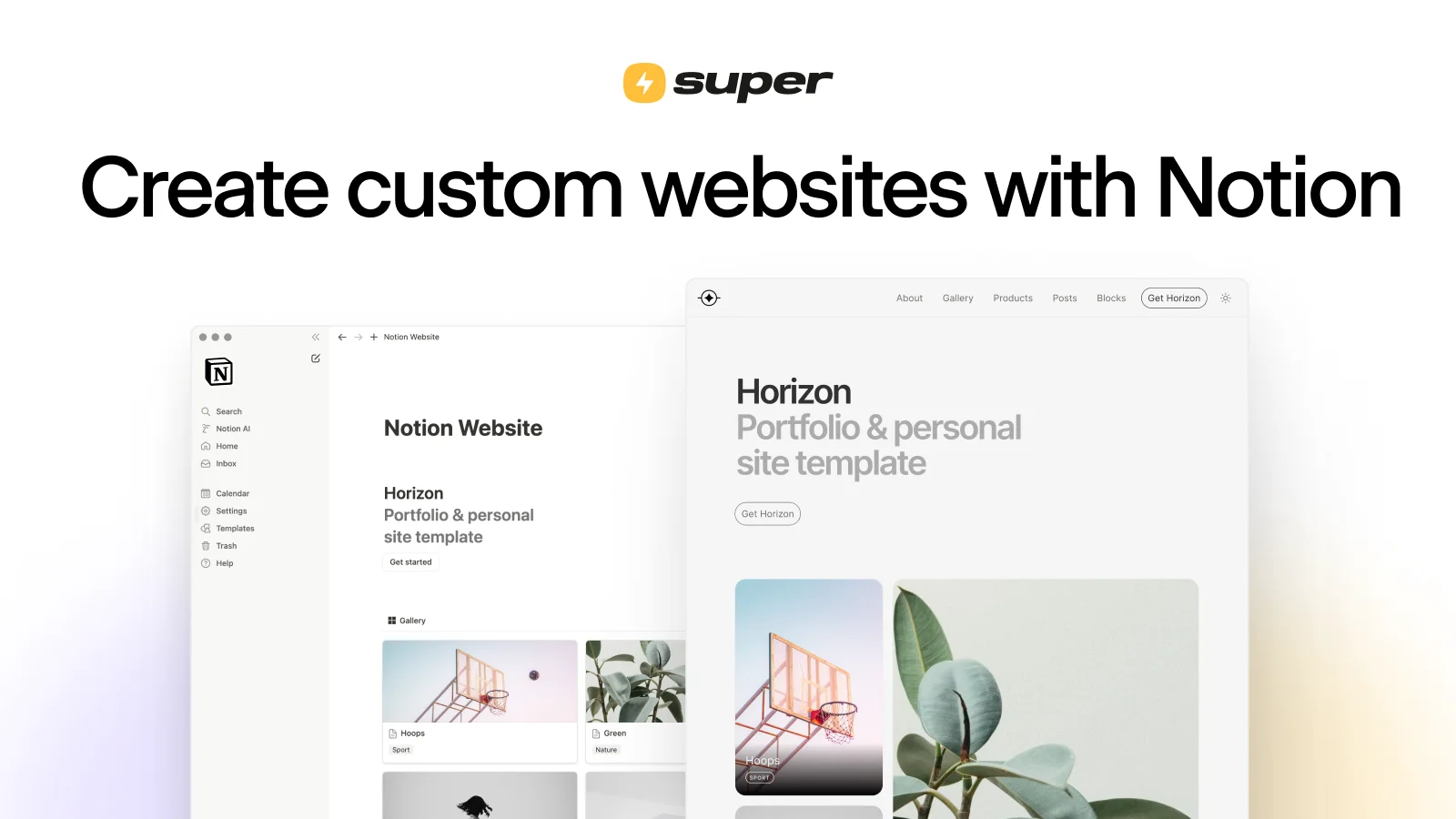
Super is the leading platform for converting Notion documents into fast, fully branded websites without writing a single line of code. Trusted by over 100,000 creators, Super bridges the gap between Notion's powerful content management and the need for a polished public-facing web presence. Setting up a site takes less than a minute: choose a Notion page, publish it via Notion's Share menu, paste the link into Super, and your site is live. From that point on, any edit made in Notion is automatically synced to your website in real time. Super offers no-code themes and designer templates that let you fully customize your site's look and feel to match your brand — without touching plugins or config files. Under the hood, Super optimizes every site for instant page loads, strong SEO, uptime, security, and scalability, so you never have to worry about the technical stack. It's ideal for content creators, startups, non-profits, consultants, and businesses who already live in Notion and want a frictionless way to publish a website, blog, portfolio, landing page, or documentation site. Super also supports custom domains, analytics, memberships, and component-level customization, making it a powerful yet approachable website platform for teams of all sizes.
Key Features
- Notion-Powered Content Management: Write and edit all your website content directly inside Notion. Changes sync automatically to your live site without any manual deployment steps.
- Instant Page Loads & High Performance: Super optimizes every site for blazing-fast load times, ensuring a great user experience and better search engine rankings.
- Built-in SEO Optimization: Super handles meta tags, structured data, and site performance out of the box, helping your pages rank higher in search results.
- No-Code Themes & Designer Templates: Customize your site's appearance with a library of templates and themes — fully brand-able without writing any code.
- Memberships, Analytics & Custom Domains: Extend your site with membership-gating, traffic analytics, and custom domain support for a complete, professional web presence.
Use Cases
- A content creator publishes a personal blog by writing posts in Notion and automatically syncing them to a branded Super website with a custom domain.
- A startup builds a marketing landing page and documentation site in Notion, then uses Super to make it publicly accessible with fast load times and SEO optimization.
- A non-profit organization creates and maintains a professional public website entirely within Notion, reducing dependency on expensive web developers or complex CMS platforms.
- A freelance consultant uses Super to showcase a portfolio and collect leads via a branded website, updating case studies and services directly from Notion on their phone.
- A community manager sets up a membership-gated resource hub using Super's memberships feature, with all content authored and organized in Notion.
Pros
- Frictionless Setup: A working website can be live in under a minute — no hosting configuration, plugins, or deployments required.
- Content Stays in Notion: Editors can update the site using the Notion interface they already know, including from the Notion mobile app, with changes going live instantly.
- Managed Infrastructure: Super handles uptime, security, scaling, and performance automatically, removing all DevOps burden from the website owner.
- Large Community & Templates: Access to an active community, showcase of live sites, and a rich template library accelerates building any type of website.
Cons
- Requires a Notion Account: Super is entirely dependent on Notion as a backend, making it unsuitable for teams not already using Notion or unwilling to adopt it.
- Customization Bounded by Notion's Structure: Advanced layout or interactivity beyond what Notion's block system supports may require workarounds or custom code injections.
- Ongoing Subscription Cost: Full-featured sites with custom domains and advanced features require a paid plan, which adds recurring cost on top of any Notion subscription.
Frequently Asked Questions
Do I need to know how to code to use Super?
No. Super is a fully no-code platform. You write content in Notion and use Super's visual theme editor and templates to design your site — no HTML, CSS, or JavaScript knowledge required.
How does Super sync content from Notion?
You publish your Notion page via its Share menu to get a public Notion URL, then paste that URL into Super. From that point, any edits you make in Notion are automatically reflected on your Super site in real time.
Can I use a custom domain with Super?
Yes. Super supports custom domains so your site can live at yourbrand.com instead of a Notion or Super subdomain. This feature is available on paid plans.
What kinds of websites can I build with Super?
You can build blogs, portfolio sites, landing pages, documentation sites, business websites, community hubs, and more — anything you can structure in Notion can be published as a Super site.
Is Super free to use?
Super offers a free plan to get started with no credit card required. Paid plans unlock custom domains, advanced analytics, memberships, and additional customization features.