

About
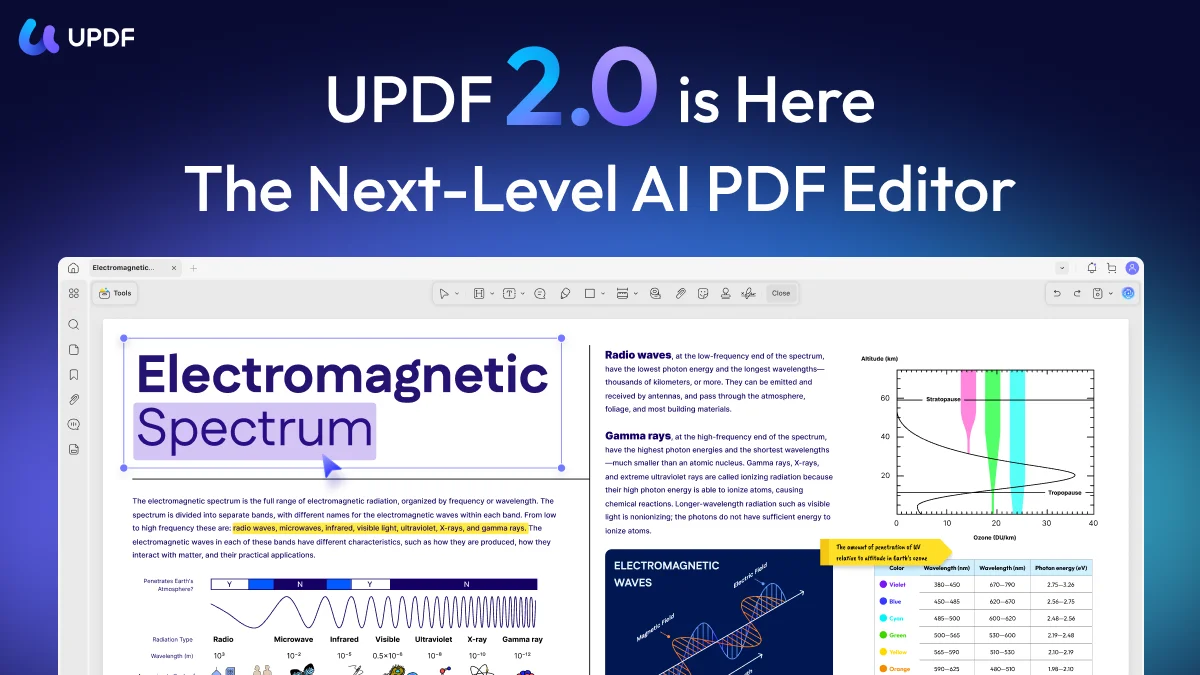
UPDF is a comprehensive, AI-powered PDF solution designed for individuals, students, businesses, and enterprise teams. It combines traditional PDF editing capabilities — including text editing, image manipulation, link management, page organization, annotations, and form creation — with a cutting-edge AI assistant that transforms how users interact with documents. The built-in AI assistant, powered by GPT and DeepSeek R1, enables users to chat directly with PDFs and images to extract information, get instant answers, and understand complex content without reading every page. The Summarize PDF feature condenses long documents into concise overviews, while Side-by-Side Translation supports 12 languages with the original and translated text displayed simultaneously. PDF to Mind Map converts document content into visual diagrams, improving comprehension and knowledge retention. Beyond AI features, UPDF supports full PDF conversion (Word, Excel, PowerPoint, images), OCR for scanned documents, page organization (merge, split, crop, rotate), digital signatures, redaction, and batch processing. It is available across Windows, Mac, iOS, and Android, with cloud sync ensuring seamless cross-device workflows. UPDF positions itself as a direct alternative to Adobe Acrobat at a significantly lower price point, targeting researchers, students, legal professionals, HR teams, and anyone who regularly works with large volumes of PDF documents and wants to leverage AI to work more efficiently.
Key Features
- AI Chat with PDF: Ask questions about any PDF or image and receive instant, contextual answers powered by GPT and DeepSeek R1, without reading the entire document.
- Summarize & Translate: Automatically generate concise summaries of long documents and view side-by-side translations in 12 supported languages while preserving the original layout.
- PDF to Mind Map: Convert complex PDF content into structured visual mind maps to improve comprehension, identify connections, and support brainstorming or study sessions.
- Full PDF Editing & Annotation: Edit text, images, and links directly in PDFs as easily as a Word document, and add highlights, shapes, stickers, comments, and eSignatures.
- OCR & PDF Conversion: Use optical character recognition to make scanned PDFs searchable and editable, and convert PDFs to Word, Excel, PowerPoint, and image formats.
Use Cases
- A researcher uploads academic papers to UPDF AI and uses the Chat with PDF feature to extract key findings and methodology details without reading full documents.
- A student converts a dense lecture PDF into a visual mind map to better understand and memorize the material before an exam.
- A legal professional uses UPDF's redaction and contract analysis tools to review and sanitize sensitive documents before sharing with clients.
- A business analyst translates foreign-language financial reports side-by-side in 12 languages while maintaining the original document layout for accuracy comparison.
- An HR manager batch-processes resumes in PDF format, using AI to screen candidates and extract relevant experience summaries efficiently.
Pros
- True all-in-one PDF solution: Combines editing, annotation, conversion, OCR, AI chat, and cloud sync in a single app across all major platforms, eliminating the need for multiple tools.
- Powerful AI assistant: GPT and DeepSeek-powered AI enables genuinely useful document interactions — summarization, Q&A, translation, and mind map generation — that save significant research time.
- Cross-platform with cloud sync: Seamlessly works across Windows, Mac, iOS, and Android with cloud synchronization, enabling productive workflows from any device.
- Affordable Adobe Acrobat alternative: Provides comparable or superior features to Adobe Acrobat at a significantly lower price, making it attractive for individuals and small businesses.
Cons
- AI features require subscription: Advanced AI capabilities like unlimited PDF chat, summarization, and mind map generation are locked behind paid AI add-on plans.
- Newer product with smaller ecosystem: Compared to Adobe Acrobat, UPDF has a smaller third-party integration ecosystem and fewer enterprise-grade deployment options.
- OCR accuracy on complex documents: OCR performance on heavily formatted, multi-column, or handwritten documents may require manual review and corrections.
Frequently Asked Questions
What AI models power UPDF AI?
UPDF AI is powered by GPT and DeepSeek R1, enabling high-quality natural language understanding for document chat, summarization, translation, and explanation features.
Can I edit text directly in a PDF with UPDF?
Yes. UPDF allows you to edit text, images, and links directly within PDF files as easily as editing a Word document, without needing to convert the file first.
Does UPDF work on mobile devices?
Yes. UPDF is available for iPhone, iPad, and Android devices, and your work syncs automatically between desktop and mobile via UPDF Cloud.
How does the Chat with PDF feature work?
The AI assistant analyzes the content of your uploaded PDF and allows you to ask natural language questions about it. It returns contextual answers drawn directly from the document, helping you find information quickly without reading every page.
Is UPDF a good alternative to Adobe Acrobat?
UPDF covers most of the core use cases of Adobe Acrobat — editing, annotation, conversion, OCR, signatures, and protection — and adds AI-powered features at a considerably lower price. It includes a detailed comparison on its website for users evaluating the switch.