
About
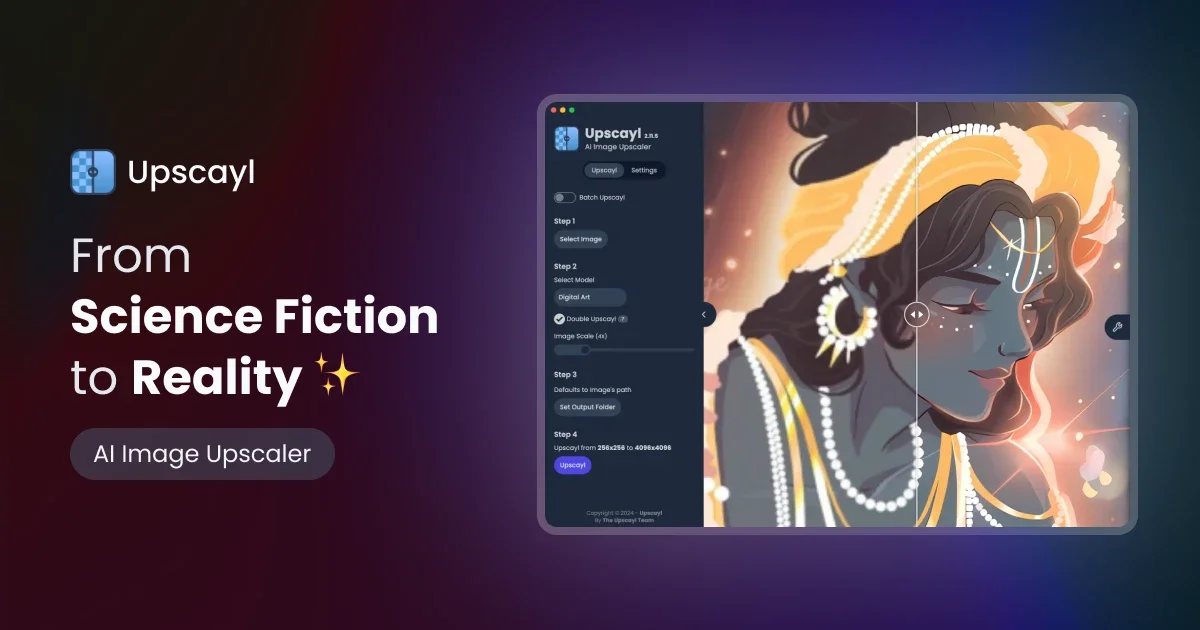
Upscayl is a powerful, free, and open-source AI image upscaling application designed for creators, designers, artists, businesses, and developers. It leverages cutting-edge AI models to enhance image resolution by up to 16x, turning pixelated or blurry photos into sharp, detailed works of art — all without expensive software subscriptions. The desktop app runs natively on Linux, macOS, and Windows, offering a privacy-friendly local processing experience. Users can choose from multiple AI models tailored to different image styles and use cases, batch-upscale entire folders of images at once, and even apply double upscaling for maximum quality gains. Extensive customization options let users fine-tune output to match their specific needs. Upscayl Cloud extends these capabilities to the browser, enabling upscaling on desktop, mobile, and tablet devices without installing anything. The cloud tier boasts 10x faster processing, improved color accuracy for print-ready results, multiple model styles, unlimited cloud storage, and support for very large resolutions. Whether you're restoring old family photos, preparing assets for print, enhancing game textures, or cleaning up product images for e-commerce, Upscayl provides a professional-grade result that rivals expensive paid alternatives — completely free for the desktop experience.
Key Features
- AI-Powered Upscaling up to 16x: Uses advanced AI models to enhance image resolution by up to 16x, producing sharp and detailed results from low-quality or blurry source images.
- Multiple AI Models: Choose from a variety of AI model styles suited to different image types — photos, artwork, textures — for optimal enhancement quality.
- Batch Upscaling: Process entire folders of images in a single pass, saving significant time when working with large collections of photos or assets.
- Cross-Platform Desktop App: Runs locally on Linux, macOS, and Windows for private, offline processing without relying on cloud services or subscriptions.
- Upscayl Cloud: A browser-based cloud tier offering 10x faster upscaling, unlimited storage, and universal compatibility across desktop, mobile, and tablet devices.
Use Cases
- Restoring old or low-quality family photos to crisp, print-ready resolution
- Enhancing product images for e-commerce listings to improve visual appeal
- Upscaling digital artwork and illustrations for large-format printing or display
- Improving texture and asset quality for game development or 3D design projects
- Batch-processing large archives of images for photographers and content creators
Pros
- Completely Free & Open Source: The desktop application is free to download and use forever with no subscription required, making it accessible to everyone.
- Local Processing for Privacy: Images are processed on your own machine, ensuring sensitive photos never leave your device.
- Multi-Platform Support: Available natively on Linux, macOS, and Windows, with a cloud version covering all other devices.
- Rivals Paid Alternatives: Users report results that match or exceed costly commercial upscalers, providing exceptional value.
Cons
- Cloud Tier May Require Payment: While the desktop app is free, the Upscayl Cloud offering with faster speeds and unlimited storage likely comes with a paid plan.
- Hardware Dependent Performance: Local upscaling speed and quality depend on the user's GPU; older or less powerful machines may experience slower processing times.
- Limited to Image Upscaling: Upscayl is specialized solely for image resolution enhancement and does not offer broader photo editing or generation capabilities.
Frequently Asked Questions
Is Upscayl really free?
Yes — the Upscayl desktop application is completely free and open source. You download it once and use it forever with no subscription or hidden fees.
What operating systems does Upscayl support?
Upscayl's desktop app supports Linux, macOS, and Windows. Upscayl Cloud works in the browser on any device, including mobile and tablet.
How much can Upscayl enhance an image?
Upscayl can upscale images by up to 16x their original resolution. A double upscale option is also available for even greater quality improvements.
Does Upscayl process images locally or in the cloud?
The desktop app processes all images locally on your machine, ensuring privacy. The Upscayl Cloud option processes images on remote servers for faster results.
What types of images work best with Upscayl?
Upscayl works well with photos, digital artwork, textures, and scanned documents. Multiple AI models are available to optimize results for different image types.