

About
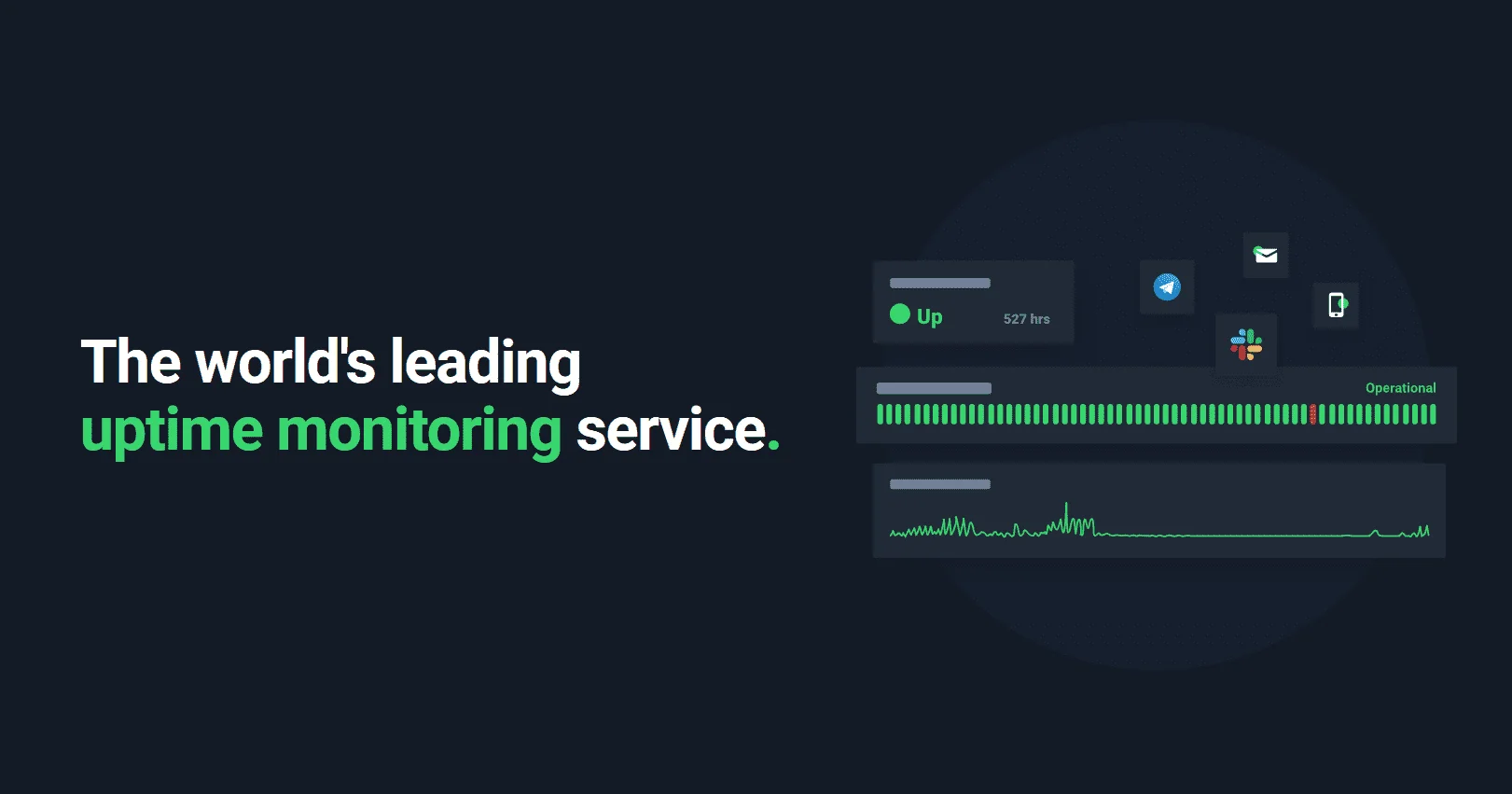
UptimeRobot is a comprehensive uptime and infrastructure monitoring platform that lets teams catch downtime before their users do. With support for HTTP/HTTPS endpoints, keyword monitoring, ping, port, DNS, cron job, and API monitoring, it covers virtually every aspect of modern web infrastructure. Setup takes under 30 seconds, and monitors can be configured without any coding knowledge. When an issue is detected, UptimeRobot sends instant alerts via email, SMS, Slack, and 20+ other integrations, enabling fast incident response. The platform also offers multi-location monitoring for global coverage and response time tracking to surface performance degradation before it becomes an outage. For customer-facing transparency, UptimeRobot includes branded public status pages with custom domains, incident history, embedded monitors, and password protection — helping reduce support tickets during incidents. SSL certificate and domain expiration monitoring prevent security lapses and unexpected outages. A generous free tier offers 50 monitors at no cost, making UptimeRobot accessible to individual developers, startups, and large enterprises alike. It integrates with the Model Context Protocol (MCP) and provides a full REST API and mobile apps for on-the-go monitoring. It is widely used by DevOps teams, developers, marketers, and support teams to maintain high availability and service reliability.
Key Features
- Multi-Type Uptime Monitoring: Monitors HTTP/HTTPS endpoints, ping, ports, DNS records, keywords, APIs, and cron jobs from a single dashboard.
- Instant Multi-Channel Alerts: Sends real-time downtime notifications via email, SMS, Slack, and 20+ other integrations so teams can respond immediately.
- Public Status Pages: Create branded, real-time status pages with custom domains, incident history, and password protection to keep users informed during outages.
- SSL & Domain Monitoring: Tracks SSL certificate and domain expiration dates, alerting teams before certificates lapse and cause outages or security issues.
- Multi-Location & Response Time Monitoring: Checks services from multiple global locations and tracks response times to detect performance degradation early.
Use Cases
- A startup monitors its production web app and APIs 24/7, receiving instant Slack alerts if any endpoint goes down.
- A DevOps team tracks SSL certificate expiration across dozens of client domains to prevent security lapses.
- An e-commerce business creates a public status page to proactively communicate outages and reduce inbound support tickets.
- A developer uses cron job monitoring to verify that nightly database backup jobs run successfully.
- A digital agency monitors client websites from multiple global locations to ensure availability for international audiences.
Pros
- Generous Free Tier: Offers 50 monitors completely free, making professional-grade monitoring accessible to solo developers and small teams.
- Quick Setup: Monitors can be configured in under 30 seconds with no coding required, lowering the barrier for non-technical users.
- Wide Integration Ecosystem: Supports 20+ integrations including Slack, email, and SMS, plus a full REST API and MCP support for advanced workflows.
- Trusted at Scale: Used by over 2.7 million users including enterprises, with proven reliability and strong customer reviews (4.7/5 stars).
Cons
- Short Check Intervals Require Paid Plan: The free tier checks every 5 minutes; shorter intervals (e.g., 1 minute) require upgrading to a paid plan.
- Advanced Features Locked Behind Paid Tiers: Features like multi-location monitoring, advanced alerting, and higher monitor counts are only available on paid plans.
- Limited Historical Data on Free Plan: Detailed log history and extended data retention are restricted on the free tier, limiting long-term trend analysis.
Frequently Asked Questions
Is UptimeRobot really free?
Yes. UptimeRobot offers a free plan that includes up to 50 monitors with 5-minute check intervals, email alerts, and status pages at no cost. Paid plans unlock shorter intervals, more monitors, and advanced features.
What types of monitoring does UptimeRobot support?
UptimeRobot supports HTTP/HTTPS uptime monitoring, keyword monitoring, ping monitoring, port monitoring, cron job monitoring, API monitoring, DNS monitoring, and SSL/domain expiration monitoring.
How quickly can I get started?
You can set up your first monitor in under 30 seconds after signing up. No coding or technical configuration is required.
Which notification channels does UptimeRobot support?
UptimeRobot supports email, SMS, Slack, and more than 20 other integrations for real-time downtime alerts.
Can I create a public status page with UptimeRobot?
Yes. UptimeRobot lets you create branded status pages with custom domains, incident history, embedded monitors, and optional password protection for private pages.