
About
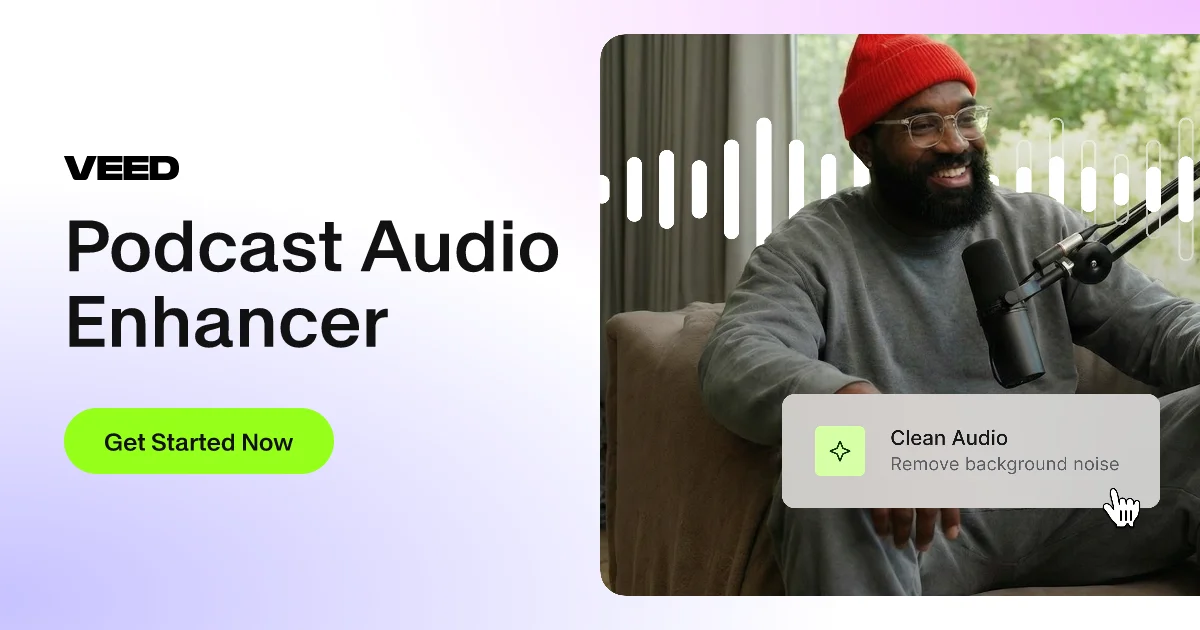
VEED's Podcast Audio Enhancer is an AI-powered online tool designed to transform raw podcast recordings into studio-quality audio with minimal effort. By leveraging advanced noise reduction algorithms, it eliminates unwanted background sounds such as wind, static, feedback, and ambient noise that commonly affect home and on-the-go recordings. The tool automatically normalizes volume levels and enhances speech and dialogue clarity, ensuring listeners hear crisp, professional-sounding audio every time. The workflow is straightforward: upload an audio or video file (or record directly using VEED's built-in voice recorder), click 'Clean Audio' under the AI tools panel, and the enhancement happens automatically. Users can then fine-tune results by adjusting volume levels, applying fade-in/fade-out transitions, trimming or rearranging segments, and adding background music or sound effects. Beyond audio enhancement, VEED offers complementary podcast production tools including text-to-speech voiceover generation with realistic AI voices, voice dubbing for multi-language translations, auto-subtitle generation, and audio-to-text transcription. This makes VEED a comprehensive one-stop platform for podcasters, content creators, educators, and marketers who need polished audio output without professional recording studio equipment. The tool is free to try, with advanced features available under VEED's paid plans.
Key Features
- AI Background Noise Removal: Automatically detects and removes unwanted sounds like wind, static, feedback, and ambient room noise from podcast recordings.
- One-Click Audio Enhancement: Instantly improves speech clarity and normalizes volume levels with a single click, requiring no manual audio editing expertise.
- Built-in Voice Recorder: Record podcast audio directly within VEED's browser-based platform, then enhance it immediately without switching tools.
- Multi-language Voice Dubbing: Translate and dub spoken podcast audio into multiple languages using AI voice dubbing, expanding reach to global audiences.
- Full Audio & Video Editing Suite: Trim, rearrange, add background music, apply fade transitions, generate AI voiceovers, and auto-generate subtitles all within the same platform.
Use Cases
- Independent podcasters cleaning up home studio recordings that suffer from room echo or HVAC noise before publishing episodes.
- Content creators enhancing interview recordings captured in noisy public environments such as cafés, conferences, or outdoors.
- Educators and course creators improving the audio quality of lecture recordings and explainer videos for online learning platforms.
- Marketing teams polishing branded podcast episodes and promotional audio content to maintain a professional company image.
- Multilingual content producers using VEED's voice dubbing alongside audio enhancement to distribute podcast content in multiple languages.
Pros
- Effortless One-Click Workflow: The AI handles noise removal, volume normalization, and clarity enhancement automatically, making professional audio accessible to non-technical users.
- All-in-One Podcast Production Platform: Combines audio enhancement with transcription, subtitles, voiceover generation, and video editing so podcasters don't need multiple separate tools.
- Free to Try: New users can test the audio enhancement features without a subscription, lowering the barrier to entry for independent podcasters and creators.
Cons
- Full Features Require a Paid Plan: Advanced capabilities such as unlimited exports, higher quality processing, and access to the full suite of AI tools are locked behind VEED's paid subscription tiers.
- Web-Only Platform: VEED is browser-based and does not offer a standalone desktop application, which may be limiting for users with slow internet connections or large audio files.
- Limited Fine-Grained Audio Control: Unlike dedicated DAW (Digital Audio Workstation) software, VEED's enhancer is automated and may not satisfy podcasters who need precise manual equalization or multi-track mixing.
Frequently Asked Questions
What types of background noise can VEED's podcast audio enhancer remove?
VEED's AI can remove a wide range of background noises including wind, static, electrical feedback, rain, air conditioning hum, and general ambient room noise that gets picked up by microphones during recording.
Do I need to install any software to use the podcast audio enhancer?
No installation is required. VEED is entirely browser-based, so you can upload your audio or video file and enhance it directly from any modern web browser without downloading any software.
Is VEED's podcast audio enhancer free to use?
VEED offers a free trial that lets you test the audio enhancement features. For unlimited use, higher export quality, and access to the full production suite, a paid subscription plan is required.
Can I enhance audio that is embedded in a video file, not just standalone audio?
Yes, VEED supports uploading video files and will enhance the audio track within the video, making it useful for video podcasters and content creators publishing on platforms like YouTube.
What other podcast production tools does VEED offer alongside audio enhancement?
VEED provides a comprehensive suite including auto-subtitle generation, audio-to-text transcription, AI voice generation for narrations, multi-language voice dubbing, background music addition, video trimming, and a built-in online voice recorder.