

About
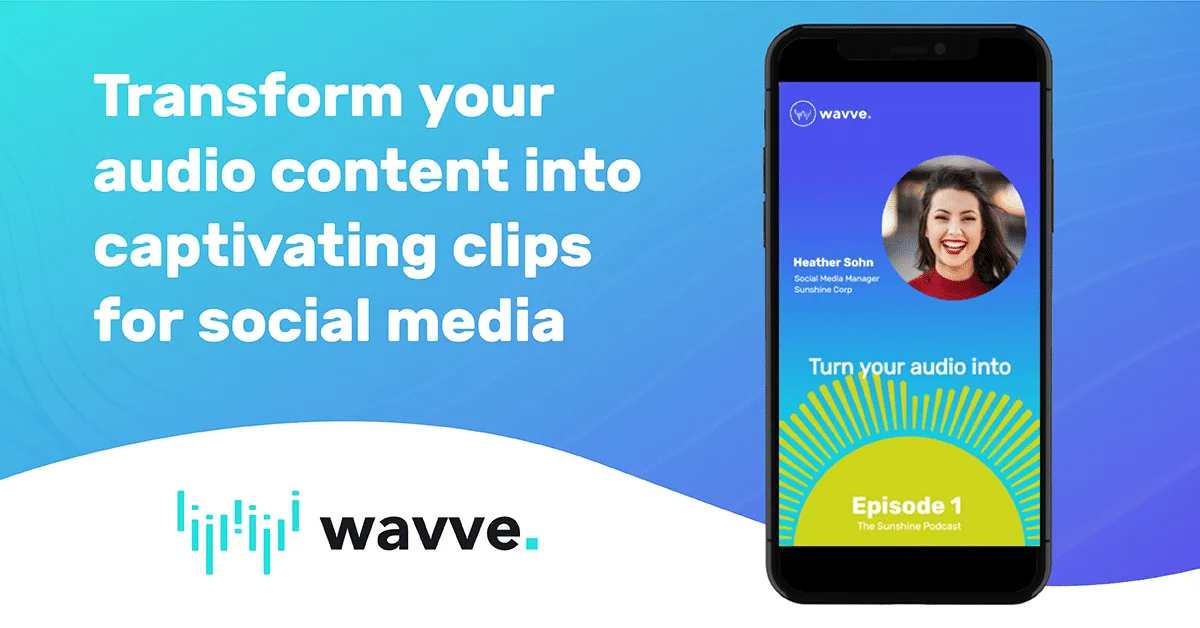
Wavve (powered by Disctopia) is purpose-built for podcasters, content creators, influencers, and marketers who want to grow their audience by repurposing audio into scroll-stopping social media videos. Using AI-driven hot spot identification, Wavve automatically pinpoints the most engaging moments in your audio and transforms them into shareable clips ready for Instagram, TikTok, YouTube Shorts, and more. The platform requires zero video editing experience. Users can choose from seasonal and platform-specific templates, add animated waveform (Wavveform) graphics, and burn in captions — all designed to maximize engagement even when viewers are watching without sound. Auto-resizing ensures a single clip adapts perfectly to every social channel's format with no manual reformatting. Wavve also supports workflow integration, allowing content to be imported from YouTube, RSS feeds, and other file storage tools. Creators can download SRT files and full transcripts to further repurpose their content. Built-in scheduling and direct social publishing let teams post immediately or plan campaigns in advance. Testimonials from podcasters, marketing VPs, and media managers highlight its standout customer support, ease of use, and measurable impact on audience growth and lead generation. Wavve offers a free trial, making it accessible for solo creators and professional podcast agencies alike.
Key Features
- AI Hot Spot Identification: Automatically detects the most compelling moments in your audio and turns them into shareable video highlights without any manual review.
- Animated Waveform Graphics: Visualizes your audio with dynamic Wavveform animations and progress bars to make content eye-catching even before a viewer hits play.
- Auto-Captions: Automatically generates and burns in captions so your content resonates with audiences watching on mute across all social platforms.
- Auto-Resizing for Every Platform: Create a clip once and let Wavve automatically reformat it to the correct dimensions for Instagram, TikTok, YouTube Shorts, LinkedIn, and more.
- Social Scheduling & Publishing: Post content immediately or schedule it for later directly from Wavve, streamlining your social media workflow in one place.
Use Cases
- A podcaster clips the most compelling 60-second moment from each weekly episode and auto-posts it to Instagram Reels and TikTok using Wavve's scheduling feature.
- A marketing team repurposes long-form interview recordings into branded audiogram clips with captions and waveforms to drive B2B lead generation on LinkedIn.
- An independent creator uses Wavve's AI hot spot detection to quickly identify viral-worthy moments from a two-hour live stream without manually reviewing the footage.
- A podcast agency manages multiple client shows, using Wavve's templates and auto-resizing to produce consistent, on-brand social content for every platform at scale.
- A musician or audio producer converts song previews into animated waveform videos for YouTube and social media promotion without needing video editing software.
Pros
- Zero Learning Curve: Designed for creators without video editing experience — intuitive UI means you can produce polished clips in minutes, not hours.
- AI-Powered Efficiency: AI highlight detection and auto-captioning dramatically reduce the time needed to repurpose long-form podcast content into multiple short clips.
- Multi-Platform Ready: Auto-resizing and platform-specific templates ensure content always looks native on any social channel without manual reformatting.
- Highly Praised Customer Support: Consistently recognized by users and teams for responsive, helpful customer service that sets it apart from competitors.
Cons
- Primarily Audio-to-Video Focused: Wavve is specialized for podcast and audio repurposing; it is not a general-purpose video editor for other content creation needs.
- Full Access Requires Paid Plan: While a free trial is available, advanced features like unlimited clips, premium templates, and scheduling require a paid subscription or lifetime purchase.
- Limited Advanced Customization: The template-driven approach prioritizes ease of use over deep design customization, which may feel restrictive for professional designers.
Frequently Asked Questions
What is Wavve and who is it for?
Wavve is an AI-powered audio-to-video tool built for podcasters, content creators, influencers, and marketers who want to grow their social media audience by repurposing episodes into short, engaging video clips.
Can I use Wavve for free?
Yes, Wavve offers a free trial so you can get started without a credit card. Paid plans unlock unlimited clips, premium templates, advanced scheduling, and other professional features.
How does Wavve's AI work?
Wavve's AI analyzes your audio to automatically identify the most engaging or shareable moments — called 'hot spots' — and suggests them as clips, saving you time spent manually scrubbing through episodes.
Which social media platforms does Wavve support?
Wavve supports all major social platforms including Instagram, TikTok, YouTube Shorts, Facebook, LinkedIn, and more. Its auto-resizing feature automatically adapts your clip to each platform's required dimensions.
Can I download captions or transcripts from Wavve?
Yes. Wavve allows you to export SRT caption files and full transcripts, making it easy to repurpose your content further for blog posts, show notes, or accessibility purposes.