

About
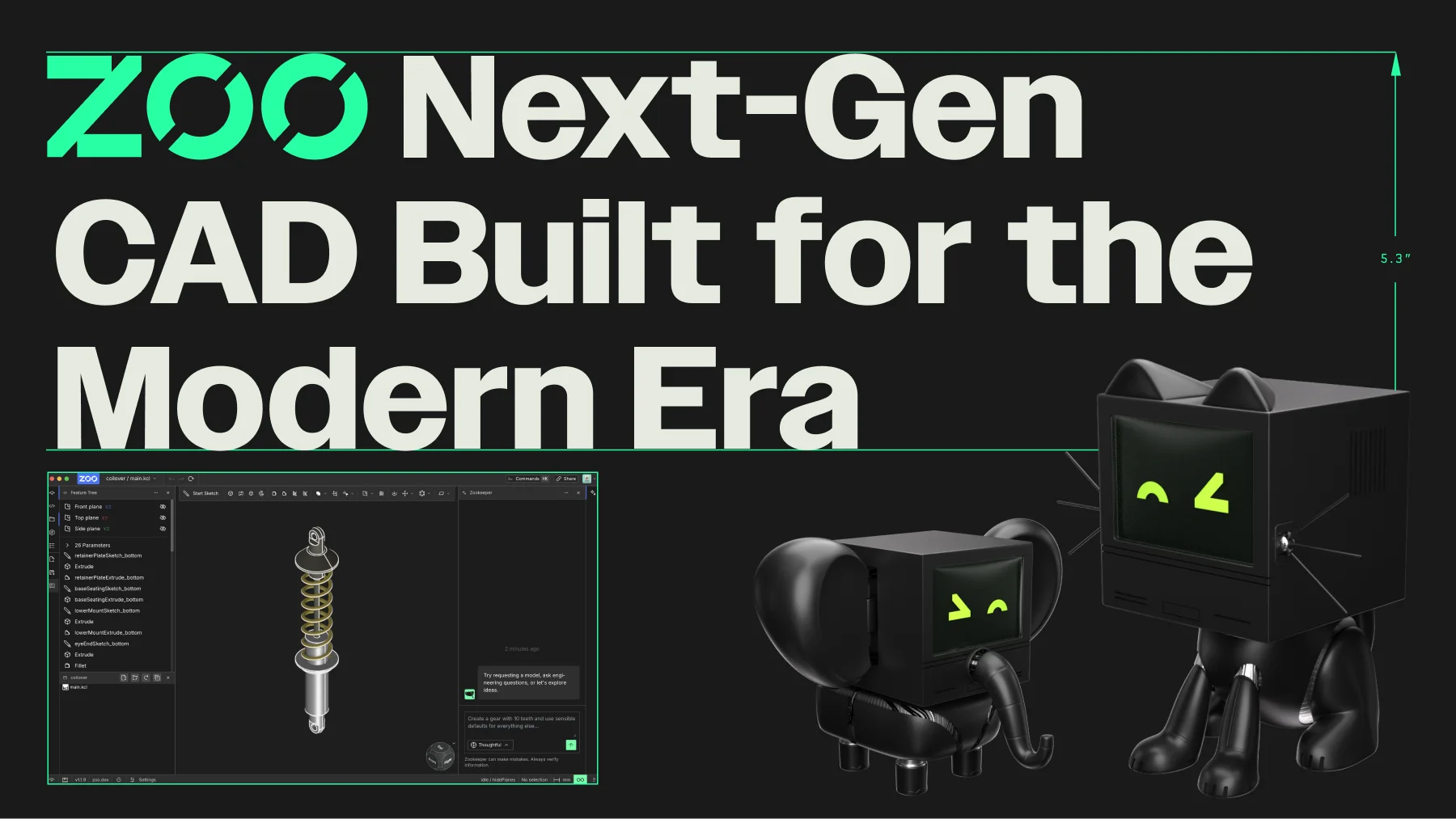
Zoo is building the infrastructure for modern hardware design, centered around Zoo Design Studio — a full-stack, AI-native CAD environment. At the heart of the platform is Zookeeper, a conversational CAD agent powered by a reasoning engine that interprets natural language prompts, plans design steps, proposes constraints, and produces fully editable B-rep CAD models. Unlike mesh-based systems, Zoo's modern geometry engine works with precise boundary representation geometry, enabling higher fidelity and manufacturability. Designers and engineers can seamlessly switch between traditional point-and-click CAD tools, a coding interface, and Zookeeper's conversational mode — supporting hybrid workflows that fit any team's process. Zookeeper also provides manufacturing-aware feedback during iteration, helping teams catch design issues early. Zoo is available on macOS, Windows, Linux, and as a browser-based app, and exposes an API for developers building custom design tools. Enterprise customers benefit from ITAR-compliant cloud infrastructure and SOC 2 Type II verified security controls. Whether you're an individual engineer exploring AI-assisted design or an enterprise team managing complex hardware projects, Zoo provides a modern, secure, and extensible foundation for the entire design workflow.
Key Features
- Zookeeper Conversational CAD Agent: An AI agent that interprets natural language design prompts, reasons through constraints, plans steps, and generates fully editable CAD models.
- Modern B-Rep Geometry Engine: Built on boundary representation geometry (not meshes), enabling precise, high-fidelity models suitable for manufacturing workflows.
- Hybrid CAD Workflows: Seamlessly switch between point-and-click tools, a coding interface, and conversational AI input within a single unified environment.
- Manufacturing-Aware Feedback: Zookeeper provides real-time feedback on manufacturability as it iterates on designs, reducing costly downstream errors.
- Enterprise-Grade Security: ITAR-compliant US-based cloud infrastructure and SOC 2 Type II verified security controls for teams handling regulated or sensitive hardware data.
Use Cases
- Hardware engineers using natural language prompts to generate and iterate on precise 3D CAD models without manual modeling.
- Product design teams running hybrid workflows that blend traditional point-and-click CAD with AI-assisted conversational design.
- Developers building custom hardware design tools using Zoo's geometry engine and API infrastructure.
- Enterprise manufacturing teams requiring ITAR-compliant, SOC 2-audited cloud environments for sensitive hardware design projects.
- Engineering educators and students exploring AI-native CAD workflows on a modern, accessible platform.
Pros
- AI-Native by Design: Zookeeper deeply integrates reasoning-driven AI into the CAD workflow rather than bolting it on, enabling intent-based design from the ground up.
- Multi-Modal Interaction: Supports point-and-click, code-based, and conversational CAD modes so teams can adopt AI at their own pace without changing their entire workflow.
- Cross-Platform Availability: Available on macOS, Windows, Linux, and the browser, with an API for developers — making it accessible across diverse engineering environments.
- Transparent Enterprise Security: Full SOC 2 Type II report is publicly available with no forms or friction, demonstrating a strong commitment to security transparency.
Cons
- Niche Audience: Focused exclusively on hardware and CAD design, so it offers little value for software-only teams or non-engineering use cases.
- Emerging Platform: As a newer entrant in the CAD space, Zoo may lack the depth of plugins, community resources, and integrations found in established tools like SolidWorks or Fusion 360.
- Learning Curve for AI-Driven Workflows: Engineers accustomed to traditional CAD paradigms may need time to adapt to prompt-driven and reasoning-based design approaches.
Frequently Asked Questions
What is Zookeeper?
Zookeeper is Zoo's conversational CAD agent built into Zoo Design Studio. It interprets natural language prompts, reasons through design intent, proposes constraints, and generates fully editable B-rep CAD models — all without requiring manual modeling steps.
What platforms does Zoo Design Studio support?
Zoo Design Studio is available on macOS, Windows, and Linux as a desktop application, and can also be accessed directly in the browser. An API is available for developers building custom tools.
Can I try Zoo for free?
Yes, Zoo offers a free tier for Zookeeper and Zoo Design Studio. Paid plans are available for additional features, higher usage limits, and enterprise needs.
Is Zoo suitable for regulated industries?
Yes. Zoo offers an ITAR-compliant US-regulated cloud region for processing and storing export-restricted information, and has completed a SOC 2 Type II audit. The full report is publicly accessible at trust.zoo.dev.
How does Zoo differ from traditional CAD software?
Unlike traditional CAD tools that require manual modeling, Zoo Design Studio combines a modern B-rep geometry engine with Zookeeper's AI reasoning capabilities. Designers can work conversationally, via code, or through traditional point-and-click — all in one environment, with manufacturing-aware feedback built in.