Image converter
Convert JPG, PNG, WebP and AVIF in bulk. Choose an output format and quality, then download your images or a ZIP.
Give photos and documents consistent names. Review every change, then download renamed copies together.
Choose or drop files, or paste copied files with the keyboard shortcut. Ctrl+V / ⌘V
Rename a batch of files without editing each name separately. Add consistent labels to photos, documents or other files, review the final names and download copies in one ZIP archive.
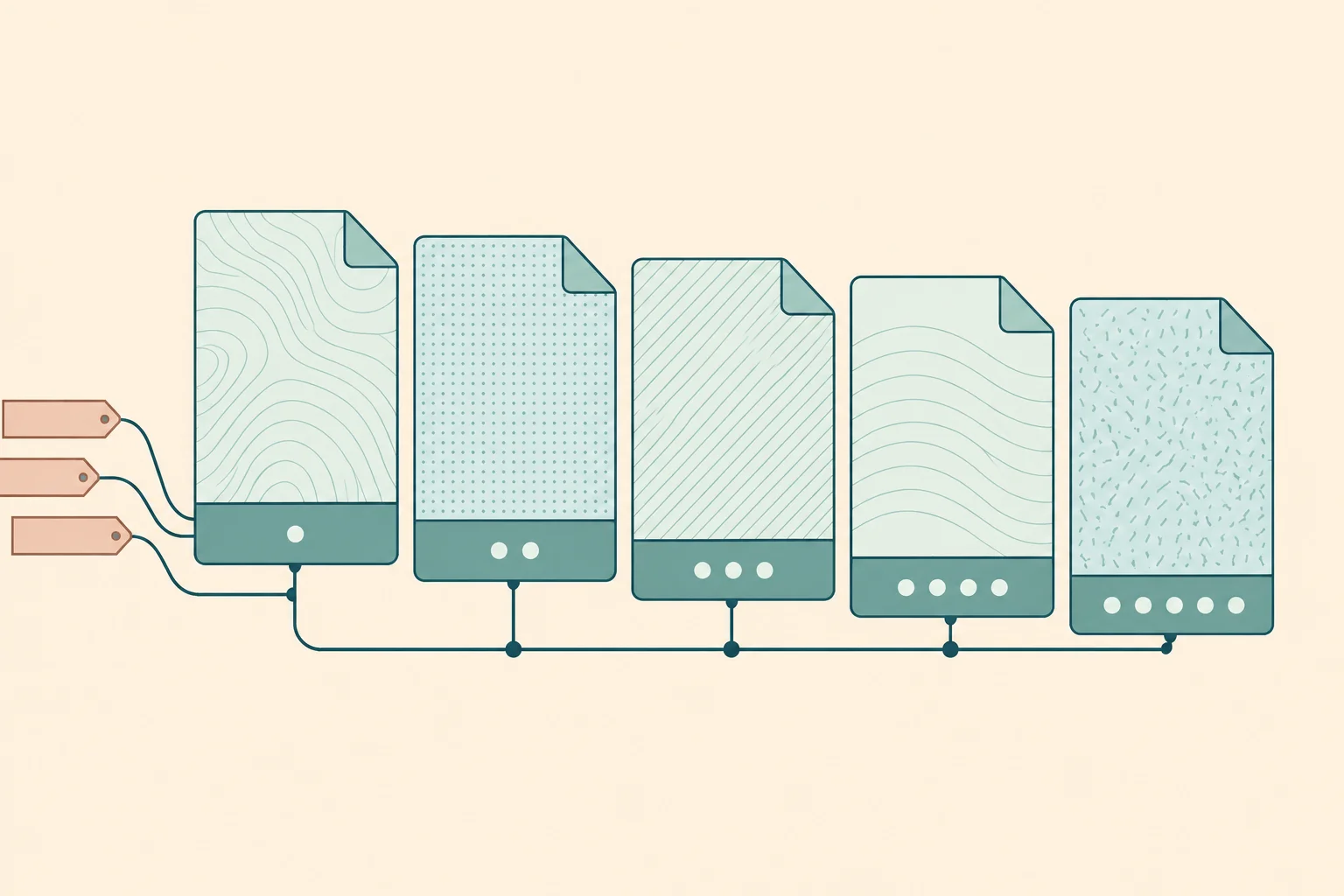
For IMG_0421.jpg and IMG_0422.jpg, choose Name + number and enter Holiday. The default start of 1 and minimum of 3 digits give Holiday-001.jpg and Holiday-002.jpg. Choose the numbering order to control which file gets each number.
With original base names and the prefix Client-A-, proposal.pdf becomes Client-A-proposal.pdf. The original extension is preserved, including its letter case.
Find Draft and replace it with Final to turn Draft-budget.xlsx into Final-budget.xlsx. Search uses plain text. Match letter case and Replace every match are enabled by default; turn them off to ignore case or replace only the first match. Leave the replacement empty to remove text.
Add text after the name: -review turns notes.txt into notes-review.txt. Default numbering gives notes-review-001.txt. More numbering options let you put the number first, choose its separator and change the increment.
Rules run in this order: choose the name, replace text, tidy spaces, add text before and after the name, change letter case, add the number, then restore the original extension. A minimum of 3 digits pads 1 to 001 but does not truncate a larger number. Numbering follows the order shown in the preview.
The last dot separates the extension from the base name. For archive.tar.gz, .gz is preserved and archive.tar is the base. A dotfile such as .env has no separate extension. Renaming does not decode, convert or recompress file contents.
Duplicate final names are blocked, ignoring letter case and equivalent Unicode spelling. Numbering usually resolves duplicate base names. Names reserved by Windows, path separators, certain punctuation, control characters, trailing dots or spaces, and names longer than 255 UTF-8 bytes are also blocked. Names are never silently corrected during export.
The tool creates a flat archive without folders. There is no preset file-count or total-size cap. Available browser memory determines which batches can be exported. ZIP creation can temporarily use more memory than the original files. Cancel an export or reduce the batch if needed.