CSV to JSON converter
Convert CSV to JSON and JSON to CSV. Choose separators, preserve leading zeros and copy or download the result locally.
Compare two CSV files online and see their differences side by side. Paste data or open your original and updated exports, choose the delimiter and file encoding when needed, then highlight added and removed rows. Review the result in your browser and download the complete comparison as a text report.
Compare a saved export with an updated version to review changes to product lists, reports or other tabular data. Matching rows stay visible for context, while additions and removals stand out in the same two panes. Use this view when you want to check what changed before replacing a file, passing an export to a colleague or continuing work in a spreadsheet.
If a row contains product 001 with price 8.50 in one file and 9.00 in the other, the original row appears as removed and the updated row as added. Identifiers keep their leading zeros, and values are compared as text.
The CSV diff follows row order, including the header. It does not match records by ID or sort your data. For two exports sorted differently, sort both the same way before comparing to reduce differences caused by moved rows.
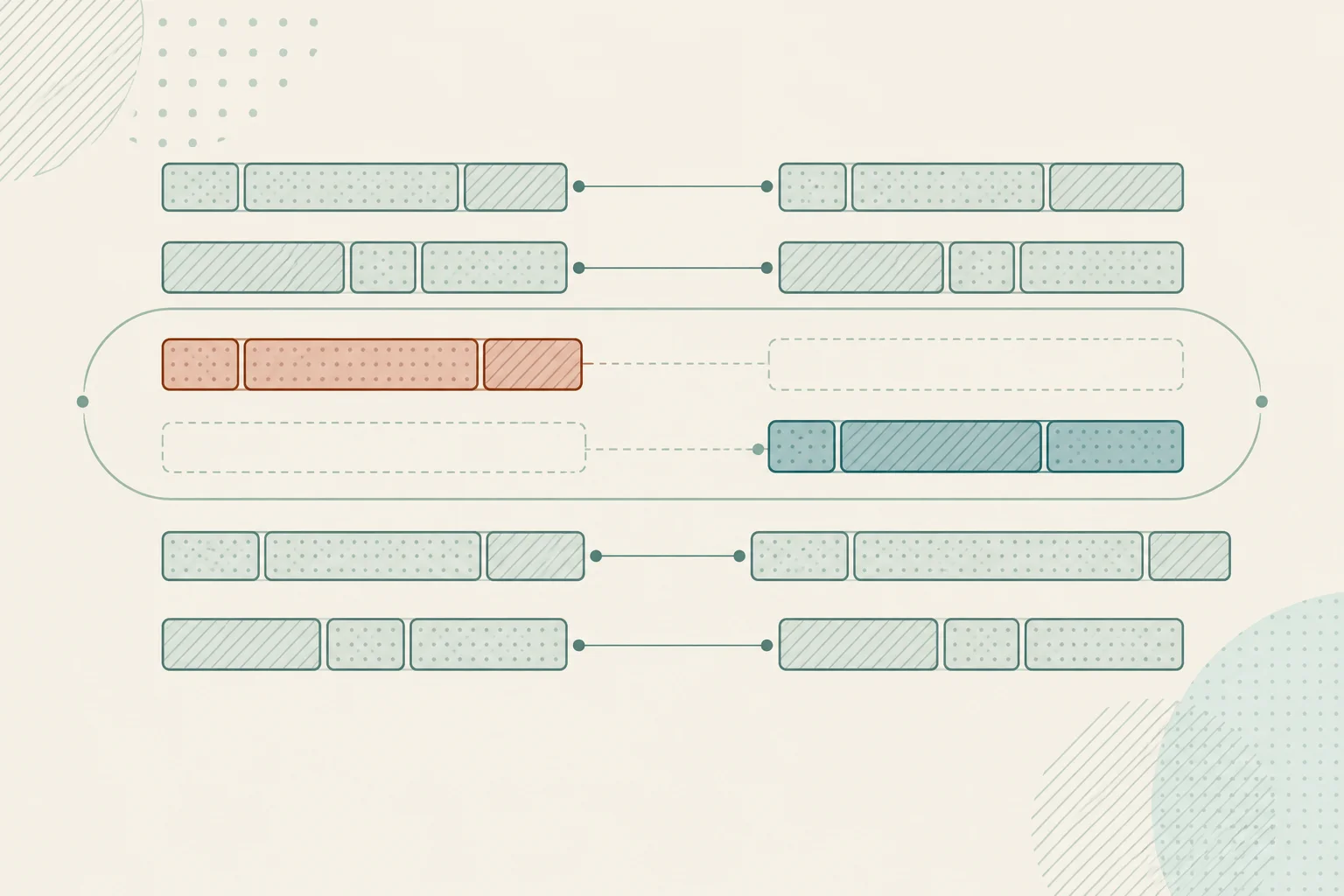
A minus marker on the original side identifies a row removed from that sequence. A plus marker on the updated side identifies an added row. When the contents of a row change, the comparison shows its old and new versions as a removal and an addition. Highlights apply to the whole row; read across its values to find the field that changed.
An inserted row leaves a blank space in the opposite pane so the following matching rows can remain aligned. Row numbers refer to parsed CSV records in each input, including the first row. A quoted cell can contain a line break, so these record numbers may differ from line numbers in a text editor. Both panes scroll together while you inspect the result.
Repeated rows and blank identifiers do not require special configuration. The tool compares sequences of complete records rather than treating a product code or customer ID as a unique key. If identical records appear several times, the diff shows a possible sequence alignment; it does not establish which individual duplicate was edited.
The delimiter separates fields in each record. Commas are common in CSV exports, while tabs are used in TSV files; semicolons and pipes also appear in exports. Select the appropriate delimiter separately for each input if automatic detection does not interpret the file correctly. Fields containing a delimiter or a line break should be enclosed in valid CSV quotes.
Encoding controls how bytes in an imported file become readable text. Start with UTF-8. If an older export was saved as Windows-1252, choose that encoding to read accented Western European characters correctly. Changing this setting reads the original file again; it does not repair text that was already damaged before the export was saved. The setting applies to file imports, not text pasted into the page.
Use the same column order in both files and, when possible, the same row sorting. A reordered column changes the record, and a moved row may appear as removed and added. Include the same export range when comparing a subset, and keep the header with each subset so the records have a consistent structure.
Compare an earlier product export with a revised list to review price or description changes. A code such as 00123 stays distinct from 123, because the comparison preserves values as text. For a straightforward review, sort both exports consistently in the source application before saving them.
Check a CSV before and after a manual edit or an export-setting change. The comparison can reveal altered header names, missing records and changed values. Equivalent quoting and separator choices are ignored after parsing, which helps keep the focus on differences in the actual cells.
Review successive versions of a small report or a prepared data extract without installing a desktop comparison application. Download the text diff to keep a record of the comparison. It includes unchanged rows for context as well as additions and removals, and it leaves both source files untouched.