

About
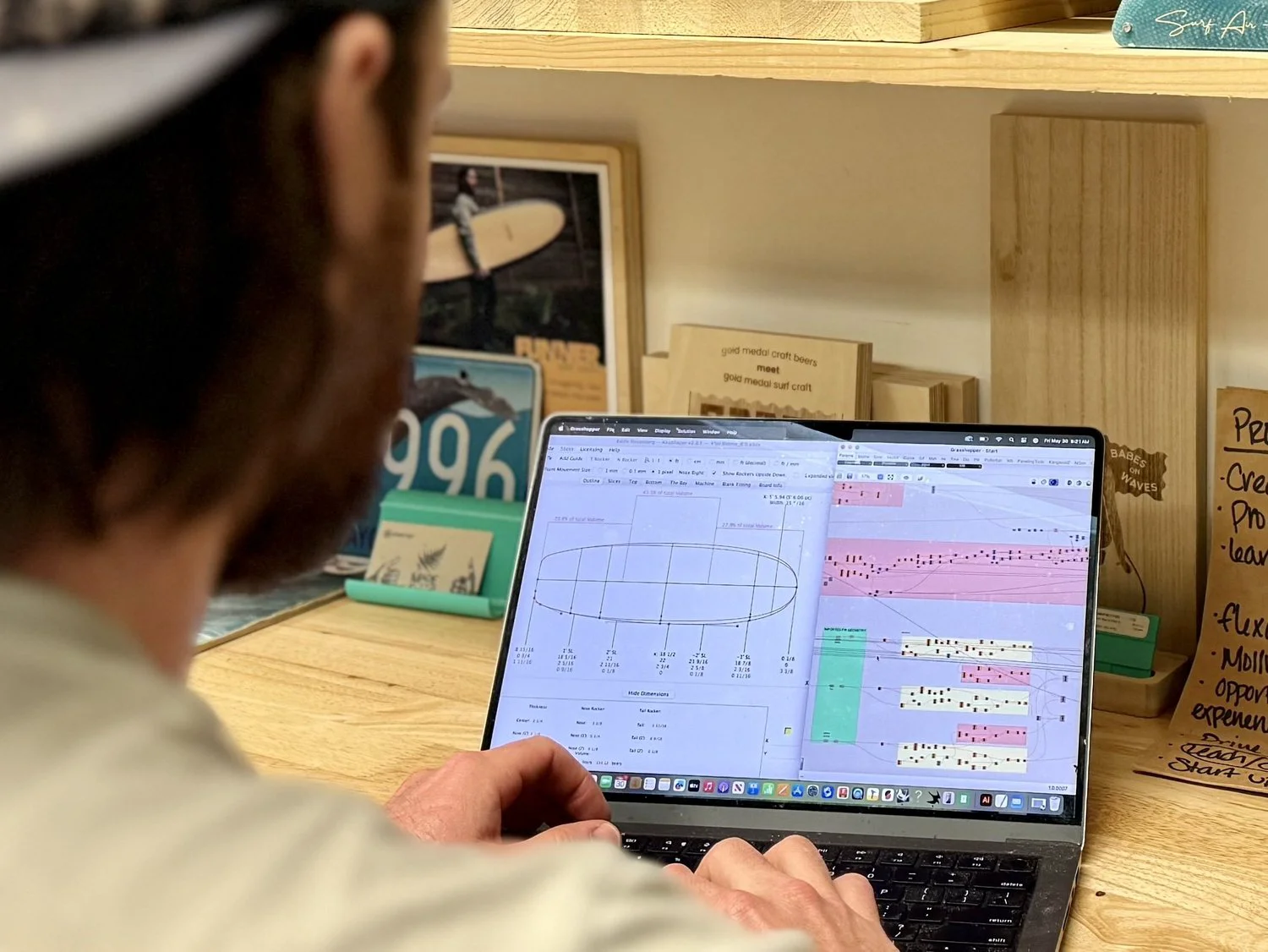
AkuShaper is a specialized surfboard design and shaping platform trusted by professional shapers and hobbyists worldwide. The software provides a comprehensive suite of tools for designing surfboard outlines, rockers, and rail curves with precision, then visualizing them in a 3D Shaping Bay before committing to a cut. Nearly half a million boards are produced annually using AkuShaper's integrated hardware and software ecosystem. The platform offers tiered plans to match every shaper's needs. The entry-level Backyarder plan covers core design, saving, and 3D visualization, with the ability to order CNC cuts from local factories. The Up and Comer plan adds automated scaling, rocker adjustment tools, board management, blank differentials, and volume calculations — ideal for growing design libraries. The Heavyweight plan unlocks professional export formats (OBJ, STL, IGES, DXF), BRX™ password-protected files, and advanced CNC machine software integration. Beyond surfboards, AkuShaper supports hollow wood board construction, snow surf designs, logo and artwork rendering, and even 3D printing workflows. A free Demo Mode allows new users to explore all design and visualization features and save their work before committing to a subscription. With an industry directory, CNC machine marketplace, tutorial videos, and active community, AkuShaper is the definitive end-to-end platform for the surf shaping industry.
Key Features
- Precision Board Design Tools: Edit outlines, rockers, and rail curves with professional-grade tools including continuous rail, control points, rocker adjustments, and real-time slice display.
- 3D Shaping Bay™: Visualize your surfboard designs in a realistic 3D environment to review proportions, rail shapes, and overall aesthetics before production.
- CNC Machine Integration: Export designs directly to CNC shaping machines or send order cards to local factories. Supports import/export of Shape3d (.s3dx) and DSD (.srf) formats.
- Multi-Format Export: Export finished 3D designs in OBJ, STL, IGES, and DXF formats, and protect proprietary designs with BRX™ password-protected file encryption.
- Board Library & Blank Management: Manage growing design collections with automated scaling and rocker tools, blank library fitting, ghost board overlays, volume calculations, and center of mass tools.
Use Cases
- Professional shapers designing and managing a large catalog of custom surfboard templates for production.
- Hobbyist board builders creating backyard surfboard designs and ordering CNC cuts from local shaping factories.
- Surf brands and factories streamlining the workflow from initial board concept through CNC machine production.
- Craftspeople designing and building hollow wood surfboards with precise dimensional control.
- Snow surf and alternative board designers exploring new shapes and exporting 3D models for manufacturing or 3D printing.
Pros
- Industry Standard Platform: Nearly half a million boards are produced annually on AkuShaper, making it the most widely adopted surfboard shaping software in the world.
- Free Demo Mode: New users can explore all design and visualization features and save their work in Demo Mode before committing to a paid subscription.
- Full Workflow Coverage: Handles the entire shaping workflow from initial design through 3D visualization, CNC machining, 3D printing, and even hollow wood board construction.
- Flexible Tiered Plans: Plans scale from hobbyist ($12.95/mo) to professional ($49.50/mo), ensuring shapers only pay for the features they need.
Cons
- Highly Niche Application: AkuShaper is purpose-built exclusively for surfboard and snow surf design — it has no utility outside the board-shaping industry.
- Advanced Features Locked to Higher Tiers: Professional export formats (OBJ, STL, IGES, DXF) and CNC machine software are only available on the most expensive Heavyweight plan at $49.50/month.
- Learning Curve for New Shapers: The breadth of design tools, rail adjustments, and CNC workflows can be overwhelming for beginners without prior shaping or CAD experience.
Frequently Asked Questions
Is there a free trial for AkuShaper?
Yes. AkuShaper offers a free Demo Mode that lets you access all design and visualization features without a credit card. You can save your work in Demo Mode and unlock your designs after signing up for a paid plan.
What file formats does AkuShaper support for export?
AkuShaper supports exporting designs in OBJ, STL, IGES, and DXF formats (Heavyweight plan), as well as Shape3d (.s3dx) and DSD (.srf) import/export, PDF printing, and the proprietary BRX™ password-protected format.
Can I use AkuShaper to send designs to a CNC shaping machine?
Yes. AkuShaper integrates with CNC shaping machines. You can export designs directly for CNC cutting or use Order Cards to send jobs to local factories. The platform also lists new and used CNC machines in its Industry Directory.
What is the difference between the Backyarder, Up and Comer, and Heavyweight plans?
Backyarder ($12.95/mo) covers core design, saving, and 3D visualization. Up and Comer ($29.95/mo) adds automated scaling, board management, volume tools, and full-size PDF export. Heavyweight ($49.50/mo) includes all features plus professional 3D export formats, BRX™ file protection, and CNC machine software.
Does AkuShaper support design types beyond traditional surfboards?
Yes. AkuShaper supports hollow wood surfboards, snow surf designs, 3D printing workflows, and logo/artwork rendering, making it versatile across multiple board-building disciplines.