
About
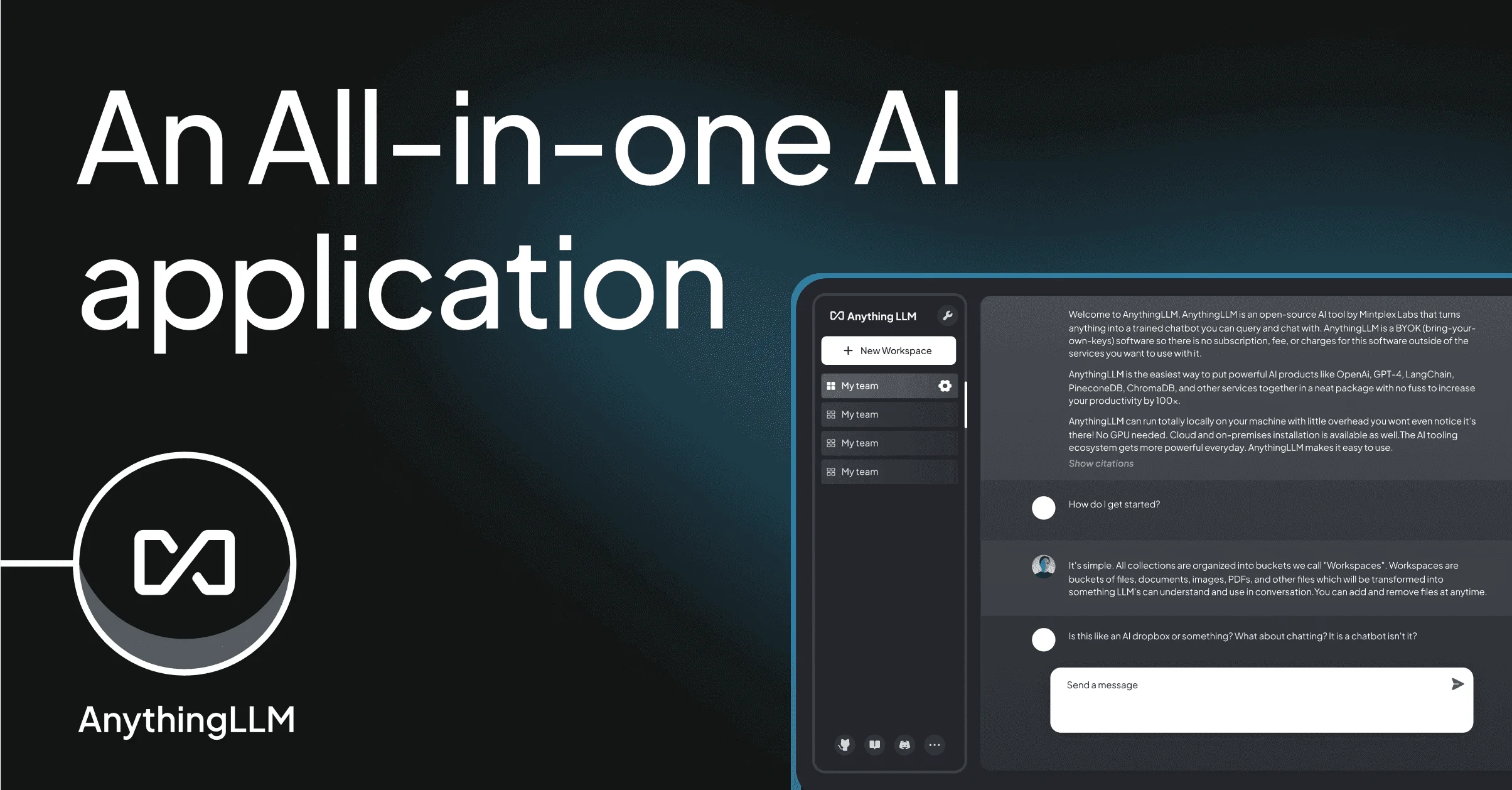
AnythingLLM is a powerful, privacy-first AI application designed to bring the full potential of large language models to everyone — developers and non-developers alike. At its core, it enables Retrieval Augmented Generation (RAG), allowing users to chat intelligently with their own documents including PDFs, Word files, CSVs, codebases, and content imported from online sources. The application supports virtually any LLM: run models fully locally using its built-in provider, or connect to enterprise cloud providers like OpenAI, Azure OpenAI, and AWS Bedrock. All data is stored and processed locally by default, ensuring that nothing is shared without explicit consent. AnythingLLM ships with a clean, intuitive interface that requires no coding knowledge to use, yet also exposes a full developer API for teams that want to integrate its capabilities into existing products. AI Agents are built in, enabling autonomous task execution within your own data environment. The platform is open source (MIT licensed), free to use, and actively maintained with a growing plugin and integration ecosystem. A cloud-hosted option is also available for teams who prefer managed infrastructure. Whether you're an individual looking to supercharge personal productivity, a developer building RAG-powered applications, or an enterprise seeking a private, on-premise AI stack, AnythingLLM delivers a flexible, feature-rich solution with minimal friction.
Key Features
- Any LLM, Any Provider: Run models locally with the built-in LLM provider or connect to cloud providers like OpenAI, Azure OpenAI, and AWS Bedrock — all with no frustrating configuration.
- Document Chat via RAG: Chat intelligently with PDFs, Word documents, CSVs, codebases, and online-imported content using Retrieval Augmented Generation for accurate, grounded responses.
- Full Local Privacy: Everything — your LLM, embedder, vector database, and storage — runs locally on your machine by default. Nothing is shared unless you explicitly allow it.
- Built-in AI Agents: Execute autonomous tasks within your private data environment using built-in AI Agent support, with the ability to extend via custom agents and data connectors.
- Developer API & Extensibility: A built-in REST API makes AnythingLLM suitable for custom development and integration into existing products, with a growing ecosystem of plugins and connectors.
Use Cases
- Privately chat with internal company documents, policies, and knowledge bases without sending data to external services.
- Build RAG-powered developer tools or internal applications using AnythingLLM's built-in REST API.
- Create a personal AI assistant that works with your notes, research papers, and files — entirely offline.
- Deploy a private, on-premise AI stack for enterprises with strict data compliance or security requirements.
- Enable non-technical teams to interact with large document collections using natural language, with no coding required.
Pros
- Completely Free and Open Source: Released under the MIT license, AnythingLLM is free to use, modify, and self-host with no paywalled core features.
- Uncompromising Privacy: Designed to run entirely offline and locally, making it ideal for sensitive enterprise data, compliance requirements, or personal use.
- No Technical Setup Required: A polished, intuitive UI makes powerful LLM and RAG capabilities accessible to non-developers without writing a single line of code.
- Broad LLM and Document Compatibility: Works with virtually any LLM provider and supports a wide range of document formats, making it highly versatile across different workflows.
Cons
- Local Hardware Requirements: Running large LLMs locally demands significant CPU/GPU and RAM resources, which may be a barrier on lower-end machines.
- Self-Hosted Setup Complexity at Scale: While easy for individuals, configuring AnythingLLM for large enterprise deployments or multi-user environments may require additional technical expertise.
- Cloud Version Feature Parity: Some advanced local-only features and privacy guarantees are inherently unavailable in the cloud-hosted version.
Frequently Asked Questions
Is AnythingLLM really free to use?
Yes. AnythingLLM is fully open source and licensed under the MIT license, meaning it is free to download, use, and self-host. A managed cloud option is also available for teams that prefer it.
Which LLMs does AnythingLLM support?
AnythingLLM supports any LLM — you can run models locally using its built-in provider, or connect to cloud-based providers such as OpenAI, Azure OpenAI, AWS Bedrock, and more.
What document types can I chat with?
AnythingLLM supports PDFs, Microsoft Word documents, CSVs, code repositories, and content imported from online sources, covering the most common business and developer document formats.
Does AnythingLLM work fully offline?
Yes. With a locally running LLM and its built-in local defaults for the embedder, vector database, and storage, AnythingLLM can operate entirely offline without any internet connection.
Can developers integrate AnythingLLM into their own applications?
Absolutely. AnythingLLM ships with a built-in REST API that allows developers to use it as a backend for custom applications, and it supports custom agents and data connectors for further extensibility.