

About
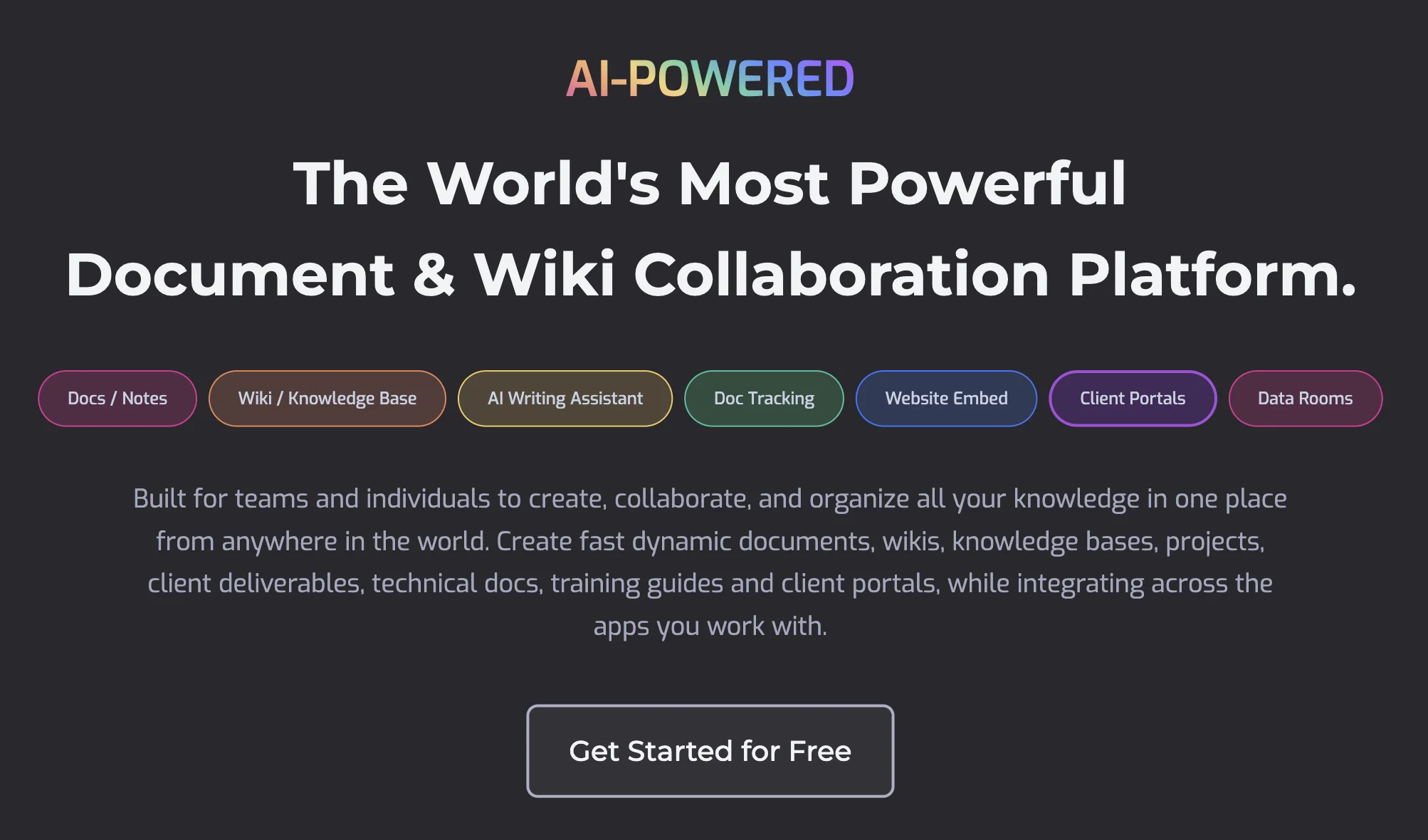
Bit.ai (Bit AI) is a comprehensive AI-powered document collaboration and knowledge management platform designed for teams of all sizes. With the release of Bit.ai 3.0, it brings together a smart document editor, wiki builder, AI Writer, AI Doc Builder, AI Summarizer, AI Translator, and more under one roof. Teams can create beautiful, interactive documents and wikis with rich media embeds, code blocks, file previews, tables, and link cards. The Connected Search feature allows users to locate information across all workspaces instantly. Documents can be shared as live, trackable links with password protection and expiration dates, making it easy to collaborate with external clients through dedicated client portals and datarooms. Bit.ai integrates seamlessly with over 100 tools including Google Drive, OneDrive, Figma, GitHub, Trello, Miro, and more. It supports a wide range of use cases — from marketing campaign management and product roadmaps to HR onboarding, sales proposals, and educational content. Whether you're a startup looking for a single source of truth, an enterprise standardizing cross-functional documentation, or a freelancer managing client deliverables, Bit.ai offers flexible workspaces tailored to every team's needs. Its AI capabilities accelerate content creation, editing, research, and summarization, making knowledge work faster and more organized.
Key Features
- AI Writer & Doc Builder: Generate, draft, and structure documents automatically using built-in AI tools including an AI Writer, AI Doc Builder, AI Summarizer, and AI Translator.
- Wiki Builder & Connected Search: Build and manage rich team wikis with a connected search engine that surfaces relevant information across all workspaces instantly.
- Real-Time Collaboration: Work simultaneously with teammates using live co-editing, comments, chat threads, and internal workflow tools built directly into documents.
- Trackable & Shareable Documents: Share documents as live links with tracking, password protection, and expiration dates, plus client portals and datarooms for external collaboration.
- 100+ Integrations & Rich Embeds: Embed content from Google Drive, Figma, GitHub, Trello, Miro, YouTube, and 100+ other tools directly inside documents and wikis.
Use Cases
- Marketing teams organizing campaign briefs, content calendars, and asset libraries in a centralized, collaborative workspace.
- HR departments creating and sharing onboarding documents, policy wikis, and training knowledge bases with new employees.
- Sales teams building trackable proposals, pitch decks, and client-facing documents with real-time engagement analytics.
- Product managers documenting roadmaps, feature specs, and user feedback in a single shared hub aligned across teams.
- Freelancers and agencies managing client deliverables, project documentation, and proposals through secure client portals.
Pros
- All-in-one knowledge hub: Combines documents, wikis, AI writing, search, and collaboration in a single platform, eliminating the need for multiple disconnected tools.
- Powerful AI capabilities: Built-in AI Writer, Summarizer, Translator, and Doc Builder dramatically accelerate content creation and editing workflows.
- Flexible sharing & client collaboration: Supports trackable live documents, password-protected links, guest access, client portals, and datarooms for both internal and external use.
- Extensive integrations: Connects with 100+ popular tools including cloud storage, design apps, project management tools, and communication platforms.
Cons
- Feature complexity for small teams: The breadth of features and workspace configurations can feel overwhelming for individuals or very small teams with simpler needs.
- Advanced features behind paid plans: Key capabilities like client portals, datarooms, document tracking, and advanced AI tools may require upgrading to higher-tier plans.
- Learning curve for wikis: Setting up structured company or team wikis with proper hierarchy and permissions takes initial time and planning.
Frequently Asked Questions
What is Bit.ai used for?
Bit.ai is used for creating and collaborating on documents, wikis, and knowledge bases. It serves teams across marketing, sales, HR, product, design, research, and more by centralizing content and enabling real-time collaboration.
Does Bit.ai have AI features?
Yes. Bit.ai includes an AI Writer, AI Doc Builder, AI Summarizer, AI Translator, and AI Researcher — all designed to help users create, edit, and manage content faster.
Can I collaborate with external clients on Bit.ai?
Yes. Bit.ai supports guest access, client collaboration workspaces, client portals, and datarooms, allowing you to securely share and collaborate on documents with people outside your organization.
What integrations does Bit.ai support?
Bit.ai integrates with 100+ tools including Google Drive, OneDrive, SharePoint, Dropbox, Figma, GitHub, Trello, Miro, YouTube, Loom, Airtable, and many more via rich embed support.
Is Bit.ai suitable for large enterprises?
Yes. Bit.ai offers features specifically for large organizations such as unlimited workspaces, company-wide knowledge bases, cross-functional boards, standardized documentation workflows, and role-based access control.