
About
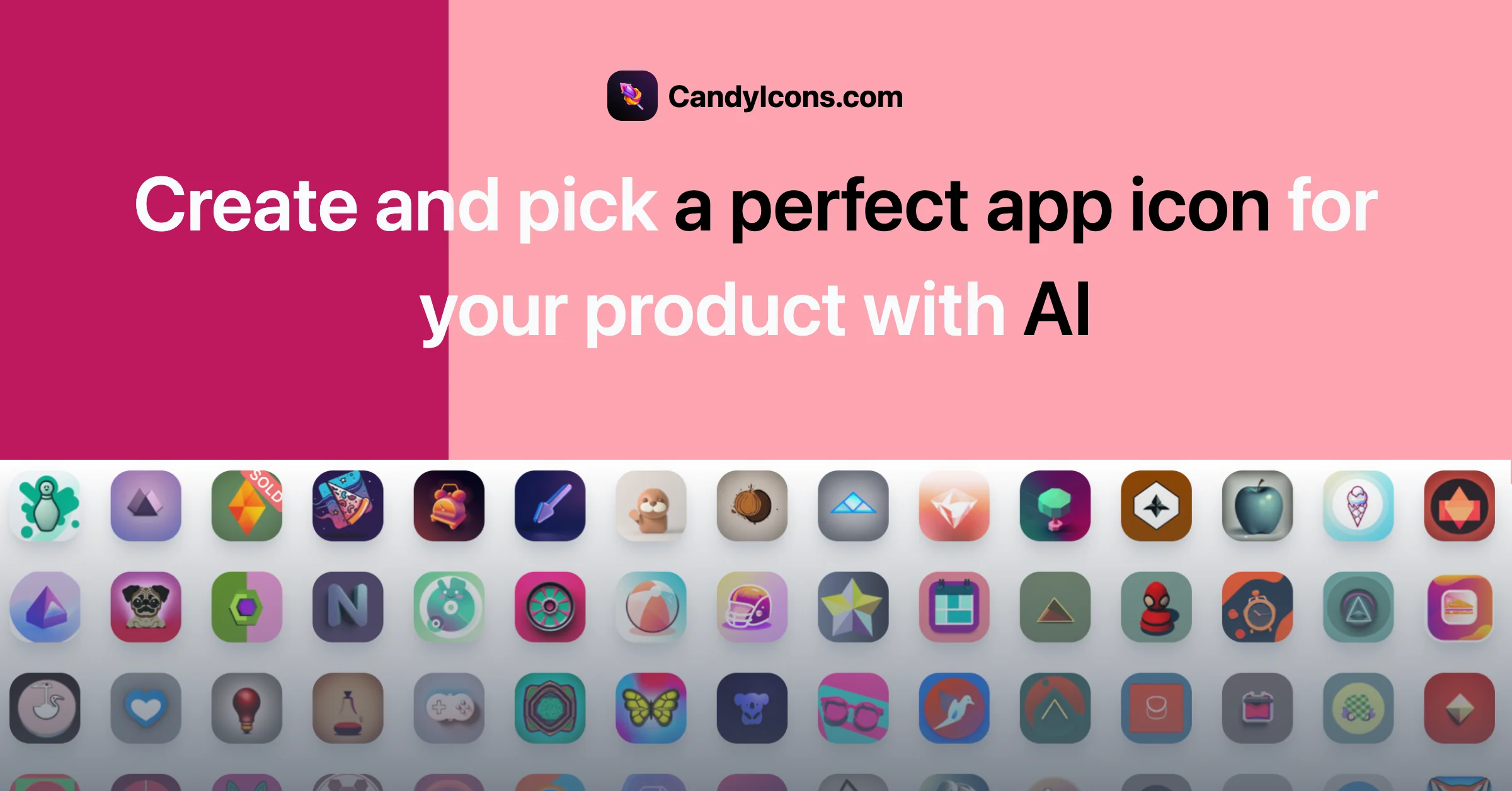
CandyIcons is a specialized AI app icon generator designed to help developers, indie hackers, and designers create beautiful app icons without the need for complex graphic design software. Simply describe your icon in a few keywords, select your preferred colors and styles, and the AI generates multiple unique options instantly. The platform supports a wide range of visual styles including retro, cartoon, geometric, neon, clay, 3D, pixel art, origami, minimal, gradient, watercolor, crayon, sticker, and more — making it versatile for any app aesthetic. Users can select multiple styles simultaneously to explore different creative directions. CandyIcons operates on a credit-based pay-per-download model with no login required for purchases, making it frictionless to get started. Every purchased icon comes with full copyright ownership, meaning you can use it commercially without restrictions. Icons are available in multiple formats suitable for iOS, macOS, Android, and web favicons. Beyond icon generation, CandyIcons also offers a library of thousands of premade icons across categories like animals, objects, food, space, sports, and more. Free companion tools include an iOS/macOS asset generator (for Apple-compliant icon sets) and a favicon generator. Rated by over 1,500 users, CandyIcons is a go-to resource for app creators looking to save time on visual branding.
Key Features
- Text-to-Icon AI Generation: Describe your app icon using simple keywords and let the AI generate multiple unique, high-quality icons in seconds.
- 20+ Visual Styles: Choose from retro, cartoon, 3D, pixel, watercolor, clay, neon, minimal, gradient, and many more styles to match your app's brand.
- Full Copyright Ownership: Every purchased or generated icon comes with complete copyright transfer, allowing unrestricted commercial use across any platform.
- Multi-Platform Export: Export icons in formats optimized for iOS, macOS, Android, and web (favicon), with a free iOS/macOS asset generator included.
- Premade Icon Library: Browse thousands of pre-generated icons across categories like animals, food, space, sports, and symbols for instant use.
Use Cases
- An indie developer building a new iOS app needs a professional icon quickly without hiring a designer — they use CandyIcons to generate several options from a text prompt and download the best match.
- A startup launching an Android productivity app uses CandyIcons to explore multiple icon styles (3D, minimal, gradient) before committing to a visual identity.
- A web developer creating a SaaS product uses the free favicon generator alongside CandyIcons to maintain a consistent brand identity across app stores and the web.
- A solopreneur participating in a startup challenge uses CandyIcons to rapidly prototype app icon ideas during a hackathon, saving hours compared to using Figma or Photoshop.
- A mobile app reseller browses CandyIcons' premade library to find royalty-free icons across dozens of categories for use in multiple client projects.
Pros
- No Login Required: Purchase and download icons without creating an account, making the process fast and frictionless.
- Full Ownership Included: Unlike subscription-based tools, every icon purchase grants full copyright — ideal for commercial app projects.
- Wide Style Variety: With 20+ distinct visual styles available simultaneously, it's easy to explore creative directions for any app genre.
- Free Companion Tools: Includes a free iOS/macOS asset generator and favicon generator, adding extra utility beyond icon creation.
Cons
- Credit-Based Pricing: Icon generation requires purchasing credits, which can add up for users who need to iterate on many designs.
- No SVG Format: SVG format is not available for generated icons, which may be limiting for developers needing scalable vector assets.
- Limited to Icons: The platform is narrowly focused on app icons and favicons — it does not support broader graphic or logo design needs.
Frequently Asked Questions
Do I own the app icons I generate or purchase?
Yes. After purchasing an icon, you receive full copyright ownership and can use it commercially in any way, on any platform, without restrictions.
What image formats are the icons available in?
Icons are available in common raster formats suitable for iOS, macOS, Android, and web. SVG format is currently not supported.
Do I need an account to buy icons?
No login is required to purchase icons. You pay per download, making the process quick and hassle-free.
When do my credits for generating app icons expire?
Credit expiration details are outlined in the platform's FAQ section. It's recommended to check the site for the latest policy on credit validity.
What if none of the generated icons meet my expectations?
CandyIcons offers a 100% satisfaction guarantee. If you're not happy with the results, you can reach out to their support team for assistance.