
About
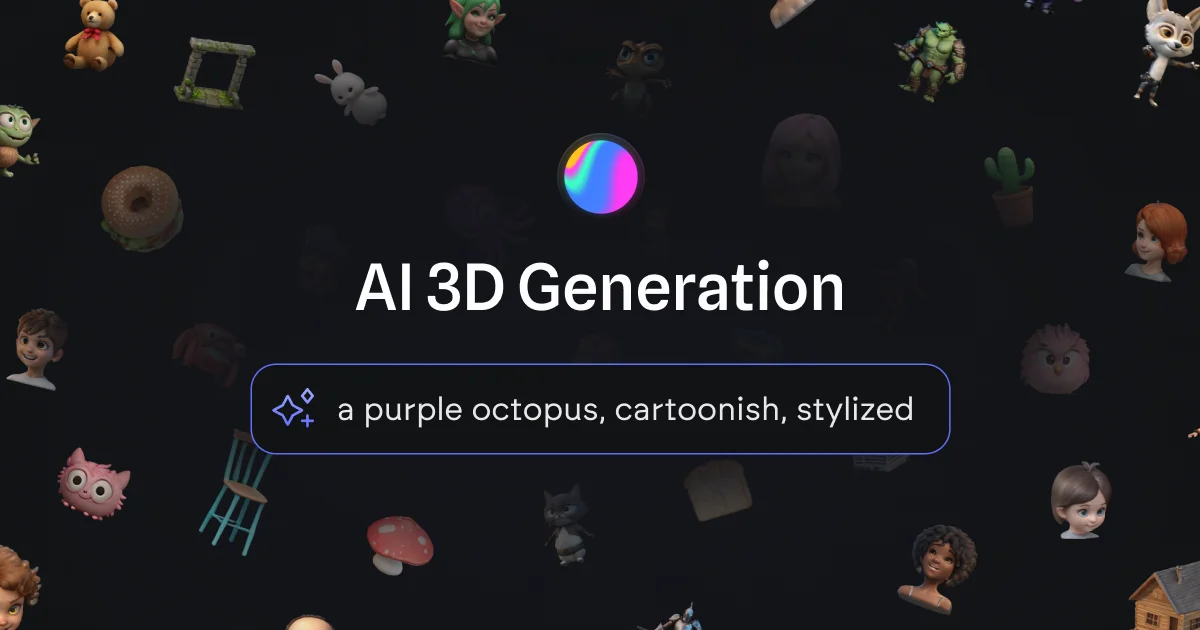
Spline AI Design is an AI-powered 3D generation tool built into the Spline interactive design platform. It enables anyone — from beginners to seasoned designers — to transform text prompts and 2D images into fully realized 3D mesh objects in seconds, eliminating the need for traditional 3D modeling expertise. With Text to 3D, users can describe their concept and instantly receive four generated variants to choose from. Image to 3D allows front-facing 2D images to guide and influence the generation process, bridging the gap between 2D references and three-dimensional assets. Users can also remix and build on previous generations to quickly iterate and create a personalized 3D asset library. Spline AI integrates directly into both the Spline dashboard (for focused library building) and the Spline Editor (for in-context generation while designing scenes). Once assets are created, multi-platform publishing tools make it easy to embed 3D content on the web via code snippets, deploy to Apple platforms using Swift, or ship to Android using Kotlin — making it a comprehensive end-to-end solution. Ideal for UI/UX designers, game developers, content creators, and marketers who want to bring 3D concepts to life quickly without investing in complex modeling workflows, Spline AI Design bridges the gap between imagination and production-ready 3D assets.
Key Features
- Text to 3D Generation: Type a text prompt and instantly generate four 3D model variants to choose from, accelerating ideation without any modeling skills.
- Image to 3D Conversion: Use front-facing 2D images as references to influence AI generation and effortlessly convert them into 3D mesh objects.
- Remix & Variant Generation: Build on previous generations by remixing results to create new variants, making it easy to iterate and refine your 3D assets.
- Editor & Dashboard Integration: Generate 3D assets directly inside the Spline Editor while building scenes, or use the standalone dashboard to focus on growing your 3D library.
- Multi-Platform Publishing: Export and embed AI-generated 3D content to websites, Apple platforms (Swift/Xcode), and Android (Kotlin/APK/AAB) with ready-made code snippets.
Use Cases
- A UI/UX designer uses Spline AI to quickly generate 3D hero assets and product mockups for a website without needing to learn Blender or Cinema 4D.
- A game developer prototypes character and prop concepts by entering text descriptions and remixing AI-generated variants to find the right art direction.
- A content creator builds a custom library of stylized 3D objects for use in social media visuals and branded content by iterating on AI-generated results.
- A marketing team generates on-brand 3D illustrations from product images to embed as interactive web elements on landing pages using Spline's web export.
- An educator or student explores 3D design concepts and builds a personal asset library by experimenting with AI generation without formal 3D modeling training.
Pros
- No 3D Modeling Experience Required: Spline AI is designed to be beginner-friendly, letting anyone generate professional-quality 3D assets from simple text or image inputs.
- Fast Ideation & Prototyping: Generating multiple 3D variants in seconds dramatically speeds up the creative process compared to traditional 3D modeling workflows.
- Seamless Platform Integration: AI generation is embedded directly into the Spline design environment, keeping the creative workflow unified from ideation to publishing.
- Broad Publishing Support: Native export support for web, iOS, and Android makes it straightforward to deploy 3D content across multiple platforms.
Cons
- Limited to Mesh Object Generation: The AI focuses on 3D mesh objects and may not fully replace complex procedural or rigged animation workflows for advanced 3D projects.
- Generation Quality Varies by Prompt: As with most AI generation tools, output quality depends heavily on prompt clarity and may require multiple iterations to achieve desired results.
- Tied to the Spline Ecosystem: Full functionality requires working within the Spline platform, which may be limiting for teams using other 3D tools like Blender or Cinema 4D.
Frequently Asked Questions
Can I use Spline AI 3D Generation for free?
Yes, Spline AI offers a free tier as part of the broader Spline platform. Some advanced features and higher generation limits may require a paid plan.
Do I need a high-spec device to use Spline AI?
Spline AI is web-based, so it runs in your browser. While a modern device is recommended for smooth performance, you don't need specialized hardware for AI generation.
What's the difference between Text to 3D and Image to 3D?
Text to 3D generates 3D models directly from a written description, producing four variants to choose from. Image to 3D uses a 2D front-facing image as a visual reference to guide and shape the 3D generation.
Can I use my AI-generated 3D models in other platforms?
Yes. Spline supports multi-platform publishing, allowing you to embed 3D content on the web, in Apple apps via Swift/Xcode, and in Android apps via Kotlin, APKs, and AABs.
Does Spline AI use my existing files or project data for training?
Spline has addressed this in their FAQ on the AI page. They are transparent about data usage policies — it's recommended to review their Privacy and Security pages for the latest details on how your data is handled.