

About
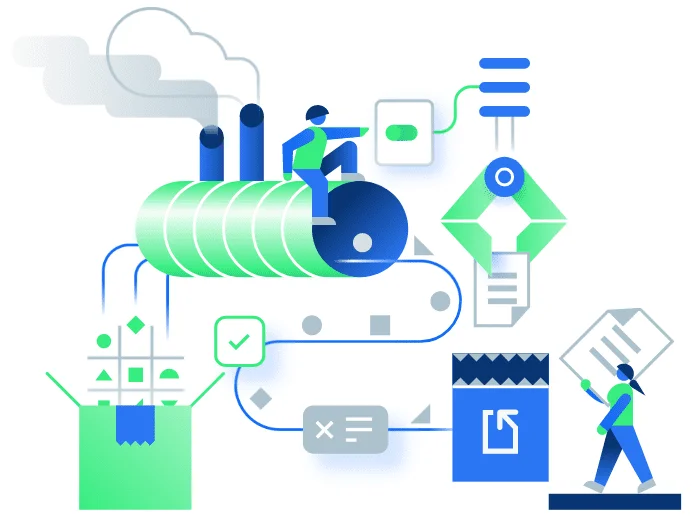
Docparser is a powerful document data extraction tool designed to automate the processing of business documents including PDFs, Word files, CSVs, XML, TXT, and scanned images. At its core, Docparser uses Zonal OCR technology, advanced pattern recognition, and anchor keywords to accurately identify and pull data from complex document layouts—no coding required. With the introduction of DocparserAI, the platform now leverages an AI engine that further simplifies extraction setup and customization. Users can configure document parsers in three steps: upload or import documents (via cloud storage, email, REST API, or direct upload), define parsing rules using visual, no-code tools, and then export data to Excel, CSV, JSON, XML, or hundreds of integrations like Zapier, Workato, and Microsoft Power Automate. Docparser covers a wide range of document types including invoices, purchase orders, bank statements, contracts, HR forms, shipping orders, and product catalogs. It serves industries such as accounting, legal, logistics, ecommerce, manufacturing, and more. The built-in OCR PDF Scanner handles even scanned documents effortlessly. Ideal for businesses looking to eliminate manual data entry, Docparser dramatically reduces processing time and human error, making it a top choice for data providers, accountants, operations teams, and enterprises handling high document volumes.
Key Features
- DocparserAI Engine: An AI-powered extraction engine that automates document parsing, customizes outputs, and integrates seamlessly with existing workflows.
- Zonal OCR Technology: Drag-and-select zones on documents to precisely extract text and data from specific regions, even in scanned image-based files.
- No-Code Rule Builder: Define parsing rules visually using preset templates or custom configurations—no programming knowledge required.
- Wide Format & Integration Support: Import documents from cloud storage, email, or API and export extracted data to Excel, CSV, JSON, XML, Zapier, Power Automate, and more.
- Pre-Built Document Templates: Ready-made parser templates for invoices, purchase orders, bank statements, contracts, HR forms, and shipping documents.
Use Cases
- Automating invoice data extraction and routing to accounting systems like QuickBooks or Xero.
- Converting scanned purchase orders into structured data for order management workflows.
- Parsing bank statements into Excel or CSV for bookkeeping and financial reconciliation.
- Extracting key fields from legal contracts and HR forms to populate downstream business systems.
- Processing shipping and delivery notes to automate logistics and inventory management.
Pros
- No Coding Required: The visual rule builder and template library make it accessible to non-technical users without any developer involvement.
- Broad Document Type Coverage: Handles everything from structured PDFs to scanned images across many industries and use cases.
- Extensive Integration Ecosystem: Connects to hundreds of apps via Zapier, Workato, and Power Automate, enabling end-to-end workflow automation.
- AI-Enhanced Accuracy: The DocparserAI engine improves extraction precision and reduces setup time for complex or variable document formats.
Cons
- Learning Curve for Complex Documents: Highly variable or unstructured documents may require significant rule customization and testing before achieving reliable extraction.
- Volume-Based Pricing: Costs scale with document volume, which can become expensive for businesses processing large quantities of files.
- Limited Free Tier: The free plan has restricted document processing capacity, limiting evaluation for high-volume use cases.
Frequently Asked Questions
What file types does Docparser support?
Docparser supports Word, PDF, CSV, XLS, TXT, XML, and image files (including scanned documents processed via OCR).
Do I need coding skills to use Docparser?
No. Docparser offers a no-code rule builder with visual tools and preset templates. Developers can also use the REST API for deeper integration.
How does Docparser extract data from scanned documents?
Docparser uses Zonal OCR technology combined with pattern recognition and anchor keywords to extract data from scanned or image-based documents.
What integrations does Docparser support?
Docparser integrates with tools like Zapier, Workato, Microsoft Power Automate, Google Sheets, Excel, and hundreds of other cloud applications.
Is there a free trial available?
Yes, Docparser offers a free trial with no credit card required, allowing users to test document parsing before committing to a paid plan.