
About
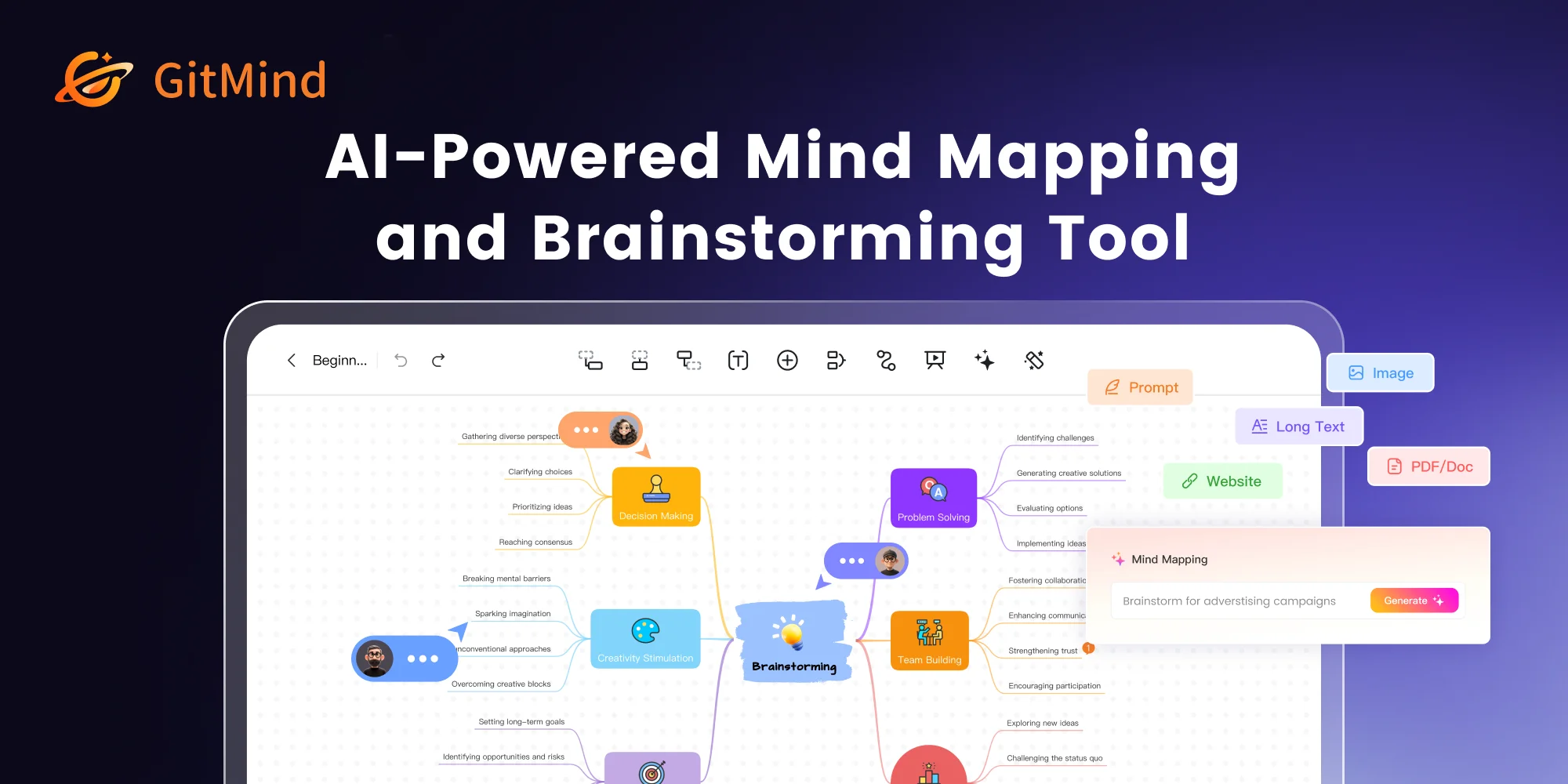
GitMind AI goes far beyond traditional mind mapping—it functions as a full AI second brain designed to turn information chaos into visual clarity. Users can feed the tool virtually any content type—YouTube videos, podcasts, audio recordings, PDFs, spreadsheets, web articles, or images—and receive structured mind maps, concise summaries, or professional diagrams in return. The platform supports a wide range of diagram types including flowcharts, UML diagrams, class diagrams, entity-relationship diagrams (ERDs), and org charts, all generated with AI assistance. Its OCR engine extracts text from images, enabling note-taking directly from handouts or screenshots. An integrated AI chatbot supports multi-task workflows, letting users summarize, query, and generate content from a single interface. GitMind AI supports multiple leading AI models including ChatGPT, Gemini, Claude, and DeepSeek, giving users flexibility in how they process information. Real-time collaboration allows teams and classrooms to co-create mind maps simultaneously. The tool ships across all major platforms—Windows, Mac, iOS, Android, and as a Chrome Extension—making it accessible on any device. Ideal for students looking to streamline study sessions, teachers creating dynamic lesson plans, marketing professionals planning campaigns, and knowledge workers managing complex information, GitMind AI is a versatile productivity companion for anyone who needs to think and communicate visually.
Key Features
- AI Mind Map Generation: Instantly convert text, articles, PDFs, audio, video, Excel files, and images into structured, visually organized mind maps with a single prompt.
- Multi-Format Summarization: Summarize YouTube videos, podcasts, PDFs, books, spreadsheets, and web articles to extract key insights quickly and efficiently.
- AI Diagram Builder: Automatically generate professional flowcharts, UML diagrams, class diagrams, ERDs, sequence diagrams, and infographics using AI assistance.
- OCR & Image Processing: Extract text from images and handouts using built-in OCR, then transform that text into mind maps, summaries, or AI-generated artwork.
- Multi-Model AI Support: Switch between leading AI models—ChatGPT, Gemini, Claude, and DeepSeek—within a unified workspace to power different tasks.
Use Cases
- Students converting lecture videos, textbook PDFs, and class handouts into organized mind maps for efficient revision and exam preparation.
- Teachers transforming long articles and lesson content into visual mind maps and dynamic presentation slides for more engaging classroom instruction.
- Marketing professionals brainstorming campaign ideas, mapping content strategies, and summarizing competitor research reports into visual overviews.
- Knowledge workers processing meeting recordings, research documents, and web articles into structured summaries and actionable mind maps.
- Developers and analysts generating UML diagrams, class diagrams, ERDs, and flowcharts automatically from text descriptions to accelerate documentation.
Pros
- Truly All-in-One Workspace: Combines mind mapping, diagram creation, summarization, OCR, and AI chat in a single platform, eliminating the need for multiple separate tools.
- Broad Platform Support: Available on Web, Windows, Mac, iOS, Android, and as a Chrome Extension, ensuring seamless access across any device or workflow.
- Versatile Input Support: Accepts nearly any content format—video, audio, PDF, image, Excel, URL—making it easy to capture and organize information from any source.
- Strong Free Tier: Core mind mapping and collaboration features are available for free, making it accessible to students and individuals without upfront cost.
Cons
- Advanced AI Features Require Add-on: More powerful AI capabilities such as unlimited summarization, advanced diagram generation, and premium model access are locked behind a paid GitMind AI add-on.
- Feature Breadth Can Feel Overwhelming: The wide range of tools—diagrams, OCR, video summaries, AI chat—may present a steep learning curve for new users expecting a simple mind map editor.
- Internet Dependency: As a primarily cloud-based tool, full functionality requires a stable internet connection; offline editing capabilities are limited.
Frequently Asked Questions
Is GitMind AI free to use?
Yes, GitMind offers a free tier with core mind mapping and collaboration features. Advanced AI capabilities—such as unlimited document summarization, multi-format input processing, and premium model access—are available through a paid GitMind AI add-on.
What file types can GitMind AI process?
GitMind AI supports a wide range of inputs including PDFs, Word documents, Excel spreadsheets, images (with OCR), audio files, YouTube video links, podcast URLs, and plain text articles.
Which AI models does GitMind support?
GitMind integrates with multiple leading AI models including ChatGPT (OpenAI), Gemini (Google), Claude (Anthropic), and DeepSeek, allowing users to choose the best model for each task.
Can I collaborate with others on GitMind?
Yes. GitMind supports real-time collaboration, allowing teams, students, and teachers to co-create and edit mind maps simultaneously within shared workspaces.
What platforms is GitMind available on?
GitMind is available on Web, Windows, macOS, iOS, iPad OS, Android, and as a Chrome Extension, covering virtually all major devices and operating systems.