

About
goHeather is a comprehensive AI contract platform designed to replace expensive lawyer fees for routine legal documents. It offers three core products: AI Contract Review, AI Contract Generator, and Document Comparison—all built on lawyer-trained AI calibrated to specific jurisdictions, primarily across Canada. With AI Contract Review, users upload a PDF or Word document and receive clause-by-clause analysis that highlights critical issues, suggests improved language, and explains legal jargon in plain terms. The platform integrates directly into Microsoft Word as an Add-in, allowing redlining and review without leaving the familiar editing environment. Users can also chat with the AI directly about their contract and build custom playbooks to standardize how specific contract types are reviewed. The AI Contract Generator enables users to draft fully customizable, legally sound contracts by answering a short series of questions. All templates are written by experienced Canadian lawyers and continuously updated to reflect current legal standards. goHeather prioritizes security: contracts are encrypted with bank-grade protection, and the company commits to never selling user data or using it for model training. E-signature functionality and secure document storage are on the roadmap. The platform is designed for non-lawyers—no legal expertise is required—making it ideal for small business owners, entrepreneurs, HR teams, and procurement departments looking to move faster on deals without sacrificing legal confidence.
Key Features
- AI Contract Review: Analyzes contracts clause-by-clause, flags critical issues, and suggests improved language—powered by lawyer-trained AI tuned to your jurisdiction.
- AI Contract Generator: Creates fully customizable, legally sound contracts by guiding users through a short questionnaire, drafted by experienced Canadian lawyers.
- Microsoft Word Add-in: Brings AI review and redlining directly into Microsoft Word, supporting both Word documents and PDFs without leaving the editor.
- Custom Review Playbooks: Lets users build DIY playbooks to define how each contract type should be AI-reviewed, enabling consistent standards across teams.
- Document Comparison: Compares contract versions side-by-side to quickly identify changes, additions, and removals across drafts or counterparty redlines.
Use Cases
- A small business owner reviews a vendor agreement or lease contract independently without paying lawyer fees, using AI-flagged issues to negotiate better terms.
- An HR team drafts employment contracts for new hires using the AI Contract Generator, ensuring jurisdiction-specific compliance without engaging outside counsel.
- A startup founder uploads a counterparty's contract into the Microsoft Word Add-in to redline problematic clauses before a funding deal.
- A procurement manager builds a custom playbook to standardize how all supplier contracts are AI-reviewed, ensuring consistent risk management across deals.
- A non-profit organization compares two versions of a partnership agreement using Document Comparison to quickly identify what changed between drafts.
Pros
- Jurisdiction-specific accuracy: Contracts and reviews are tailored to specific Canadian jurisdictions, reducing generic legal risk that one-size-fits-all tools introduce.
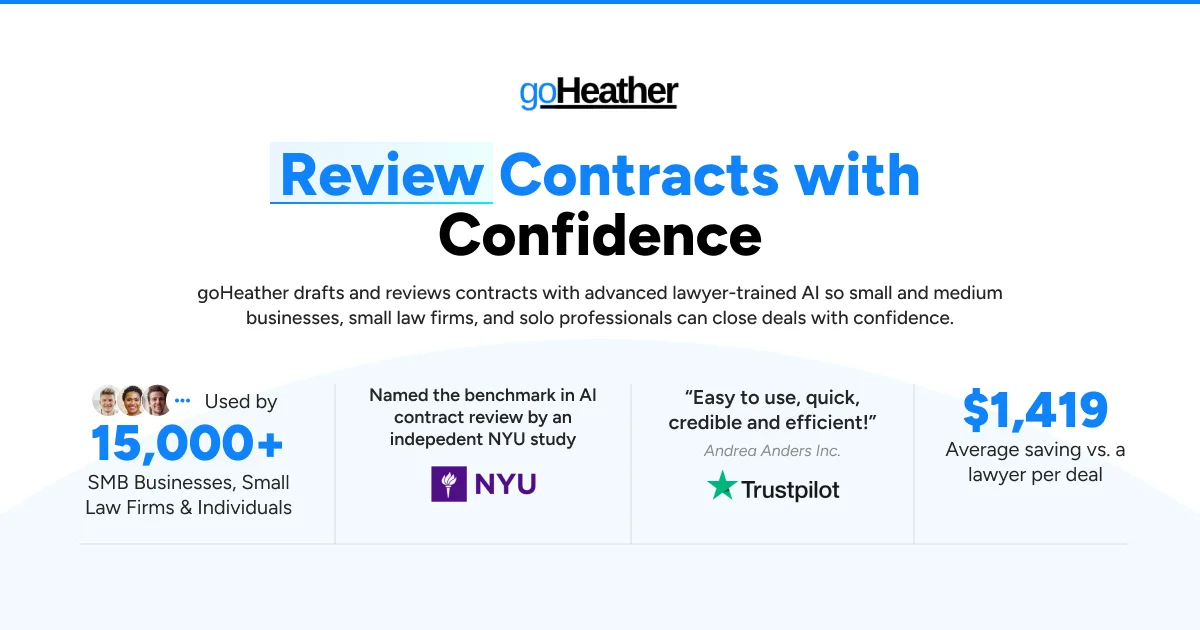
- Significant cost savings: Users save an average of $1,419 per deal compared to hiring outside counsel, making professional-grade legal review accessible to any team size.
- No legal expertise required: The interface is designed for non-lawyers, with plain-language explanations and guided workflows that anyone can follow confidently.
- Strong data privacy commitments: Contracts are encrypted with bank-grade security, and goHeather explicitly does not sell user data or use it to train AI models.
Cons
- Primarily Canadian jurisdiction focus: While the tool supports multiple languages and claims global use, its contract templates and legal standards are focused on Canadian jurisdictions, limiting value for users outside Canada.
- E-signatures not yet available: E-signature and secure document storage features are listed as 'coming soon,' requiring users to rely on third-party tools for signing workflows.
- Not a replacement for complex legal matters: goHeather is optimized for routine contracts; high-stakes or highly complex legal transactions may still require qualified legal counsel.
Frequently Asked Questions
Does goHeather work with PDFs and Word documents?
Yes. The web app reviews PDF files, while the Microsoft Word Add-in can review and redline both Word documents and PDFs. To review a PDF in Word, open it via File > Open in Microsoft Word, then use the goHeather Add-in from the top ribbon.
Is goHeather free to use?
goHeather offers a free trial with no credit card required. Paid plans are available for ongoing access to advanced features and higher usage limits.
Which jurisdictions does goHeather support?
goHeather currently supports all jurisdictions across Canada, with contracts and reviews tailored to each province's legal standards. The platform also supports multiple languages for international accessibility.
Is my contract data kept private and secure?
Yes. goHeather encrypts all contracts with gold-standard protection, uses a bank-grade database provider, and explicitly commits to never selling your data or using it to train their AI models.
Can I customize how my contracts are reviewed?
Yes. goHeather allows users to create custom review playbooks that define how specific contract types should be analyzed by the AI, enabling consistent review standards across your organization.