
About
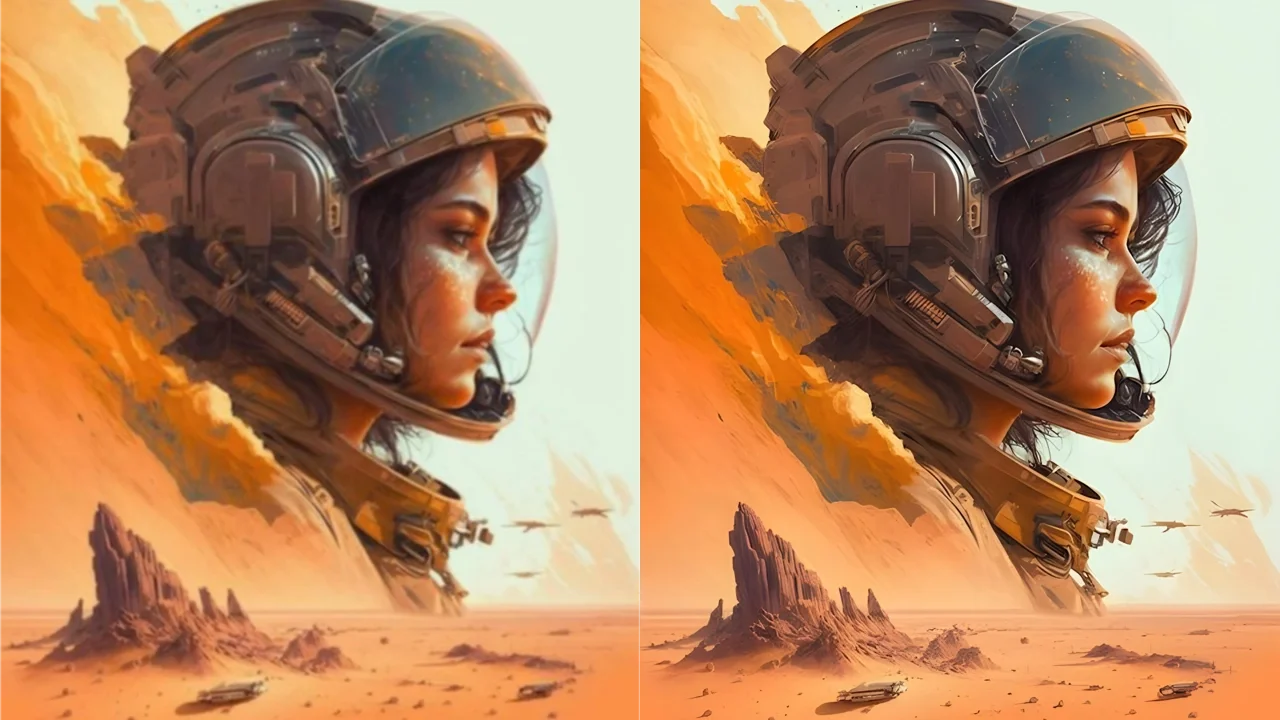
Img Upscaler is an AI-driven image enhancement platform that leverages the latest super-resolution models to upscale JPG, PNG, and WebP images up to 4x their original size. Whether you're a photographer, designer, or e-commerce seller, the tool transforms low-resolution images into HD or 4K-quality outputs in seconds — without sacrificing sharpness, texture, or natural detail. The free tier allows single-image processing with outputs up to 4096×4096 pixels, while paid plans (starting at $3.90) unlock batch upscaling of up to 5 images per task and resolution outputs up to 16,000×16,000 pixels. Beyond upscaling, Img Upscaler includes a full suite of editing tools such as cropping, filters, fine-tuning, annotations, stickers, and frames, making it a versatile all-in-one image editor. The platform also offers complementary tools including a background eraser, image colorizer, object remover, image resizer, and format converter — all accessible from the same dashboard. Privacy is a core commitment: uploaded images are automatically deleted within 24 hours and never shared with third parties. All upscaled outputs are cleared for commercial use with no hidden fees or watermarks, making it a practical choice for professional workflows.
Key Features
- AI Super-Resolution Upscaling: Enlarges images by 200% or 400% using the latest AI super-resolution models, preserving sharp edges, natural textures, and realistic detail.
- Batch Processing: Upscale up to 5 images at once with paid plans, supporting outputs up to 16,000×16,000 pixels — ideal for bulk workflows.
- Built-In Image Editor: Includes cropping, filters, fine-tuning, annotations, stickers, and frames so users can edit before or after upscaling in one workflow.
- Complementary Image Tools: Offers additional tools including background eraser, image colorizer, object remover, batch resizer, and format converter in the same platform.
- Privacy-First Processing: All uploaded images are automatically deleted within 24 hours and never shared with third parties, ensuring data security.
Use Cases
- Photographers upscaling low-resolution shots to HD or 4K for printing or publishing.
- E-commerce sellers enhancing product photos to meet marketplace image quality requirements.
- Designers enlarging artwork or graphics for high-resolution print or digital campaigns.
- Restoring old or blurry family photos by improving sharpness and detail with AI.
- Content creators batch-upscaling images for social media, thumbnails, or blog visuals.
Pros
- Free Commercial Use: All upscaled images can be used in commercial projects with no watermarks, hidden fees, or usage restrictions.
- Fast AI Processing: Delivers high-quality upscaled results in seconds thanks to optimized AI super-resolution models.
- All-in-One Platform: Combines upscaling with editing tools and complementary image utilities, reducing the need for multiple apps.
- Affordable Paid Plans: Batch processing and higher resolution outputs are unlocked starting at just $3.90, making it accessible for professionals.
Cons
- Free Tier Limitations: Free users can only process one image at a time and are limited to a maximum output size of 4096×4096 pixels.
- Batch Cap on Paid Plans: Even on paid tiers, batch processing is capped at 5 images per task, which may slow down very large-scale workflows.
- Web-Dependent: The primary tool is browser-based, requiring an internet connection; offline processing is not supported.
Frequently Asked Questions
Is Img Upscaler free to use?
Yes, Img Upscaler offers a free tier that allows processing one image at a time with output up to 4096×4096 pixels. Paid plans start at $3.90 and unlock batch processing and larger output resolutions up to 16,000×16,000 pixels.
What image formats does Img Upscaler support?
Img Upscaler supports JPG, PNG, and WebP image formats for uploading and upscaling.
Can I use upscaled images for commercial projects?
Yes, all upscaled images from Img Upscaler are free for both personal and commercial use with no watermarks, hidden fees, or usage restrictions.
How does the AI upscaling work?
Img Upscaler uses advanced AI super-resolution models to analyze and reconstruct image detail when enlarging. It intelligently preserves sharp edges, natural textures, and realistic colors while increasing resolution by 200% or 400%.
Is my uploaded image data kept private?
Yes. All uploaded images are automatically deleted from Img Upscaler's servers within 24 hours and are never shared with any third parties.