

About
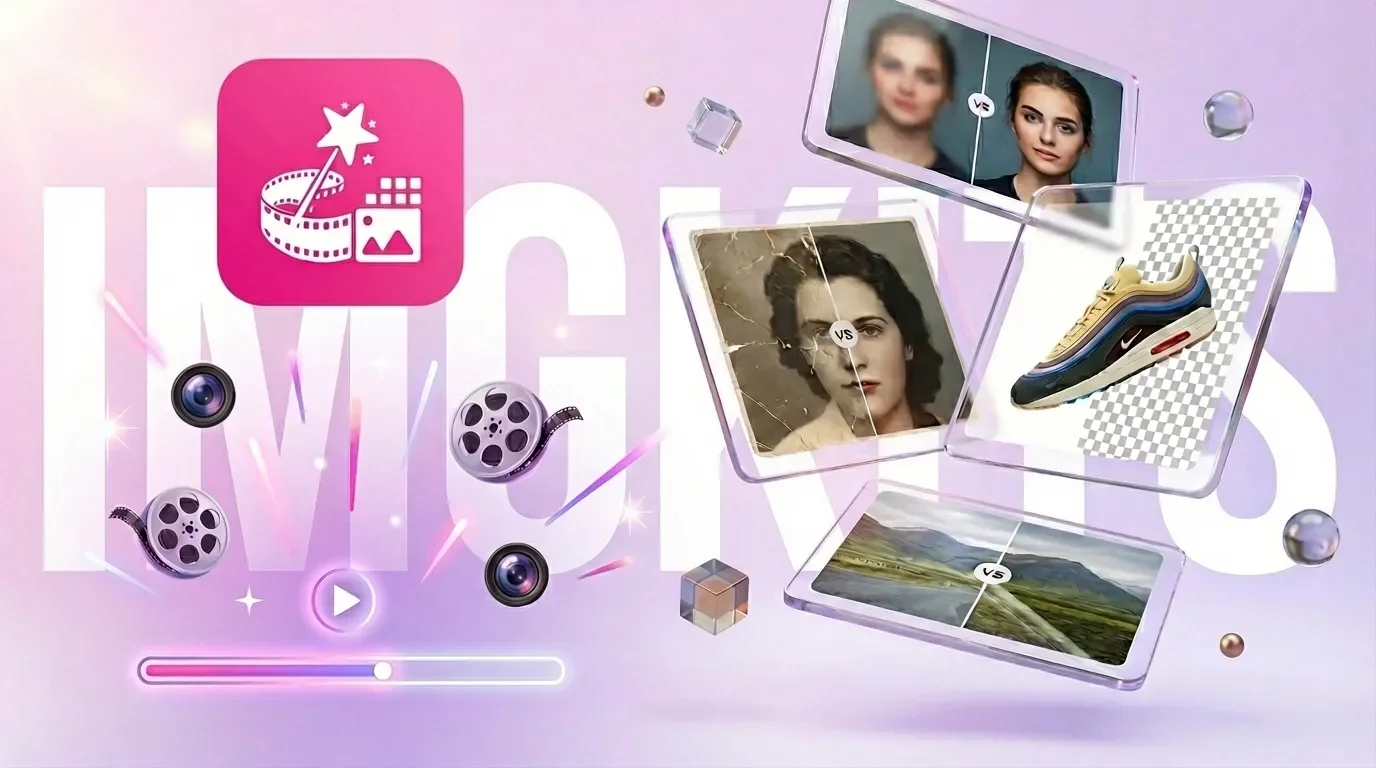
Imgkits is a comprehensive online AI image and video editing platform that enables users to transform their visuals quickly and effortlessly. The platform brings together a wide suite of tools under one roof — from intelligent background removal and replacement, to photo restoration, colorization of black-and-white images, and AI-powered unblurring that enhances photo quality without sacrificing detail. For creative users, Imgkits offers photo-to-art filters that convert images into anime, Pixar-style, sketch, or painting aesthetics — ideal for social media content creation. It also includes AI flyer generation for events and promotions, as well as a fantasy map creator for writers, game designers, and D&D enthusiasts. The platform is built with simplicity in mind — no technical expertise is needed to achieve professional results. It supports popular image formats including JPG and PNG, and offers batch processing capabilities that allow users to edit multiple HD images simultaneously, making it an efficient solution for e-commerce businesses, photographers, and marketers. Imgkits is free to get started and is trusted by professionals across leading organizations. Its AI-driven enhancements ensure edits look seamless and natural. Whether you're a small business owner editing product photos, a photographer restoring old memories, or a creator building eye-catching content, Imgkits provides an accessible, powerful toolkit for all your image editing needs.
Key Features
- AI Background Removal & Replacement: Automatically detects and removes image backgrounds, with options to replace them with solid colors or custom images.
- Photo Restoration & AI Unblur: Colorize black-and-white photos, unblur images, and enhance overall photo quality using advanced AI processing.
- Photo-to-Art Filters: Convert photos into anime, Pixar-style, sketch, or painting effects instantly to create standout social media content.
- AI Flyer & Fantasy Map Generation: Create print-ready promotional flyers and detailed fantasy maps for events, novels, and game design using AI.
- Batch Processing: Process multiple HD images simultaneously, saving time and maintaining quality for high-volume editing workflows.
Use Cases
- E-commerce store owners removing and replacing product photo backgrounds for clean, professional listings
- Photographers restoring old or damaged family photos by colorizing and enhancing image quality
- Content creators converting portrait photos into anime, Pixar, or painting styles for social media posts
- Event organizers and small businesses generating AI-designed promotional flyers quickly without a designer
- Game designers, novelists, and D&D dungeon masters creating detailed AI-generated fantasy maps for their worlds
Pros
- Free to Get Started: Core tools are available at no cost, making professional-quality image editing accessible to everyone.
- No Expertise Required: Intuitive interface means users of all skill levels can achieve polished, natural-looking results quickly.
- Versatile Toolset: Covers a wide range of editing needs — from background removal to art generation and fantasy map creation — all in one platform.
- Batch Processing Capability: Handles multiple HD images at once, making it efficient for e-commerce owners and photographers with large workloads.
Cons
- Web-Only Platform: No dedicated desktop or mobile app; all editing must be done through a browser, which may limit offline use.
- Free Tier Likely Has Limits: While free to start, a pricing page suggests advanced features or higher usage volumes may require a paid plan.
- Limited Advanced Customization: AI-driven edits are largely automated, which may not satisfy users who need granular manual control over their edits.
Frequently Asked Questions
How does Imgkits work?
Imgkits uses advanced AI technology to process your images. Simply choose the tool you want (e.g., background removal, unblur, art filter), upload your photo, and the AI handles the rest — delivering results in seconds.
Is Imgkits free to use?
Yes, Imgkits offers free access to its core tools. A pricing tier is also available for users who need higher usage limits or access to premium features.
What image formats does Imgkits support?
Imgkits supports common formats including JPG and PNG, covering a wide range of use cases from product photography to personal photo editing.
Can I process multiple images at once?
Yes, Imgkits supports batch processing, allowing you to upload and edit multiple HD images simultaneously without compromising quality.
Is it safe to upload my images to Imgkits?
Imgkits states that uploaded images are handled securely and the platform is designed to protect user privacy and data during processing.