

About
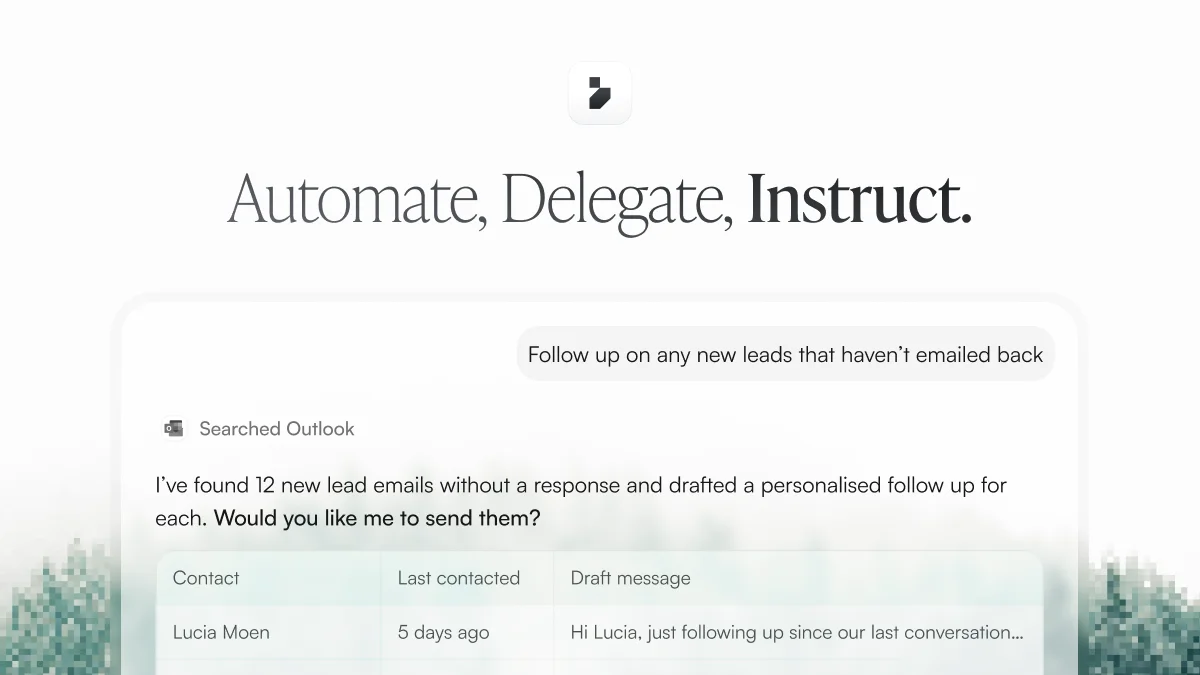
Instruct AI functions as a digital employee that integrates with your software stack and executes multi-step tasks autonomously. Unlike traditional automation tools that require workflow builders or code, Instruct accepts plain-English instructions and carries them out across connected apps — reading context from one tool and taking action in another. Key capabilities include research and summarization, inbox management, meeting preparation, document generation, and cross-app data extraction. For example, users can ask Instruct to scan inbound job applications in Ashby and filter candidates, monitor HubSpot for stale leads and draft personalized follow-ups, extract invoice data from email and populate a Google Sheet, or generate a quiz from Drive lecture notes and email it out. Once a task is completed successfully, it can be converted into a scheduled recurring workflow with a single instruction — making Instruct suitable for ongoing operational processes. The platform emphasizes enterprise-grade security and is designed to scale from individual productivity use cases to department-wide automation across functions like sales, recruiting, operations, and education. A free plan is available, making it accessible to individuals and teams of all sizes.
Key Features
- Plain-English Task Execution: Describe any task in natural language and Instruct executes it across your connected apps without requiring code or complex workflow setup.
- Cross-App Integration: Instruct reads context from one app and acts in another — pulling data from email, Drive, or a CRM and writing results to a spreadsheet, calendar, or messaging tool.
- One-Click Workflow Automation: Any successfully completed task can be turned into a recurring scheduled workflow instantly, enabling continuous automation from a single request.
- Department-Ready Use Cases: Built-in support for sales, recruiting, operations, and education workflows including lead follow-ups, candidate filtering, invoice extraction, and study material generation.
- Enterprise-Grade Security: Designed with secure app connections and data handling to meet enterprise requirements at scale.
Use Cases
- Sales teams monitoring a CRM for stale leads, researching company news, and auto-drafting personalized follow-up emails.
- Recruiters filtering inbound job applications by required skills and automatically populating shortlists in their ATS.
- Operations staff extracting vendor, date, and amount from invoices in email and logging them into a Google Sheet.
- Educators or students generating revision quizzes from lecture notes stored in Drive and emailing them automatically.
- Busy professionals cleaning marketing spam from their inbox and unsubscribing from unwanted mailing lists on a schedule.
Pros
- No technical setup required: Tasks are described in plain English, making powerful automation accessible to non-technical users across any department.
- True cross-app action: Goes beyond reading data — Instruct actively executes work in connected tools, behaving like a real digital employee.
- Free plan available: Users can get started for free and begin automating work in minutes without a sales call or lengthy onboarding.
- Instant workflow creation: Any one-off task can be promoted to a recurring workflow, reducing repetitive manual work over time.
Cons
- Limited transparency on integrations: The website doesn't clearly list which third-party apps are supported, making it hard to verify compatibility before signing up.
- Dependent on app connectivity: The value of Instruct relies heavily on connecting your existing tools; users with niche or legacy software may find limited support.
- Free plan scope unclear: Details on what's included in the free plan versus paid tiers are not disclosed on the public marketing page.
Frequently Asked Questions
What is Instruct AI?
Instruct AI is a general-purpose AI agent that connects to your apps and executes tasks on your behalf based on plain-English instructions — acting like a digital employee across your software stack.
Do I need to know how to code to use Instruct?
No. Instruct is designed for non-technical users. You simply describe the task you want done, and the AI handles the execution across your connected apps.
What kinds of tasks can Instruct handle?
Instruct can research and summarize topics, clean your inbox, prepare you for meetings, filter job applicants, monitor CRM leads, extract invoice data, generate documents, and much more across various departments.
Can I schedule tasks to run automatically?
Yes. Once Instruct successfully completes a task, you can ask it to run that same task on a recurring schedule, turning a one-time request into an automated workflow.
Is there a free plan?
Yes, Instruct offers a free plan that lets you start automating work in minutes. For larger-scale or enterprise needs, you can contact their team to discuss custom options.