About
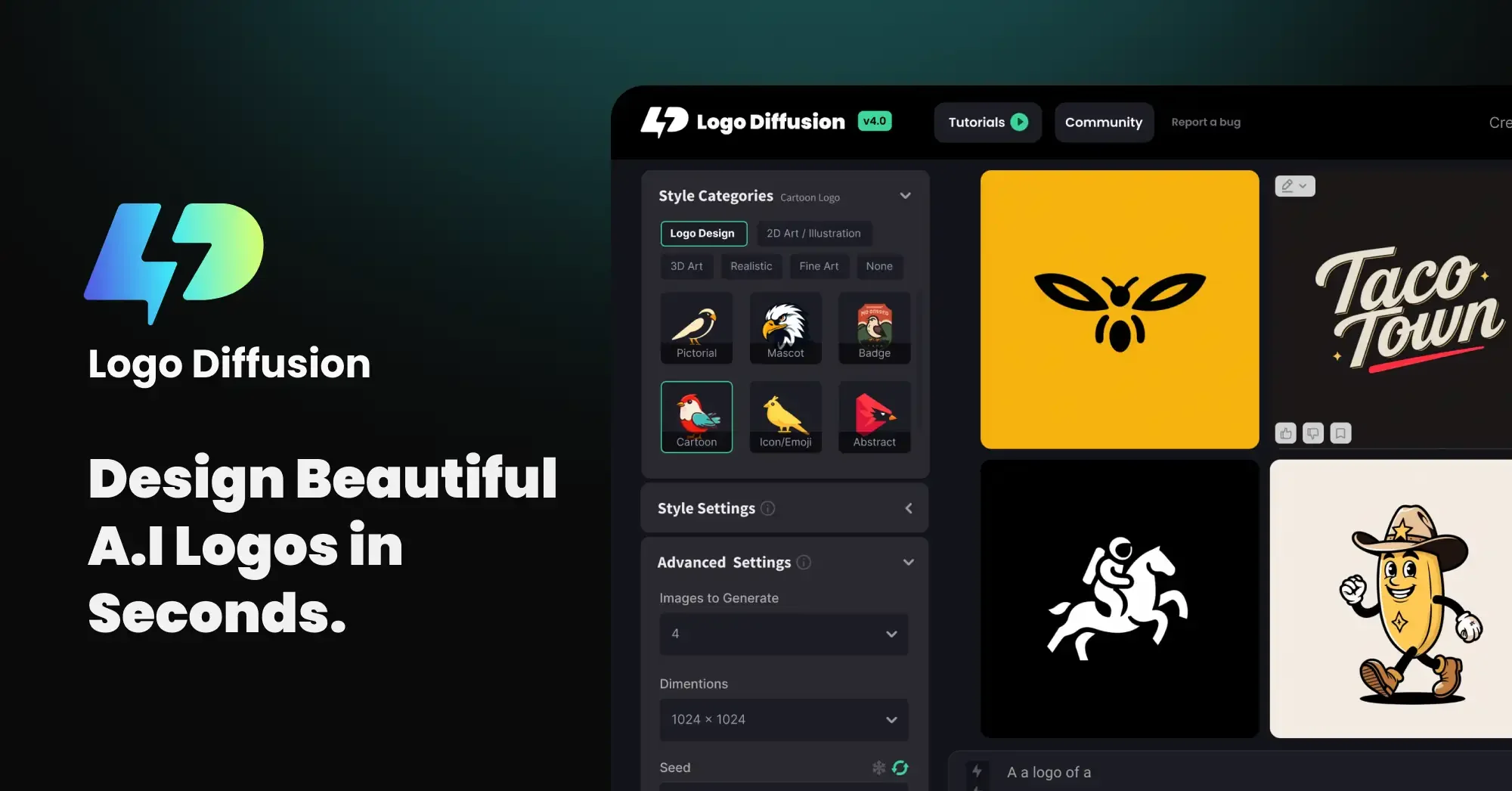
LogoDiffusion AI is a comprehensive AI logo design platform trusted by over 250,000 users worldwide. It leverages generative AI to turn ideas into polished logos in seconds, offering three core workflows: Text to Logo (generate up to 4 logo options from a text prompt), Sketch to Logo (refine hand-drawn concepts into professional designs using an in-app canvas), and Logo to Logo (redesign any existing logo with new creative directions via text prompts). The platform ships with 45+ curated design styles spanning the latest trends, making it suitable for startups, freelancers, marketers, and seasoned designers alike. All designs can be exported as production-ready SVG vector files, ensuring they scale perfectly for print, web, or digital ads. Additional tools include seamless background removal for transparent PNGs, a 2D-to-3D converter for dynamic brand visuals, Style Transfer for precise aesthetic control, and a Creative Upscaler that enhances image resolution up to 4×. LogoDiffusion's flexible pricing includes a free tier with 20 monthly credits, making it accessible for individuals, while paid plans unlock commercial licenses, private generations, and higher output volume. It is ideal for entrepreneurs building a brand identity, marketing teams needing rapid asset creation, and designers seeking AI-assisted workflows for logo and visual branding projects.
Key Features
- Text to Logo: Type any idea and instantly generate up to 4 unique logo options per prompt, iterating freely until the perfect design is found.
- Sketch to Logo: Start with a rough hand-drawn sketch and use the in-app canvas and AI refinement to turn it into a polished, professional logo.
- Logo to Logo Redesign: Upload any existing logo and use text prompts to apply a fresh twist or complete transformation in seconds.
- Vector SVG Export: Export finished designs as production-ready SVG vector files, compatible with any vector editing software and scalable at any resolution.
- 2D to 3D, Style Transfer & Creative Upscaler: Convert flat logos to 3D illustrations, transfer artistic styles from reference images, and upscale designs up to 4× for high-resolution output.
Use Cases
- Entrepreneurs and startups creating a brand identity quickly without hiring a designer.
- Freelance designers using AI to accelerate logo drafts and iterate concepts for clients.
- Marketing teams generating branded visual assets for social media, ads, and campaigns.
- Small business owners redesigning or refreshing an existing logo with a new creative direction.
- Product teams and agencies needing rapid, high-quality logo prototypes for pitches and presentations.
Pros
- No Design Skills Required: The intuitive AI workflows and guided input modes make professional logo creation accessible to complete beginners and non-designers.
- Multiple Creative Input Methods: Supports text prompts, sketch-based input, and logo-to-logo redesign, giving users maximum flexibility in how they start a project.
- Production-Ready Vector Output: SVG export ensures logos are immediately usable for print, web, and digital media without quality loss at any scale.
- All-in-One Brand Toolkit: Combines logo generation, background removal, style transfer, 3D conversion, and upscaling in a single platform — reducing the need for multiple tools.
Cons
- Free Tier is Credit-Limited: The free plan provides only 20 credits per month (~10 designs), which may not be sufficient for users with high-volume design needs.
- No Commercial License on Free Plan: Commercial use of generated logos requires a paid subscription, which could be a barrier for freelancers testing the platform before committing.
- Web-Only Platform: LogoDiffusion is currently only accessible via browser with no dedicated desktop app or mobile app available.
Frequently Asked Questions
What is LogoDiffusion AI and how does it work?
LogoDiffusion AI is a generative AI logo maker that creates professional logos from text prompts, hand-drawn sketches, or existing logos. You describe your idea or upload a reference, and the AI generates multiple logo options you can refine and export.
Can I use logos created with LogoDiffusion for commercial purposes?
Commercial licensing is available on paid plans. The free tier does not include a commercial license, so you must subscribe to a paid plan to use generated logos for business or client work.
What file formats can I export from LogoDiffusion?
LogoDiffusion supports SVG vector export for production-ready scalable assets, as well as transparent PNG files via its background removal feature.
Do I need design experience to use LogoDiffusion AI?
No design experience is required. The platform is built for both beginners and professionals, with AI handling the heavy lifting while you guide the output through simple text prompts or sketches.
What makes LogoDiffusion different from other AI logo makers?
LogoDiffusion stands out with its multi-modal input (text, sketch, and logo-to-logo), 45+ curated design styles, true vector SVG export, and an extended toolkit that includes 2D-to-3D conversion, style transfer, and a built-in 4× image upscaler.