
About
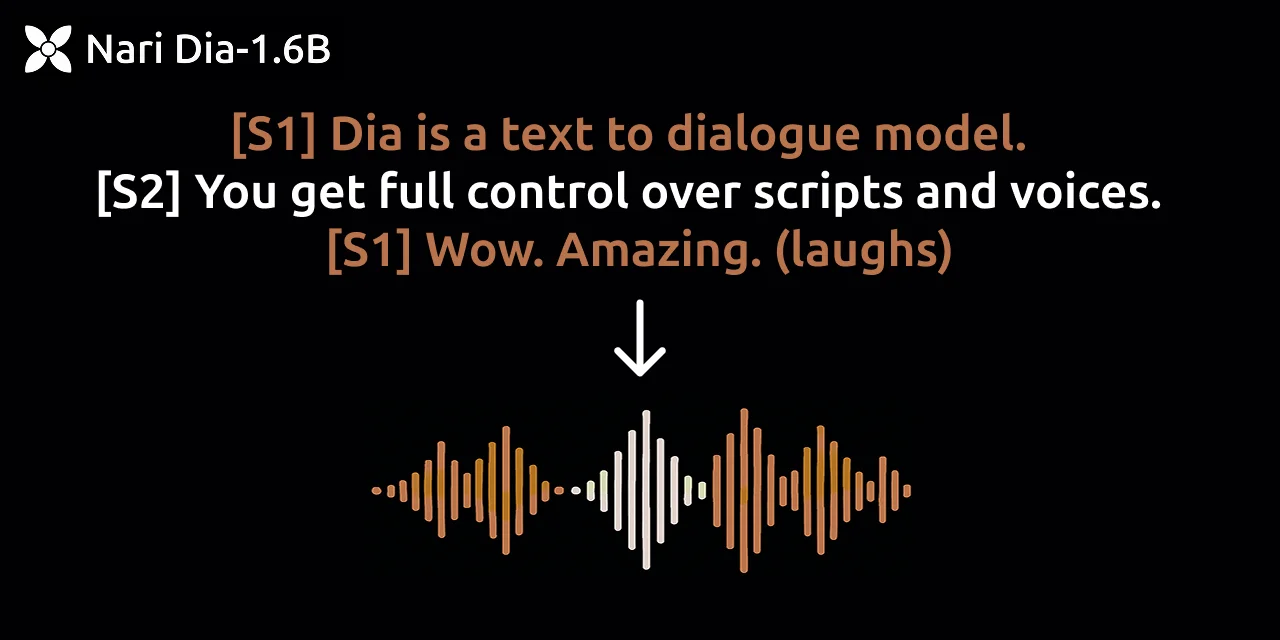
Dia is a state-of-the-art text-to-speech model with 1.6B parameters, developed by Nari Labs and released under the Apache-2.0 license. It is designed to generate ultra-realistic dialogue from raw transcripts in a single pass, making it ideal for creating natural-sounding conversational audio. One of Dia's standout features is its support for audio conditioning — users can supply a reference audio clip to guide the model's output in terms of speaker emotion, style, and tone, enabling highly expressive speech synthesis. Beyond standard speech, Dia can also generate nonverbal communications such as laughter, coughing, and throat clearing, bringing an extra layer of realism to synthesized audio. The model currently supports English-only generation and is available via Hugging Face Transformers as well as through a CLI and web app interface powered by Gradio. Dia has received broad community adoption, accumulating over 19,000 GitHub stars, making it one of the most popular open-source TTS projects available. It is well-suited for researchers, developers, and creators who need realistic dialogue generation for podcasts, games, audiobooks, virtual assistants, or any application requiring high-fidelity synthetic speech. Docker support and Hugging Face integration make deployment straightforward across various environments.
Key Features
- Ultra-Realistic Dialogue Generation: Generates highly natural-sounding multi-speaker dialogue directly from text transcripts in a single inference pass.
- Audio Conditioning for Emotion & Tone: Accepts a reference audio clip to condition the output's emotion, speaking style, and tone for expressive, controlled synthesis.
- Nonverbal Sound Generation: Produces realistic nonverbal communications such as laughter, coughing, and throat clearing alongside spoken dialogue.
- Hugging Face Transformers Integration: Fully available via the Hugging Face Transformers library, enabling easy integration into existing ML pipelines and workflows.
- CLI & Gradio Web App: Offers both a command-line interface and a Gradio-powered web app for quick experimentation and local deployment.
Use Cases
- Generating realistic podcast dialogue or audiobook narration from written scripts
- Creating expressive NPC voices and cutscene audio for video games
- Prototyping voice interfaces and conversational AI demos with natural-sounding speech
- Producing synthetic training data for speech recognition and dialogue systems
- Building accessible reading tools that convert articles or documents into lifelike spoken audio
Pros
- Completely Open Source: Released under Apache-2.0, allowing free commercial and research use with full access to model weights and inference code.
- Highly Expressive Output: Audio conditioning and nonverbal sound support make synthesized dialogue sound far more natural than most TTS systems.
- Strong Community Adoption: Over 19,000 GitHub stars and 1,700 forks reflect extensive real-world validation and an active contributor community.
Cons
- English Only: Currently limited to English language generation, restricting use cases for multilingual or non-English applications.
- Requires Local GPU: Running the 1.6B parameter model locally demands a capable GPU setup, which may be a barrier for users without dedicated hardware.
- No Managed API: There is no hosted API or SaaS offering; users must self-deploy or rely on third-party Hugging Face Inference Endpoints.
Frequently Asked Questions
What is Nari Labs Dia?
Dia is an open-source 1.6B parameter text-to-speech model that generates ultra-realistic dialogue from transcripts in a single pass, with support for emotion and tone control via audio conditioning.
Is Dia free to use?
Yes. Dia is released under the Apache-2.0 open-source license, making it free for both personal and commercial use.
What languages does Dia support?
Currently, Dia only supports English language generation. Multilingual support may be added in future releases.
How do I run Dia?
Dia can be run via its CLI, a Gradio web app, or integrated into Python projects using the Hugging Face Transformers library. Docker support is also available for containerized deployments.
What makes Dia different from other TTS models?
Dia's key differentiators are its ability to condition on reference audio for emotion/tone control and its native support for nonverbal sounds like laughter and coughing, producing unusually realistic conversational audio.