
About
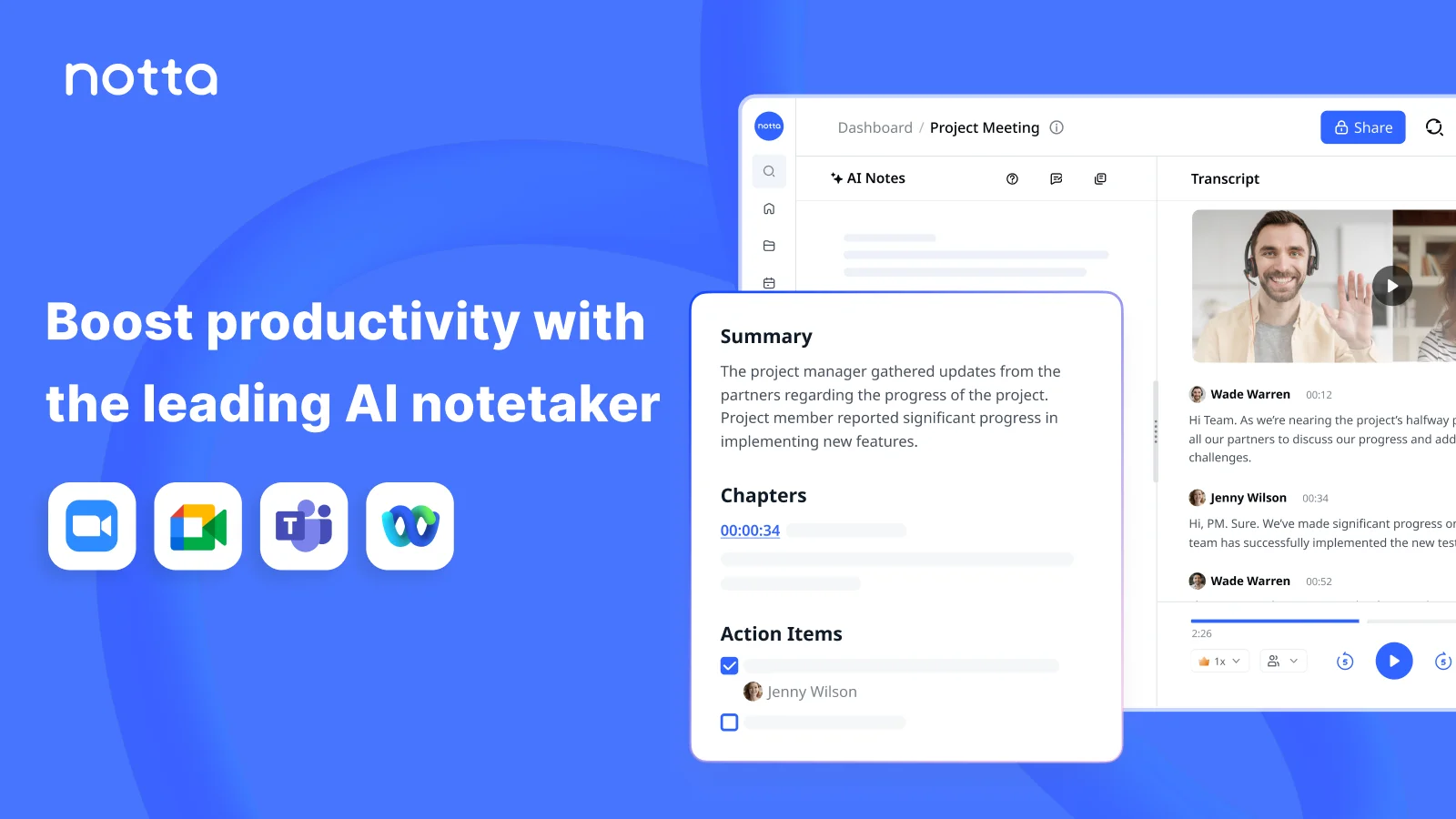
Notta is a comprehensive AI meeting notetaker and transcription platform trusted by over 10 million users worldwide. It automatically captures, transcribes, and summarizes meetings, interviews, lectures, and recordings in 58 languages, enabling teams to focus on conversations rather than note-taking. At its core, Notta converts audio and video into accurate, searchable text within seconds. Its AI Notes feature extracts key insights and action items, while Bilingual Transcription handles multilingual meetings seamlessly. The Notta Brain feature goes beyond transcription — it lets users search across all meetings and automatically generate presentations, infographics, and follow-up emails. Notta integrates with popular tools and supports online meetings (Zoom, Teams, Google Meet), in-person conversations recorded via mobile, and imported audio/video files. A built-in Meeting Scheduler syncs with calendars to streamline planning. Designed for a wide range of professionals, Notta serves sales teams uncovering call insights to close deals, customer success managers tracking client health, consultants turning interviews into polished deliverables, researchers automating note-taking, educators enhancing learning efficiency, and media professionals converting podcasts into searchable text. With SOC-2 and GDPR compliance, it meets enterprise security standards. New users receive 200 free transcription minutes to get started.
Key Features
- AI Transcription in 58 Languages: Automatically converts audio and video recordings into accurate, searchable text in 58 languages, with support for bilingual meetings and real-time translation.
- AI Meeting Notes & Action Items: Extracts key insights, highlights, and action items from meetings automatically so teams never miss critical follow-ups.
- Notta Brain — Visual Output Generator: Transforms meeting content into PowerPoint presentations, infographics, and structured visuals in seconds using AI, turning raw discussions into shareable assets.
- Meeting Recorder & Scheduler: Records online meetings with high-quality audio and video, and integrates with calendars to simplify scheduling and keep everything in sync.
- Universal Meeting Support: Handles online meetings (Zoom, Teams, Google Meet), in-person conversations via mobile recording, and imported audio/video files — all flowing into one searchable workspace.
Use Cases
- Sales teams transcribing and analyzing customer calls to uncover buying signals and accelerate deal closures
- Consultants converting client meeting recordings into polished PowerPoint presentations and infographics for professional deliverables
- Educators automating lecture note-taking so students can focus on learning rather than manual transcription
- Media professionals and podcasters converting audio content into searchable, repurposable text at scale
- Researchers conducting interviews and automatically generating structured summaries and action items from recorded conversations
Pros
- Exceptional Language Coverage: With support for 58 languages, Notta is one of the most multilingual transcription tools available, ideal for global and cross-border teams.
- End-to-End Meeting Workflow: Goes far beyond transcription by generating summaries, action items, presentations, and infographics — reducing the need for multiple separate tools.
- Generous Free Tier: New users receive 200 free transcription minutes, allowing thorough evaluation without requiring a credit card upfront.
- Enterprise-Grade Security: SOC-2 and GDPR compliance ensures sensitive meeting data is handled securely, making it suitable for regulated industries and large organizations.
Cons
- Free Plan Is Time-Limited: The 200 free minutes are a one-time allowance; frequent users will need to upgrade to a paid plan relatively quickly.
- Variable Accuracy for Minor Languages: While transcription quality is strong for major languages, accuracy can decrease for less common or regional dialects.
- AI Visuals May Require Editing: Auto-generated presentations and infographics are useful starting points but often need manual refinement before professional delivery.
Frequently Asked Questions
How many languages does Notta support?
Notta supports 58 languages for transcription and translation, including English, Japanese, German, French, Spanish, Portuguese, Arabic, Hindi, and many more.
Is Notta free to use?
Yes, Notta offers a free plan that includes 200 minutes of transcription. Paid plans are available for users who need more minutes and access to advanced AI features.
What types of meetings and recordings can Notta handle?
Notta transcribes online meetings (Zoom, Google Meet, Microsoft Teams), in-person conversations recorded via its mobile app, and imported audio or video files.
What is Notta Brain?
Notta Brain is an AI feature that lets you search across all your meeting recordings and automatically generate outputs such as PowerPoint presentations, infographics, and follow-up emails from your meeting content.
Is Notta secure enough for business use?
Yes, Notta is SOC-2 and GDPR compliant, making it a suitable choice for enterprises and businesses that require strict data privacy and security standards.