

About
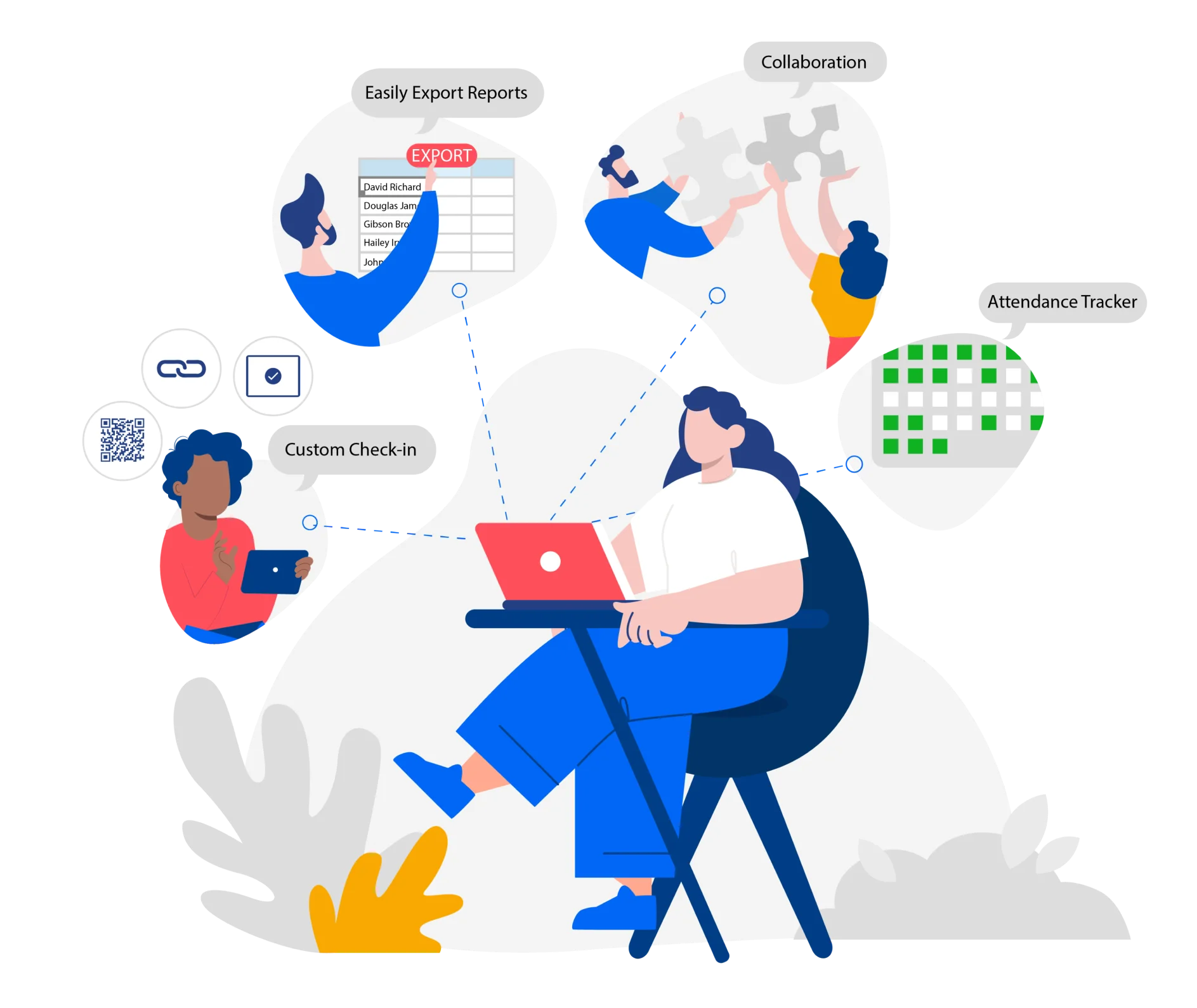
OneTap is a cloud-based attendance tracking and check-in solution that eliminates the need for paper sign-ins, messy spreadsheets, and manual record-keeping. Designed for simplicity, the platform enables organizations to set up fully automated check-in workflows in minutes — no technical expertise required. Key features include QR code and barcode-based check-ins, personalized passes compatible with Apple Wallet, iPad kiosk mode for self-service front desks, location tracking and restrictions, guest list management, and a visitor app that remembers returning attendees for faster check-ins. Admins can import student or member data from Excel, manage classes, and generate grant-ready reports with ease. OneTap caters to a wide range of industries and use cases: K-12 schools tracking daily attendance and after-school programs, higher education managing continuing education and CPE credits, nonprofits generating grant reports, healthcare and legal organizations handling compliance training, and businesses running employee training sessions or membership programs. The platform offers a Google Sheets add-on for extended data workflows and an open API for custom integrations. Its no-code setup, intuitive admin interface, and mobile-friendly visitor app make it accessible to organizations of any size. OneTap offers both free and paid plans, making it a practical choice for budget-conscious schools and growing enterprises alike.
Key Features
- QR Code & Barcode Check-In: Generate and print QR codes or barcode passes instantly for events, classes, or daily check-ins — no complex forms or third-party tools needed.
- iPad Self-Check-In Kiosk: Repurpose existing iPads as front-desk kiosks, allowing visitors or students to check in independently, reducing staff workload.
- Personalized QR/Barcode Passes: Issue custom branded passes that integrate with Apple Wallet, enabling one-tap check-ins directly from a visitor's phone.
- Location Tracking & Restrictions: Track where check-ins occur and restrict them to approved locations to prevent proxy or fraudulent attendance.
- Real-Time Analytics & Reports: Access live dashboards and export attendance data to Google Sheets or generate compliance and grant-ready reports automatically.
Use Cases
- K-12 schools tracking daily student attendance and after-school program participation without paper sign-in sheets.
- Nonprofits generating accurate grant reports by automating attendance records for funded programs.
- Corporate HR teams managing employee training and compliance course attendance with real-time reporting.
- Event organizers streamlining guest check-ins at conferences or workshops using QR code passes and kiosk stations.
- Healthcare and legal organizations tracking continuing education and CPE credit attendance for compliance purposes.
Pros
- No-Code Setup: Anyone who can upload an Excel sheet can configure OneTap — no technical knowledge or expensive hardware required.
- Versatile Across Industries: Supports K-12, higher ed, nonprofits, healthcare, legal, and corporate use cases out of the box with tailored workflows.
- Free Plan Available: Organizations can get started at no cost, making it accessible for small schools, nonprofits, or community groups.
- Fast Returning Visitor Check-Ins: The visitor app remembers previous check-ins, making repeat attendees 10x faster to process than manual methods.
Cons
- Advanced Features Require Paid Plan: More powerful capabilities like location restriction, integrations, and advanced analytics are locked behind paid tiers.
- iOS-Centric Kiosk Experience: The self-check-in kiosk mode is optimized for iPads, which may be a limitation for organizations using Android tablets.
- Limited AI Capabilities: OneTap focuses on automation and reporting rather than AI-driven insights or predictive analytics.
Frequently Asked Questions
Is OneTap free to use?
Yes, OneTap offers a free plan suitable for small-scale use. Paid plans unlock additional features such as advanced analytics, location restrictions, branding customization, and integrations.
How does QR code check-in work?
Admins generate QR codes from the OneTap dashboard and print or display them at entry points. Attendees scan the code with their phone camera or the visitor app to instantly log their attendance.
Can I use OneTap without an iPad?
Yes. While the iPad kiosk mode is a popular feature, OneTap also supports web-based admin check-ins, mobile visitor apps, QR code scanning, and sign-in links that work on any device.
Does OneTap integrate with other tools?
OneTap offers a Google Sheets add-on, an open API, and integrations with various platforms. It can also import and export data from Excel for seamless workflow compatibility.
What industries is OneTap best suited for?
OneTap is designed for K-12 schools, higher education institutions, nonprofit organizations, healthcare and legal compliance training, employee training programs, events, and membership-based businesses.