
About
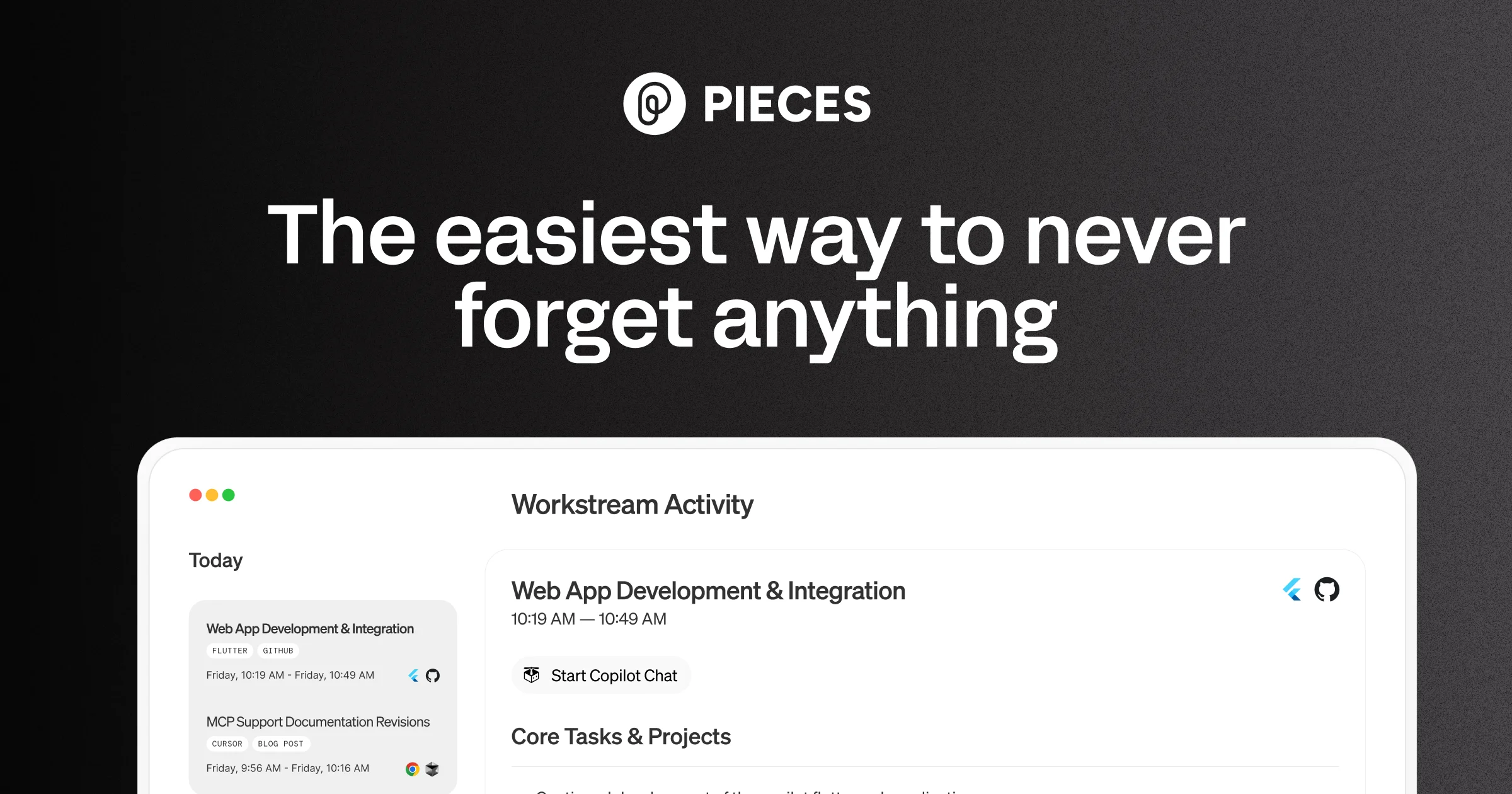
Pieces for Developers is an AI-powered long-term memory engine designed specifically for developers. It silently captures everything you work on — code snippets, browser tabs, documentation, chat messages, and more — across your entire workflow without any manual effort. Using its LTM-2 (Long-Term Memory Engine), Pieces automatically forms contextual memories that stay linked to the bigger picture, so you can return to any task with full context intact. Pieces integrates deeply into the tools developers already use, including VS Code, Chrome, GitHub Copilot, Claude, Cursor, and Goose via MCP (Model Context Protocol). You can search your memories using natural language and time-based queries, surfacing exactly what you need when you need it. A core differentiator is its privacy-first, local-by-default architecture. Pieces runs entirely on-device, with no data sent to external servers unless you explicitly allow it. Cloud LLM providers are optional, and you can even bring your own API key. Pieces is trusted by over 150,000 developers at top companies. It shines during deep work sessions, research, meetings, and cross-team collaboration by preserving flow and context across all these scenarios. Whether you're debugging, writing, or researching, Pieces acts as an invisible second brain embedded directly into your OS and development environment.
Key Features
- LTM-2 Long-Term Memory Engine: Automatically forms persistent memories of code, docs, chats, and browser activity across up to 9 months of history, indexed and retrievable via natural language queries.
- OS-Level Context Capture: Runs at the operating system level to passively capture everything you work on across all apps — no manual saving or tagging required.
- MCP & Plugin Integrations: Connects personal context with leading AI tools like GitHub Copilot, Claude, Cursor, and Goose through MCP, plus plugins for Chrome, VS Code, and more.
- Local-First & Private by Default: All processing happens on-device with no external servers. Cloud LLM support is optional, giving developers full control over their data.
- Multi-LLM Support: Choose from leading cloud or local LLM providers, or bring your own API key, to power your AI interactions with Pieces-enriched context.
Use Cases
- A developer returning to a project after a week can ask Pieces to recall what they were working on, which files they had open, and what problems they were debugging.
- During team standups, Pieces automatically surfaces a summary of everything worked on in the past day, eliminating the need to manually reconstruct activity.
- Researchers and engineers can capture every browser tab, highlighted text, and keyword they encounter during a research session without bookmarking anything manually.
- Developers can use Pieces with GitHub Copilot or Claude via MCP to give their AI assistant persistent personal context, making suggestions more relevant and accurate.
- Remote teams can use Pieces to capture context from shared collaboration tools like Slack or Notion, ensuring everyone can access the right information at the right time.
Pros
- Zero-effort memory capture: Pieces works silently in the background without requiring any manual bookmarking, tagging, or note-taking from the developer.
- Strong privacy guarantees: On-device processing with an air-gapped architecture means your code and context never leave your machine unless you choose to enable cloud features.
- Deep developer tool integrations: Native plugins for VS Code and Chrome, plus MCP support for GitHub Copilot, Claude, and Cursor, fit seamlessly into existing workflows.
- Flexible LLM options: Supports both local and cloud-based LLMs and allows you to bring your own API key, giving teams maximum flexibility.
Cons
- Primarily developer-focused: The tooling and integrations are optimized for software developers, making it less useful for non-technical users or non-coding workflows.
- Resource usage on local machine: Running an OS-level memory engine with local LLM options may consume significant CPU and memory, particularly on lower-end machines.
- Learning curve for full feature use: The breadth of integrations, MCP configuration, and LLM setup can feel overwhelming to new users initially.
Frequently Asked Questions
Is Pieces really private and local?
Yes. Pieces runs entirely on-device by default. No data is sent to external servers unless you explicitly opt into cloud LLM providers. Your code, snippets, and memories stay on your machine.
What tools does Pieces integrate with?
Pieces integrates with VS Code, Chrome, GitHub Copilot, Claude, Cursor, Goose, and many other developer tools via its plugin system and MCP (Model Context Protocol) support.
How far back does Pieces remember my work?
Pieces stores up to 9 months of memories, which you can search using natural language or time-based queries to find exactly what you need.
Can I choose which LLM Pieces uses?
Yes. Pieces supports multiple leading cloud and local LLM providers, and you can also bring your own API key for full control over which model powers your experience.
Is Pieces free to use?
Pieces offers a free tier to get started, with premium plans available for expanded features, storage, and integrations. It is used by over 150,000 developers at top companies.