

About
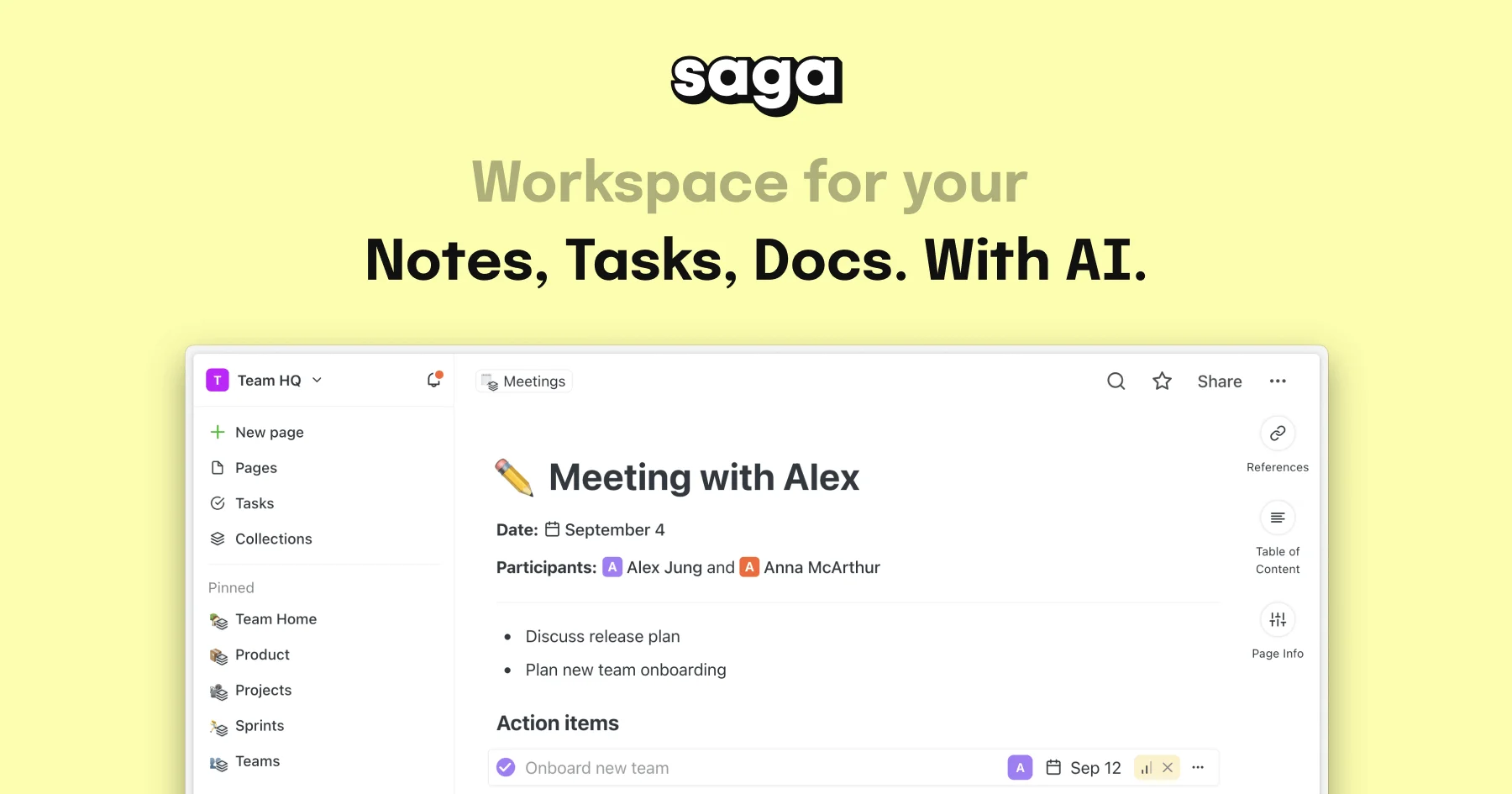
Saga is an AI-powered collaborative workspace designed to help individuals and teams manage knowledge, documents, and tasks in a single connected environment. It combines fast, beautiful note-taking with integrated task management, real-time collaboration, and an AI assistant powered by the latest language models. Users can write, edit, and share documents effortlessly while Saga's AI handles content generation, grammar checks, translations, and marketing copy — eliminating the need to context-switch between apps. Saga's automatic page linking and fast search surface the right information when you need it, creating a truly connected knowledge base. Task management is built directly into the workspace with Kanban board views for visual project tracking. Live blocks keep information up to date across your workspace, and side-by-side views let you open pages, tasks, or Google Drive files simultaneously. Saga integrates deeply with tools like Google Drive and Linear, enabling cross-app search from one place. Available on web, macOS, and Windows, Saga is free for personal use and small teams of up to 3 members, with paid plans unlocking unlimited members and AI usage. It is ideal for knowledge workers, content creators, students, and growing teams seeking a powerful yet simple alternative to heavier tools like Notion or Confluence.
Key Features
- AI Writing Assistant: Generate content, check grammar, translate, and create marketing copy directly within your workspace using the latest AI models — no copy-pasting between tools required.
- Connected Notes & Docs: Write, edit, and share beautiful documents with automatic page linking that resurfaces relevant knowledge across your entire workspace.
- Integrated Task Management & Kanban: Create and manage tasks directly inside your notes with a visual Kanban board view for tracking project progress and workflow stages.
- Real-Time Collaboration: Work together simultaneously with instant sync, shared workspaces, and live editing — supporting up to 3 collaborators on the free plan.
- Deep App Integrations: Search and access content across Google Drive, Linear, and other connected apps from within a single unified Saga workspace.
Use Cases
- Team knowledge management and internal documentation
- Meeting notes capture and action item tracking
- AI-assisted content creation and marketing copy writing
- Project and task management using integrated Kanban boards
- Student note-taking, study guides, and research organization
Pros
- Fast and Intuitive Interface: Saga is built for speed and simplicity, letting users focus entirely on their work rather than navigating a complex tool with a steep learning curve.
- Generous Free Plan: The free tier offers unlimited pages and tasks for up to 3 members, making it accessible for individuals and small teams without upfront cost.
- All-in-One Workspace: Notes, docs, tasks, and AI are combined in one place, reducing the need for multiple disconnected productivity apps.
Cons
- Limited AI on Free Plan: Free users are capped at 5,000 AI-generated words per month, which may be insufficient for teams relying heavily on AI writing features.
- Team Size Cap on Free Tier: The free plan only supports up to 3 workspace members, requiring a paid upgrade for any team larger than that.
Frequently Asked Questions
Is Saga free to use?
Yes. Saga has a free plan that supports unlimited pages and tasks for up to 3 workspace members, plus 5,000 AI words per month. Paid plans start at $8 per member per month for unlimited AI usage and unlimited team members.
What platforms does Saga support?
Saga is available on web browsers, macOS, and Windows desktop apps, with real-time sync across all platforms.
How does Saga's AI assistant work?
Saga's AI assistant is embedded directly in the workspace and can generate text, perform grammar checks, translate content, and help with marketing copy — all without leaving the app or switching tools.
What apps does Saga integrate with?
Saga integrates with Google Drive and Linear, allowing users to search and surface content from those tools directly within the Saga workspace.
How is Saga different from Notion?
Saga prioritizes speed, simplicity, and native AI integration. Its automatic page linking, live blocks, and lightweight task management make it easier to get started compared to Notion, while still being powerful enough for team workflows.