

About
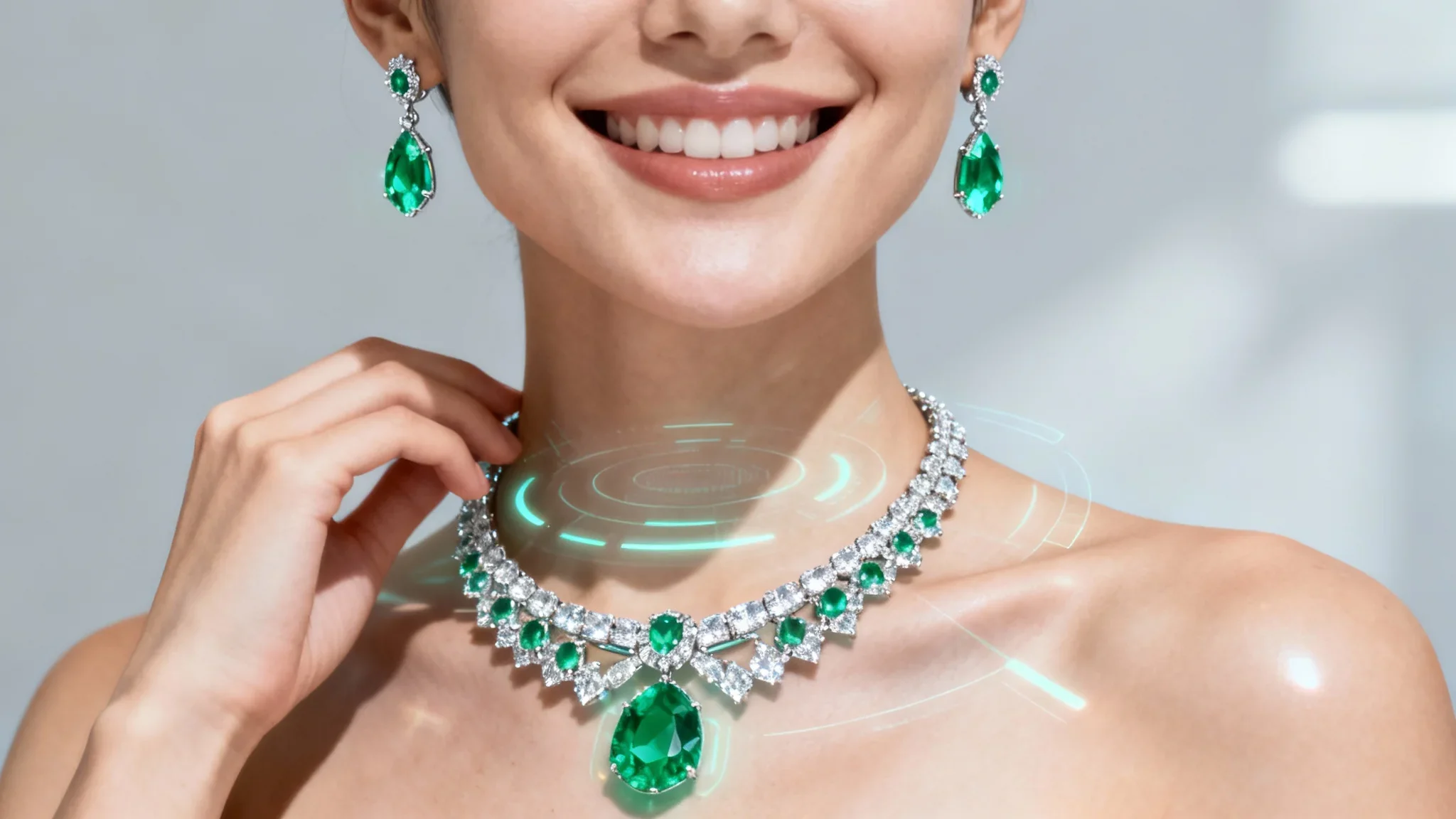
Pixa's Virtual Jewelry Try-On is an AI-powered tool that eliminates the guesswork from online jewelry shopping. Users upload a clear photo of themselves (or a model) and a separate image of any jewelry piece — necklaces, earrings, rings, or bracelets — then enter a simple natural-language prompt such as "put these earrings on her" or "place the ring on the finger." The AI intelligently overlays the jewelry onto the photo in a realistic, natural-looking manner, generating a high-resolution, watermark-free image that can be downloaded instantly for free. Built on top of the Pixa platform (previously Pixelcut, trusted by over 70 million users), this tool is designed for accessibility — no design skills or technical knowledge required. It supports a wide range of jewelry styles and is versatile enough to handle everything from minimalist stud earrings to bold statement necklaces and engagement rings. The tool is valuable for personal shoppers who want to make confident purchase decisions, gift buyers who want to visualize how a piece will look on a recipient, and e-commerce store owners who need realistic lifestyle photos of their products without expensive photoshoots. By letting users experiment with endless styles from the comfort of home, Pixa reduces the likelihood of returns and buyer's remorse, making it a practical addition to any online jewelry shopping or selling workflow.
Key Features
- Photo-Based Virtual Try-On: Upload a photo of yourself or a model alongside a jewelry image, and the AI realistically places the piece on the subject for an accurate preview.
- Natural-Language Prompt Control: Guide the AI with simple text prompts like "put these earrings on her" or "place the ring on the finger" — no technical skills needed.
- Supports Multiple Jewelry Types: Try on necklaces, earrings, rings, and bracelets across a wide variety of styles, from minimalist to bold statement pieces.
- Free High-Resolution Downloads: Download the resulting image in high resolution without any watermark, making it ready for personal use or e-commerce product listings.
- AI-Powered Realistic Placement: Pixa's underlying AI Agent intelligently adjusts scale, angle, and lighting to ensure jewelry appears naturally integrated into the photo.
Use Cases
- Engagement ring shopping: upload a photo of your hand and a ring image to visualize how it looks before making a significant purchase commitment.
- Event outfit styling: match jewelry pieces to a specific outfit by uploading a photo of yourself dressed for an occasion alongside different jewelry options.
- E-commerce product photography: online jewelry store owners can generate realistic lifestyle images of their products on various models without costly photoshoots.
- Gift selection: visualize how a piece of jewelry will look on a friend or family member to ensure you're choosing the perfect gift.
- Personal style exploration: experiment freely with different jewelry aesthetics — from bold statement pieces to delicate minimalist designs — to discover new looks.
Pros
- Completely Free to Start: Core virtual try-on functionality is free with no watermarks, making it accessible to casual shoppers and small business owners alike.
- No Design Skills Required: The prompt-based interface means anyone can generate professional-looking try-on images without any photo-editing expertise.
- Trusted at Scale: Built on the Pixa (Pixelcut) platform trusted by over 70 million users, offering a proven and reliable AI engine.
- Dual Use for Shoppers and Sellers: Equally useful for individual buyers making purchase decisions and e-commerce store owners creating realistic product lifestyle photos.
Cons
- Requires Clear, High-Quality Input Photos: The realism of the output depends heavily on the quality and clarity of the uploaded photos — blurry or low-resolution images may yield poor results.
- No Live Camera Try-On: Unlike some AR-based try-on tools, Pixa works only with static uploaded images rather than a real-time camera feed.
- AI Results May Need Refinement: Complex jewelry placements or unusual angles may require multiple prompt attempts to achieve a satisfactory result.
Frequently Asked Questions
How does the virtual jewelry try-on work?
You upload two images — one of yourself or a model, and one of the jewelry piece you want to try on. You then type a simple prompt describing what you want (e.g., 'put these earrings on her'), and the AI generates a realistic image showing the jewelry placed naturally on the subject.
Is Pixa's virtual jewelry try-on really free?
Yes, the virtual try-on tool is free to use, and you can download the resulting high-resolution images without any watermark. Pixa also offers paid plans for additional features and higher usage volumes.
What types of jewelry can I try on?
You can try on a wide range of jewelry including necklaces, earrings (studs, hoops, drops), rings, and bracelets. As long as you have a clear image of the jewelry piece, the AI can attempt to place it on your photo.
Can jewelry store owners use this for product photography?
Absolutely. One of the primary use cases is for online store owners to create realistic lifestyle product photos by placing their jewelry on different models, reducing the need for expensive photoshoots.
What makes a good photo for best results?
For best results, use a clear, well-lit, high-resolution photo where the subject's face, neck, ears, or hands (depending on the jewelry type) are clearly visible and not obscured. The jewelry image should also be clean and clearly show the piece against a simple background.