S
About
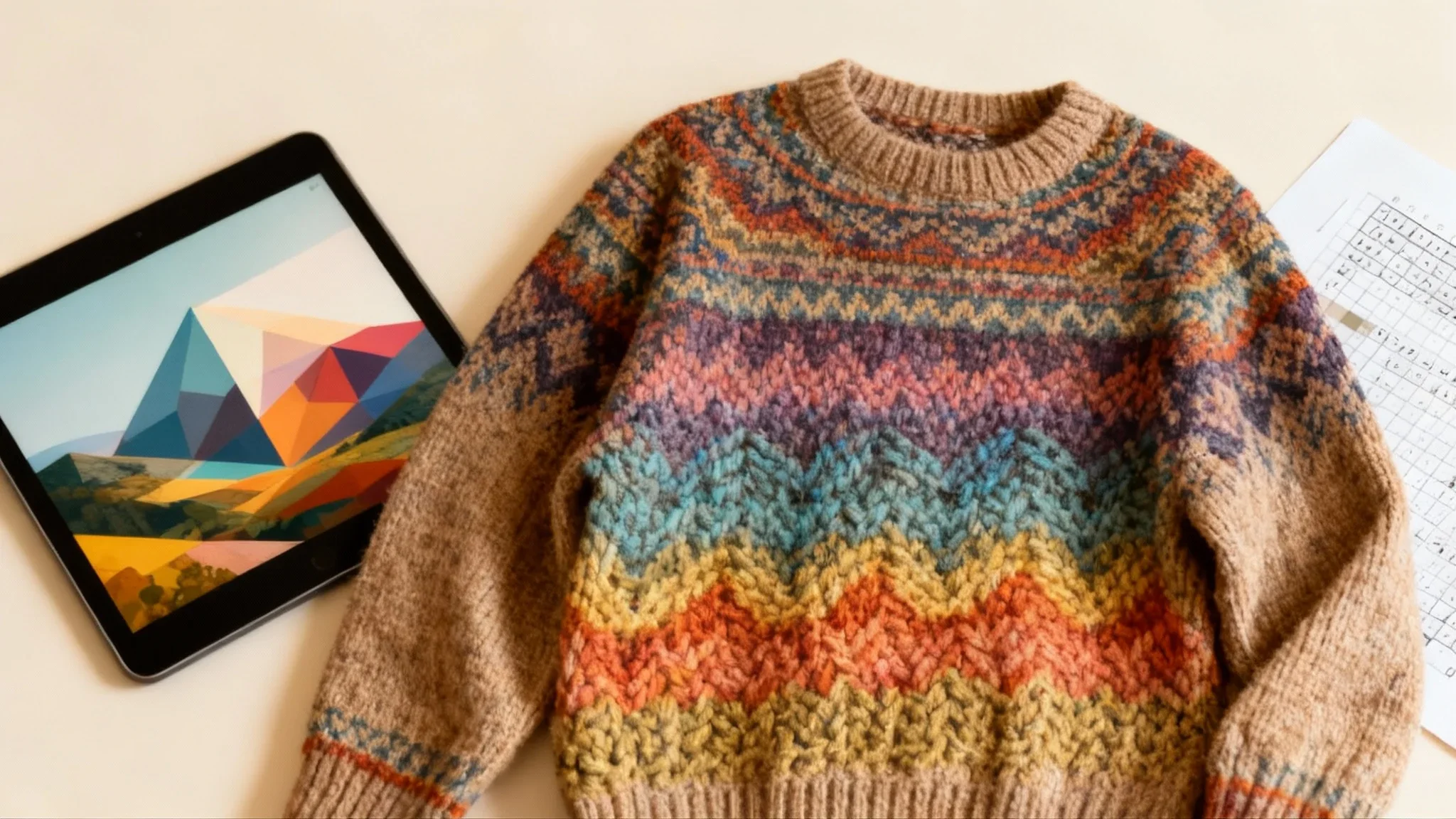
Pixa Knitting Chart is a free, AI-powered image-to-knitting-pattern converter built by Pixa (formerly Pixelcut). It allows crafters, hobbyists, and designers to take any photo, illustration, or artwork and instantly generate a professional-quality, grid-based knitting chart suitable for colorwork, intarsia, and tapestry projects. The workflow is simple: upload an image, write a brief prompt to guide the AI (such as specifying the number of colors to use), and click generate. The tool analyzes shapes and color distribution across the image and maps them onto a stitch grid. The result is a high-resolution, watermark-free PNG chart that can be downloaded, printed, or viewed on a tablet and used immediately for knitting. Key capabilities include intelligent color palette simplification to match real-world yarn collections, prompt-guided customization, and support for all skill levels. Whether you want to knit a pet portrait onto a sweater, recreate a landscape in a blanket, or design a geometric accessory, Pixa's AI handles the complexity of pattern conversion automatically — no manual grid drawing or design software required. The tool is accessible entirely in the browser with no account required to try, making it ideal for hobbyist knitters, fiber artists, textile designers, and crafters looking to personalize their projects with unique, image-based motifs.
Key Features
- AI Image-to-Chart Conversion: Automatically analyzes any uploaded image and converts it into a clean, grid-based knitting chart by mapping colors and shapes to stitches.
- Prompt-Guided Customization: Users can specify parameters like the number of colors in a simple text prompt, allowing the AI to adapt the chart to match available yarn palettes.
- High-Resolution PNG Download: Outputs a watermark-free, high-resolution PNG chart ready to print or display on a digital device — no extra editing required.
- Supports Multiple Knitting Styles: Generates charts compatible with colorwork, intarsia, fair isle, and tapestry knitting techniques, suitable for garments, blankets, and wall art.
- No-Code, Browser-Based Tool: Fully accessible in any web browser with no software installation or design experience required — just upload, prompt, and download.
Use Cases
- Knitting a custom sweater or cardigan featuring a pet portrait or personal photo converted to a colorwork chart.
- Creating a personalized knitted blanket or afghan from a cherished family photograph as a meaningful handmade gift.
- Designing knitted tapestry wall art from landscapes, abstract images, or children's drawings.
- Quickly building a usable colorwork chart from a logo or geometric design for custom knitted accessories like hats or bags.
- Adapting a complex image into a simplified, color-limited knitting pattern to match an existing yarn stash.
Pros
- Completely Free to Use: The tool is offered at no cost, making professional-quality knitting chart creation accessible to all crafters regardless of budget.
- Extremely Fast and Simple: Generates a finished, usable knitting chart in seconds from a single image upload and a short text prompt — no manual grid work needed.
- Flexible for Any Image Type: Works with photos, drawings, digital art, or any visual input, enabling a wide range of creative knitting projects from personal photos to abstract designs.
- Backed by a Trusted Platform: Built on Pixa (formerly Pixelcut), a platform trusted by over 70 million users, ensuring reliability and ongoing development.
Cons
- Output Limited to PNG Format: Charts are only exported as PNG images; formats like PDF, SVG, or editable spreadsheet grids are not currently available.
- Limited Fine-Grained Control: Customization relies on text prompts rather than a visual editor, so users cannot manually adjust individual stitches or color assignments after generation.
- Complex Images May Lose Detail: Highly detailed photos with many colors may be significantly simplified during conversion, which could reduce accuracy for intricate designs.
Frequently Asked Questions
What types of images can I upload to generate a knitting chart?
You can upload photos, drawings, digital illustrations, or any image file from your computer or phone. The AI works with a wide range of visual inputs, from pet portraits to abstract patterns.
Can I control how many colors appear in the knitting chart?
Yes. When writing your prompt, you can specify the number of colors — for example, 'Convert to a knitting chart with 6 colors.' This helps the AI simplify the palette to match your yarn stash.
What format is the finished knitting chart in?
The generated knitting chart is delivered as a high-resolution, watermark-free PNG file that you can download, print, or view on a tablet or screen.
Is Pixa Knitting Chart really free to use?
Yes, the knitting chart converter is free. It's part of the Pixa platform, which also offers paid plans with additional creative tools and features.
What knitting techniques are the generated charts compatible with?
The charts are grid-based and suitable for colorwork techniques including stranded colorwork, intarsia, fair isle, and tapestry knitting, making them usable for sweaters, blankets, accessories, and wall hangings.