

About
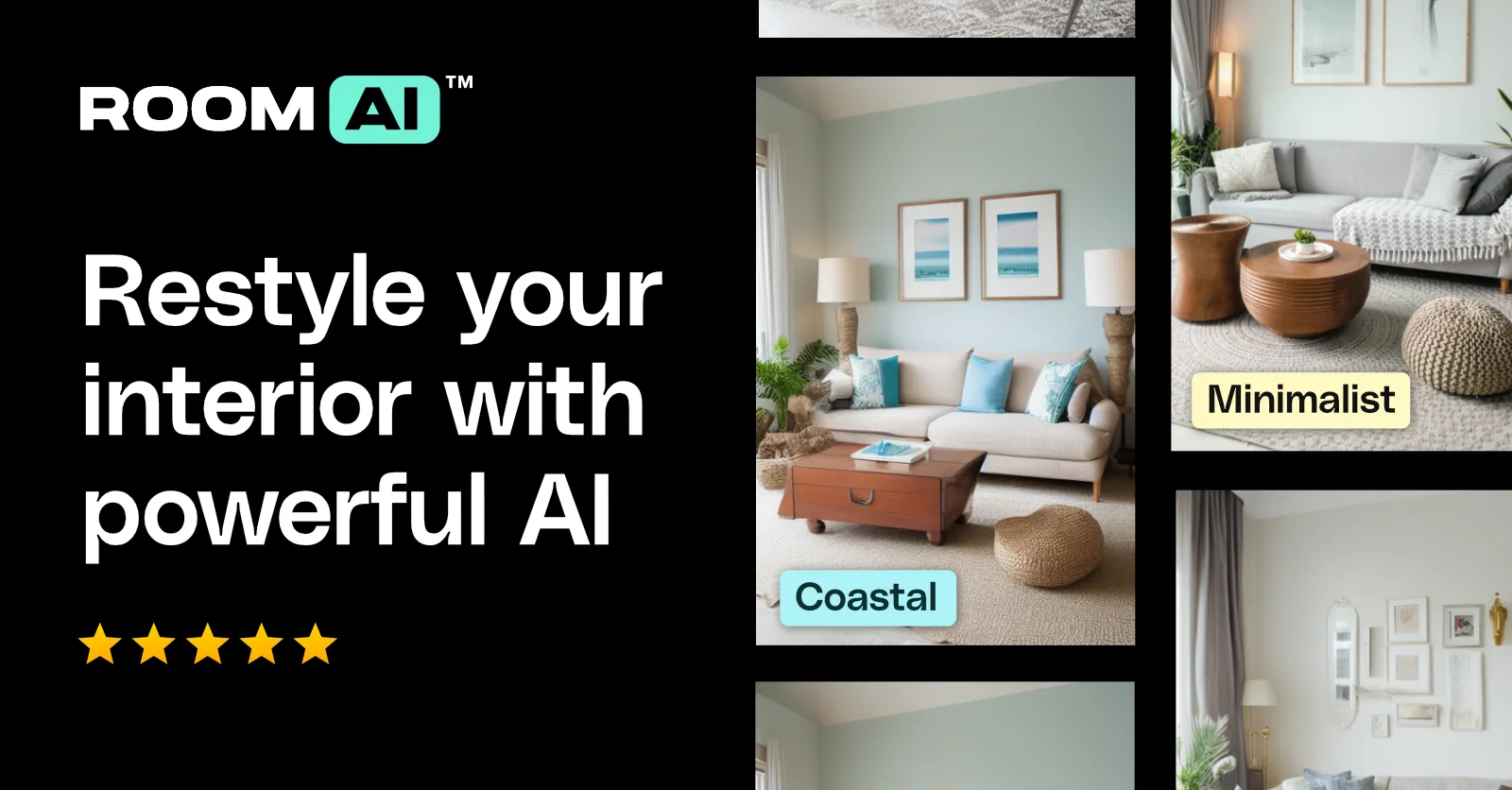
Room AI is a web-based AI interior design platform that makes professional-quality room visualization accessible to everyone. Launched in September 2022, it has attracted over 390,000 users by offering two core workflows: uploading an existing room photo for AI-powered restyling, or generating a brand-new room design from scratch based on user preferences. The platform supports 40+ distinct design styles ranging from Minimalist and Scandinavian to Hollywood Regency, Steampunk, Wabi-Sabi, and Cosmic Chic. Users can apply these styles across virtually any room type — living rooms, bedrooms, kitchens, bathrooms, home offices, kids' rooms, patios, and more. Beyond styles, Room AI offers deep customization through curated color palettes (e.g., Coastal Calm, Forest Retreat) and a rich library of materials including natural stones, metals, woods, fabrics, and glass. The tool generates multiple photo-realistic renders quickly, enabling rapid iteration. Room AI is designed for four primary audiences: homeowners who want to envision remodels without costly consultations, interior designers who need to pitch concepts faster, real estate agents looking to boost listing appeal with staged visuals, and architects wanting to supplement spatial designs with interior previews. Paid plans unlock commercial usage rights, making it viable for professional workflows. The no-code, no-install approach lowers the barrier to entry significantly compared to traditional 3D rendering software.
Key Features
- Room Restyling from Photos: Upload an image of any existing room and let the AI restyle it in your chosen design aesthetic, producing realistic before/after visualizations.
- Generate Designs from Scratch: Specify preferences and generate dozens of photo-realistic room renders without needing an existing photo or design experience.
- 40+ Interior Design Styles: Choose from a wide range of styles including Minimalist, Art Deco, Industrial, Farmhouse, Wabi-Sabi, Steampunk, and many more.
- Color Palettes & Material Library: Customize rooms with curated color palettes and a rich library of materials — stones, metals, woods, fabrics, and glass — to see exactly how they look.
- Multi-Room Type Support: Design any space in the home including living rooms, kitchens, bathrooms, home offices, kids' rooms, patios, and home gyms.
Use Cases
- A homeowner uploads a photo of their living room and tries multiple design styles (e.g., Minimalist, Farmhouse, Art Deco) to decide on a renovation direction before spending money.
- An interior designer rapidly generates 10+ concept renders in different styles to present to a prospective client during a pitch meeting, closing the deal faster.
- A real estate agent uses Room AI to virtually stage an empty or dated property listing with attractive interior designs, boosting buyer interest and conversion rates.
- An architect adds AI-generated interior visualizations to a new build project, giving clients a realistic preview of their future home's interior without mastering 3D design software.
- A property developer uses Room AI to create diverse interior design visualizations for a new development's marketing materials, showcasing multiple lifestyle aesthetics to attract different buyer segments.
Pros
- No downloads or installs required: Fully browser-based with no software to install, making it instantly accessible to anyone with a web connection.
- Extensive style and customization options: With 40+ design styles, multiple color palettes, and a broad material library, users get granular creative control over their designs.
- Fast iteration for professionals: Interior designers and real estate agents can generate multiple high-quality concept renders in minutes, dramatically speeding up client presentations.
- Large, established user base: Over 390,000 users since its 2022 launch signals reliability, ongoing development, and a proven product-market fit.
Cons
- Commercial use requires a paid plan: Free-tier designs cannot be used for commercial purposes; users must upgrade to a paid subscription for business or client-facing work.
- Output quality depends on input detail: The more vague the input preferences or the lower the quality of an uploaded photo, the less accurate or impressive the generated results.
- Web-only platform: There is no dedicated mobile app, which may limit usability for users who prefer designing on smartphones or tablets.
Frequently Asked Questions
Can I use Room AI designs for commercial projects?
Yes, but only if you hold a paid subscription that includes commercial usage rights. Free-tier designs are limited to personal use. Always check your subscription terms before using designs commercially.
Do I need to download or install anything to use Room AI?
No. Room AI is entirely web-based. You can start designing directly in your browser without downloading any software or creating an account to try it.
What types of rooms can I design with Room AI?
Room AI supports a wide range of room types including living rooms, bedrooms, kitchens, bathrooms, dining rooms, home offices, kids' rooms, media rooms, mudrooms, patios, laundry rooms, and home gyms.
How does Room AI differ from other AI interior design tools?
Room AI goes beyond basic AI rendering by collaborating with industry experts and offering an extensive customization system — including style presets, color palettes, and a material library — through a user-friendly interface, rather than relying purely on raw AI output.
Can I generate a design without uploading an existing room photo?
Yes. Room AI supports two modes: restyling an existing room from a photo you upload, or generating an entirely new design from scratch by specifying your preferences and desired style.