
About
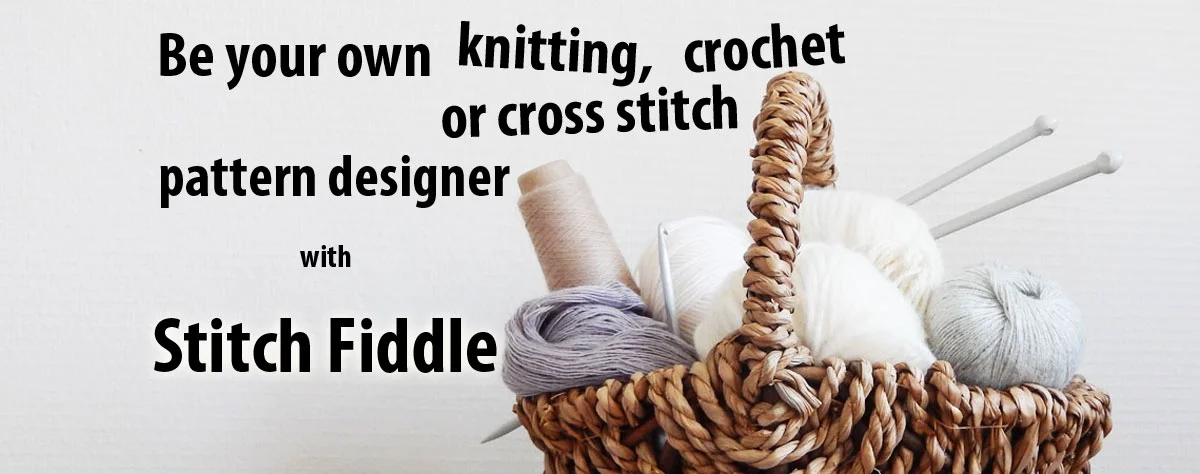
Stitch Fiddle is a versatile online pattern-making platform designed for craft enthusiasts who want to create detailed stitch and pixel charts directly in their browser. The tool supports an impressive range of crafts: crochet, knitting, cross stitch, diamond painting, fuse beads, pixel macramé, latch hook, quilting, Pixelhobby, and general pixel art — all within a single application. At its core, Stitch Fiddle provides a visual grid editor where users can design patterns cell by cell, assign colors, and map out stitch sequences. The platform includes tools for managing yarns, threads, and other craft products, making it easy to color-match patterns to real materials. Users can organize their charts in a personal library and return to them at any time. Stitch Fiddle is particularly useful for crafters who want to convert images or custom designs into workable patterns, as well as those who need to share finished charts with clients or communities. The no-code interface means anyone — from beginners to seasoned designers — can get started quickly without technical knowledge. Whether you're designing a colorwork sweater, a counted cross stitch sampler, a diamond painting template, or a pixel art sprite, Stitch Fiddle centralizes the workflow into one approachable tool. Its web-based nature means no software installation is required, and patterns are accessible from any device with a browser.
Key Features
- Multi-Craft Pattern Support: Create charts for crochet, knitting, cross stitch, diamond painting, fuse beads, pixel macramé, latch hook, quilting, Pixelhobby, and pixel art — all in one platform.
- Visual Grid Chart Editor: Design patterns on an interactive grid by assigning stitches and colors cell by cell, giving full creative control over the layout.
- Yarn & Thread Product Management: Link real-world yarn, thread, or bead products to your chart colors to ensure accurate material matching and shopping lists.
- Personal Pattern Library: Save and organize all your charts in a personal account for easy access, editing, and reuse across projects.
- Browser-Based, No Install Required: Works entirely in the browser — no downloads or software installation needed, accessible from any device.
Use Cases
- Designing a custom colorwork knitting chart for a sweater or hat
- Creating a counted cross stitch pattern from a personal image or motif
- Building a diamond painting template with a mapped color palette
- Drafting a fuse bead or Pixelhobby pixel art design for crafting or gifting
- Sharing professional crochet or latch hook chart patterns with clients or a crafting community
Pros
- Broad Craft Coverage: Supports over 9 distinct craft types in a single tool, eliminating the need for separate software for each hobby.
- No-Code & Beginner Friendly: The intuitive grid-based interface requires no technical skills, making it accessible to crafters of all experience levels.
- Web-Based Convenience: No installation required; patterns are stored in the cloud and accessible from any browser on any device.
Cons
- Limited AI or Automation Features: The tool is manual by nature — there are no AI-powered pattern generation or image-to-pattern conversion features noted.
- Advanced Features Likely Behind Paywall: As a freemium product, more advanced export options, chart sizes, or storage may require a paid subscription.
Frequently Asked Questions
What crafts does Stitch Fiddle support?
Stitch Fiddle supports crochet, knitting, cross stitch, diamond painting, fuse beads, pixel macramé, latch hook, quilting, Pixelhobby, and general pixel art.
Is Stitch Fiddle free to use?
Stitch Fiddle operates on a freemium model — basic features are available for free after signing up, with additional features likely available through a paid plan.
Do I need to install any software?
No. Stitch Fiddle is entirely web-based and runs in your browser, so no downloads or installations are necessary.
Can I save and manage multiple patterns?
Yes. After creating an account, you can save your charts to a personal library and access or edit them at any time.
Can I link real yarn or thread products to my patterns?
Yes. Stitch Fiddle includes a product and yarn management feature that lets you associate real-world materials with your chart colors.