

About
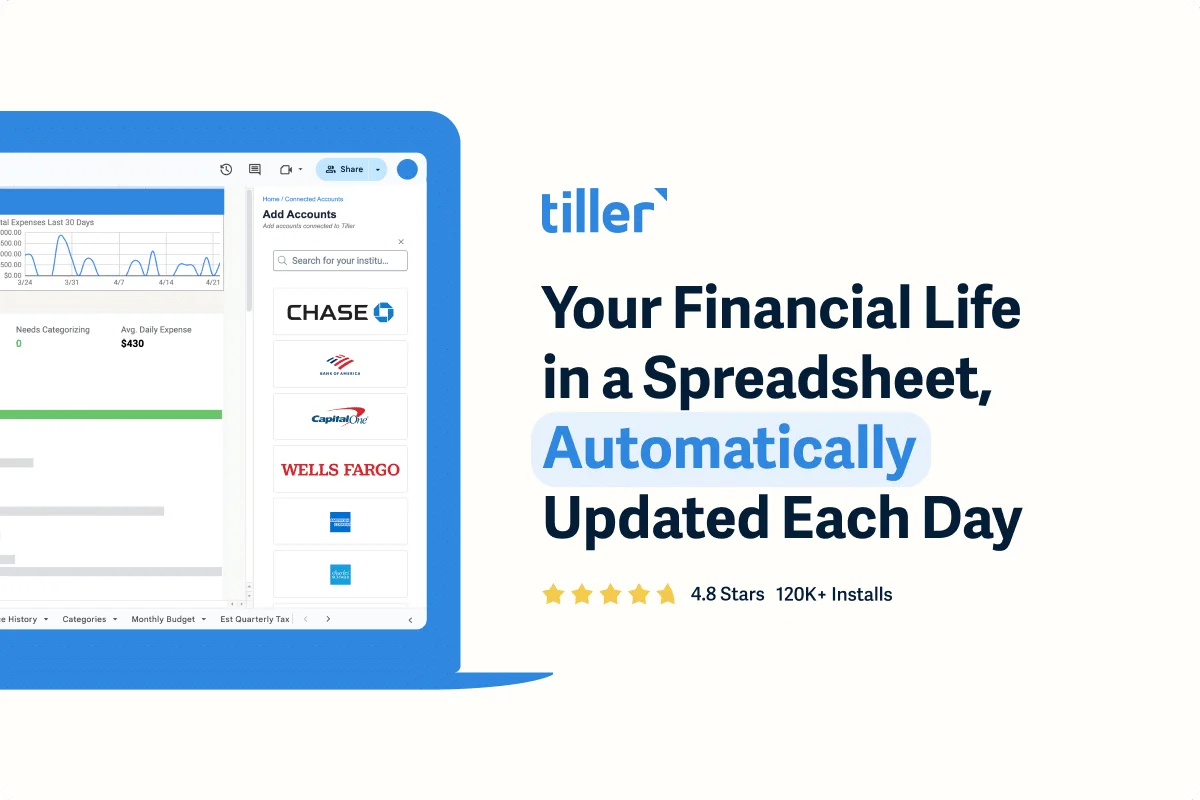
Tiller Money is a personal finance automation service that connects your bank accounts, credit cards, and investment accounts to Google Sheets and Excel, updating your spreadsheets every day with fresh transaction and balance data. Designed for people who want granular control over their finances without complex accounting software, Tiller bridges the gap between raw bank data and meaningful financial insight. At its core, Tiller feeds all your transactions into a unified Transactions Sheet where you can categorize spending, build custom rules, and create tailored reports with charts and pivot tables. Prebuilt templates cover monthly budgets, envelope budgeting, debt payoff tracking, net worth monitoring, and spending trends—so you can get started immediately without building anything from scratch. For solo business owners, Tiller supports tracking business income and expenses separately within the same subscription. A daily email digest lets you review recent charges and balances without opening a spreadsheet. Everything stays in spreadsheets you own and control, with no ads and no data selling. Tiller is ideal for detail-oriented individuals, spreadsheet enthusiasts, personal finance hobbyists, and freelancers who want full transparency into their money. It is backed by a US-based customer support team, an active user community, and comprehensive help documentation. A free trial is available before committing to the paid subscription.
Key Features
- Automatic Daily Bank Feed: Connects to your bank, credit card, and investment accounts and automatically populates your spreadsheet with fresh transactions and balances every day.
- Prebuilt Budget & Finance Templates: Jumpstart tracking with ready-made templates for monthly budgets, debt payoff, net worth, savings goals, and spending trends—all editable to your needs.
- Full Spreadsheet Customization: Create custom category rules, build your own charts and reports, adjust layouts, and tailor every formula since all data lives in spreadsheets you control.
- Daily Email Digest: Receive a morning summary email showing recent charges and account balances so you can stay on top of your money without opening the spreadsheet.
- Personal & Solo Business Tracking: Track both personal finances and solo business income, expenses, and profits within a single Tiller subscription—no separate accounting software required.
Use Cases
- Creating a fully automated personal budget in Google Sheets that updates daily without manual data entry.
- Tracking debt payoff progress across multiple credit cards and loans in a single unified spreadsheet.
- Monitoring business income and expenses for freelancers and solo entrepreneurs alongside personal finances.
- Identifying forgotten or unnecessary recurring subscriptions by reviewing categorized monthly transactions.
- Building a custom net worth dashboard that automatically pulls balances from all bank, investment, and debt accounts each day.
Pros
- True Spreadsheet Flexibility: Unlike rigid finance apps, Tiller lets power users build any report, chart, or workflow they want because the data lives in a real Google Sheet or Excel file.
- Privacy-First Model: Tiller does not show ads or sell user data; subscriptions are the sole revenue source, aligning their incentives with user privacy and satisfaction.
- Top-Rated Support: Includes access to a US-based support team, an active user community, and extensive help documentation—making it approachable even for non-expert spreadsheet users.
Cons
- Requires Spreadsheet Comfort: Users who are not comfortable with Google Sheets or Excel may find the interface intimidating compared to dedicated finance apps with polished dashboards.
- Paid Subscription with No Permanent Free Tier: After the free trial, a paid subscription is required—making it less accessible for users who only need basic free budgeting tools.
- Limited Mobile Experience: Mobile access relies on the Google Sheets or Excel apps and the daily digest email rather than a purpose-built native mobile app.
Frequently Asked Questions
How does Tiller connect to my bank accounts?
Tiller uses a secure bank data aggregation service to read-only connect to thousands of financial institutions, then automatically feeds transaction and balance data into your spreadsheet each day.
Does Tiller work with both Google Sheets and Excel?
Yes. Tiller supports both Google Sheets and Microsoft Excel, so you can choose whichever spreadsheet environment you prefer.
Is my financial data private?
Yes. Your data is fed into spreadsheets that only you own and can access. Tiller does not sell user data or show advertisements—subscriptions are their only revenue source.
Can I use Tiller for my small business?
Tiller is designed primarily for personal finances but also supports solo business owners who want to track business income, expenses, and profits in the same spreadsheet under one subscription.
Is there a free trial available?
Yes. Tiller offers a free trial so you can test the automatic bank feed, templates, and customization features before committing to a paid subscription.