

About
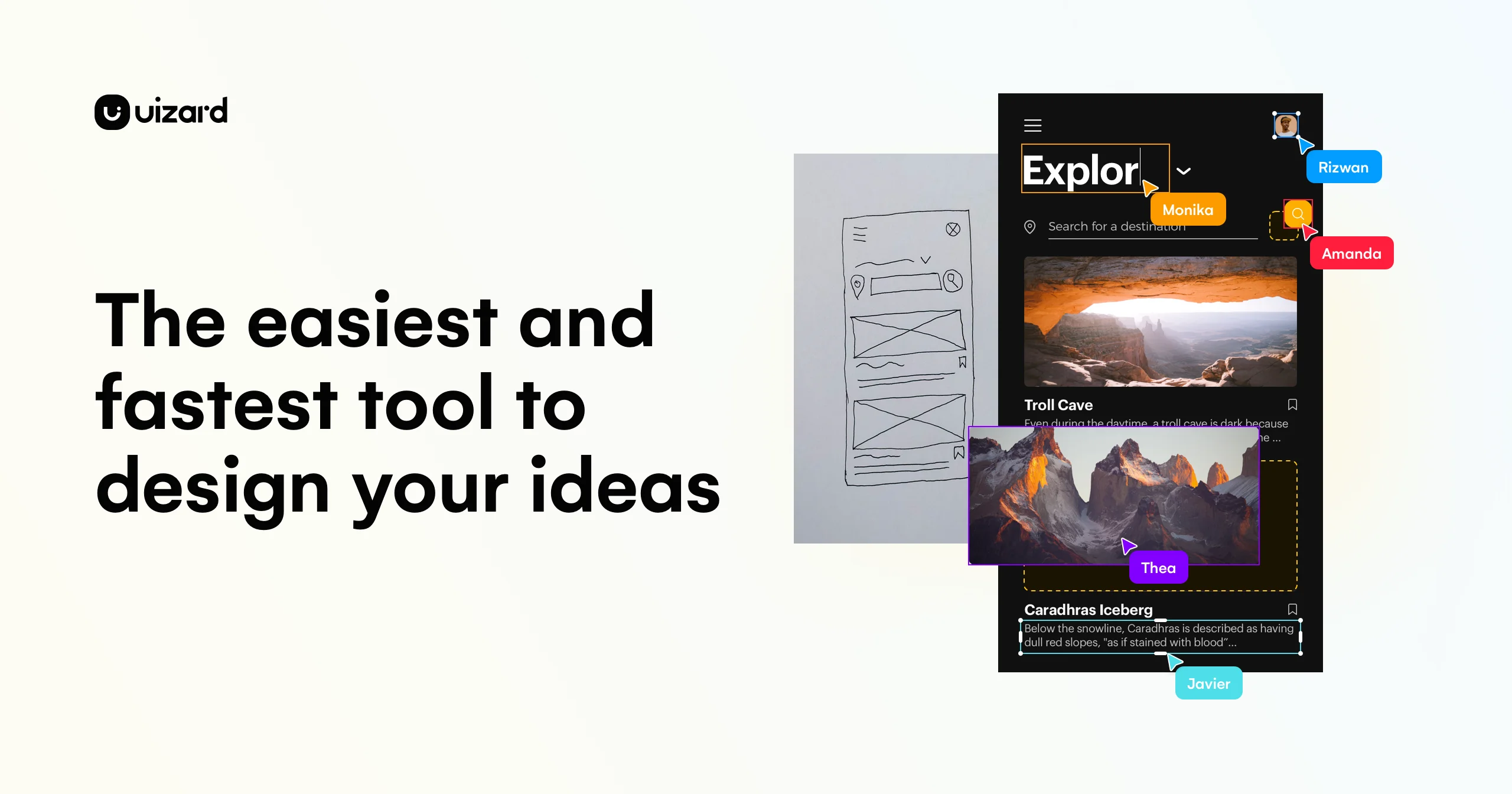
Uizard is a generative AI design tool built for product teams, designers, marketers, startup founders, and developers who need to visualize and iterate on digital product concepts fast. Its flagship feature, Autodesigner 2.0, allows users to generate entire multi-screen UI prototypes from a simple text description — no design expertise required. The tool also includes a Screenshot Scanner that converts existing app or website screenshots into fully editable mockups, and a Wireframe Scanner that digitizes hand-drawn sketches into professional digital designs. Beyond generation, Uizard offers a complete design environment where users can modify individual components, generate new screens within an existing project, and apply AI-generated themes to change the overall visual style instantly. Real-time collaboration allows entire product teams to work together simultaneously, making it ideal for design sprints, MVP prototyping, and stakeholder presentations. Pre-built templates for mobile apps, web apps, tablets, and wireframes further accelerate workflows. Uizard is positioned as a bridge between ideation and implementation — empowering non-designers to contribute meaningfully to product design while giving professional designers a fast-iteration sandbox. Its no-code approach and intuitive drag-and-drop interface make it as accessible as tools like Google Slides or PowerPoint.
Key Features
- Autodesigner 2.0: Generate complete multi-screen, editable UI prototypes from a plain text prompt in seconds, including themes and component layouts.
- Screenshot Scanner: Upload any app or website screenshot and Uizard instantly converts it into a fully editable mockup for rapid iteration.
- Wireframe Scanner: Take a photo of a hand-drawn wireframe sketch and transform it into a clean digital design automatically.
- AI Component Editing: Select any UI component, describe the changes you want in natural language, and Autodesigner applies the updates instantly.
- Real-Time Collaboration: Invite your entire product team to design together simultaneously, enabling faster feedback loops and inclusive contribution.
Use Cases
- A product manager quickly generates a clickable prototype from a feature brief to align stakeholders before any engineering work begins.
- A startup founder uses text-to-UI generation to visualize their MVP concept and share it with investors within the same day.
- A UX designer scans hand-drawn whiteboard wireframes into Uizard to create shareable digital versions after a brainstorming workshop.
- A marketing team imports competitor app screenshots to rapidly create iteration mockups for A/B testing concepts.
- A developer uses Uizard to map out the UI flow of a new feature before writing any front-end code, reducing back-and-forth with designers.
Pros
- Accessible to non-designers: The intuitive interface and AI generation features mean product managers, developers, and marketers can create professional-looking prototypes without design skills.
- Extremely fast prototyping: Going from a text idea to a multi-screen interactive prototype takes seconds, dramatically compressing early-stage design cycles.
- Versatile input methods: Supports text prompts, screenshot imports, and hand-drawn wireframe scans as starting points, fitting diverse workflows.
- Real-time team collaboration: Multiple stakeholders can contribute to a single design project simultaneously, reducing bottlenecks in product discovery.
Cons
- Limited design fidelity vs. professional tools: Uizard is optimized for speed and concept communication; highly detailed or pixel-perfect production designs may require Figma or Adobe XD.
- AI output requires refinement: Generated designs are a strong starting point but often need manual adjustments to match specific brand guidelines or complex UX patterns.
- Web-only platform: There is no native desktop app, which may be a constraint for users who prefer offline-capable design tools.
Frequently Asked Questions
Do I need design experience to use Uizard?
No. Uizard is specifically built for people without formal design training. Its AI features and drag-and-drop interface are as intuitive as using presentation software like PowerPoint or Google Slides.
What is Autodesigner 2.0?
Autodesigner 2.0 is Uizard's generative AI engine that creates complete multi-screen UI prototypes from a simple text description. You can also use it to generate individual screens, modify components, or create new visual themes.
Can I import existing designs into Uizard?
Yes. The Screenshot Scanner lets you upload screenshots of existing apps or websites and converts them into editable Uizard mockups. The Wireframe Scanner does the same for hand-drawn sketches.
Is Uizard free to use?
Uizard offers a free plan with core features. Paid plans unlock higher usage limits, advanced AI features, and additional collaboration capabilities.
Can teams collaborate in Uizard?
Yes, Uizard supports real-time collaboration so multiple team members can view and edit a project simultaneously, making it ideal for design sprints and cross-functional product teams.