

About
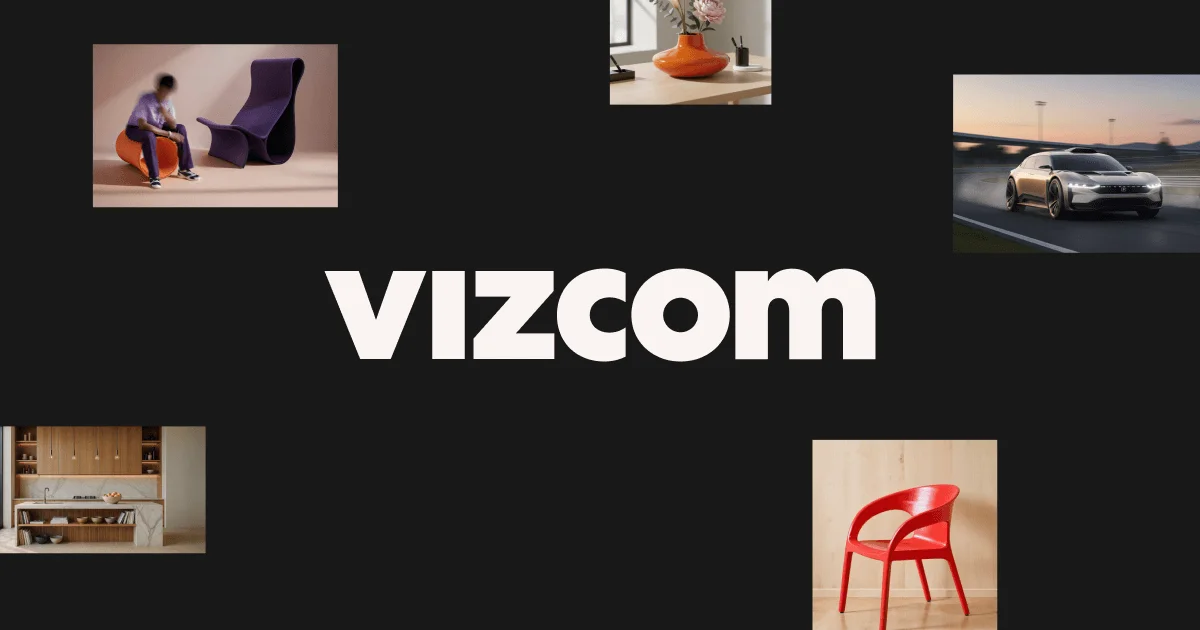
Vizcom is a professional AI design platform purpose-built for real-world product designers. It bridges the gap between initial concept sketches and photorealistic 3D renderings, enabling designers to go from idea to high-fidelity visual in seconds without sacrificing creative control. At its core, Vizcom lets designers upload or draw a sketch and use natural language prompts to define form, proportions, colors, and materials. The platform then generates multiple render variations that can be iterated on rapidly. Designers can rotate 3D views, swap materials and colors, explore alternate forms, and animate objects — all within a single creative environment. Key capabilities include AI-powered sketch-to-render, 3D model visualization with real-time material swaps, scene placement for real-world context, animation tools for creating motion clips, and an Enhance feature that sharpens rendering details. Teams can collaborate in shared workspaces with role-based access (Admin, Editor, Viewer). Vizcom is trusted by world-class brands in industrial design, automotive (e.g., GM/Cadillac), footwear, and extreme sports gear. It is designed to complement — not replace — a designer's workflow, acting as a supercharged ideation toolkit that speeds up every phase from concepting through iteration. A free starter plan is available with no credit card required, making it accessible for students, independent designers, and enterprise teams alike.
Key Features
- Sketch-to-Render: Upload or draw a sketch and use natural language prompts to instantly generate photorealistic 3D product renders with accurate materials, colors, and proportions.
- Rapid Iteration & Variation: Explore multiple design directions simultaneously by generating form and color variations from a single sketch, speeding up ideation without losing creative spark.
- 3D Model Visualization: Drop in any 3D model and instantly swap colors, materials, and scene environments to visualize your product in realistic contexts.
- Animation & Motion: Animate product concepts using natural language descriptions — create short clips or full motion sequences to bring designs to life for presentations.
- AI-Powered Image Editing: Make large or fine-grained edits to any render using natural design language, including adding content, removing elements, or enhancing detail with the Enhance tool.
Use Cases
- Industrial designers rapidly iterating on product form and material options from hand-drawn sketches during early-stage concept development.
- Footwear and apparel teams generating photorealistic colorway and material variations to present to stakeholders without needing a 3D modeler.
- Automotive design studios exploring concept vehicle shapes and finishes in seconds to accelerate the creative review cycle.
- Design students and freelancers building high-quality portfolio renders from rough sketches using the free plan.
- Enterprise product teams collaborating across roles — designers, reviewers, and stakeholders — within a shared workspace using role-based access.
Pros
- Extremely Fast Ideation: Reduces the time from rough concept to polished 3D render from hours or days to mere seconds, dramatically accelerating the product design workflow.
- Purpose-Built for Product Designers: Unlike generic AI image tools, Vizcom is tailored to industrial, footwear, automotive, and apparel design workflows with industry-specific features.
- Free Starter Plan: A no-credit-card-required free plan lets designers and students explore the platform fully before committing to a paid tier.
- Team Collaboration Support: Role-based workspace management with Admin, Editor, and free Viewer seats makes it easy to onboard entire design teams under centralized billing.
Cons
- Paid Seats Required for Editing: Only Admin and Editor roles can create and edit files; both are paid seats, which can add up quickly for larger teams.
- AI Output May Require Refinement: Generative renders may not always capture highly specific design intent on the first pass, requiring multiple iterations and prompt refinements.
- Niche Focus: Primarily optimized for physical product design; less suitable for graphic design, UI/UX, or 2D illustration workflows.
Frequently Asked Questions
Can I use Vizcom for free?
Yes. Vizcom offers a free Starter plan with no credit card required, allowing designers to explore the platform's core features at no cost.
What types of product design is Vizcom best suited for?
Vizcom is designed for industrial design, footwear, automotive, gaming, and apparel — essentially any discipline involving physical product concepting and 3D visualization.
Does Vizcom support 3D model imports?
Yes. You can drop in any 3D model and use Vizcom to swap colors, materials, and scenes instantly to visualize your product in different contexts.
How does team billing work in Vizcom?
Billing is managed centrally by the Admin. All paid seats (Admins and Editors) are invoiced together in a single billing cycle, while Viewers remain free and don't affect the cost.
Can I animate my product designs in Vizcom?
Yes. Vizcom includes an Animate feature that lets you describe motion in natural language to generate short clips or multi-clip sequences, ideal for presentations and concept storytelling.