

About
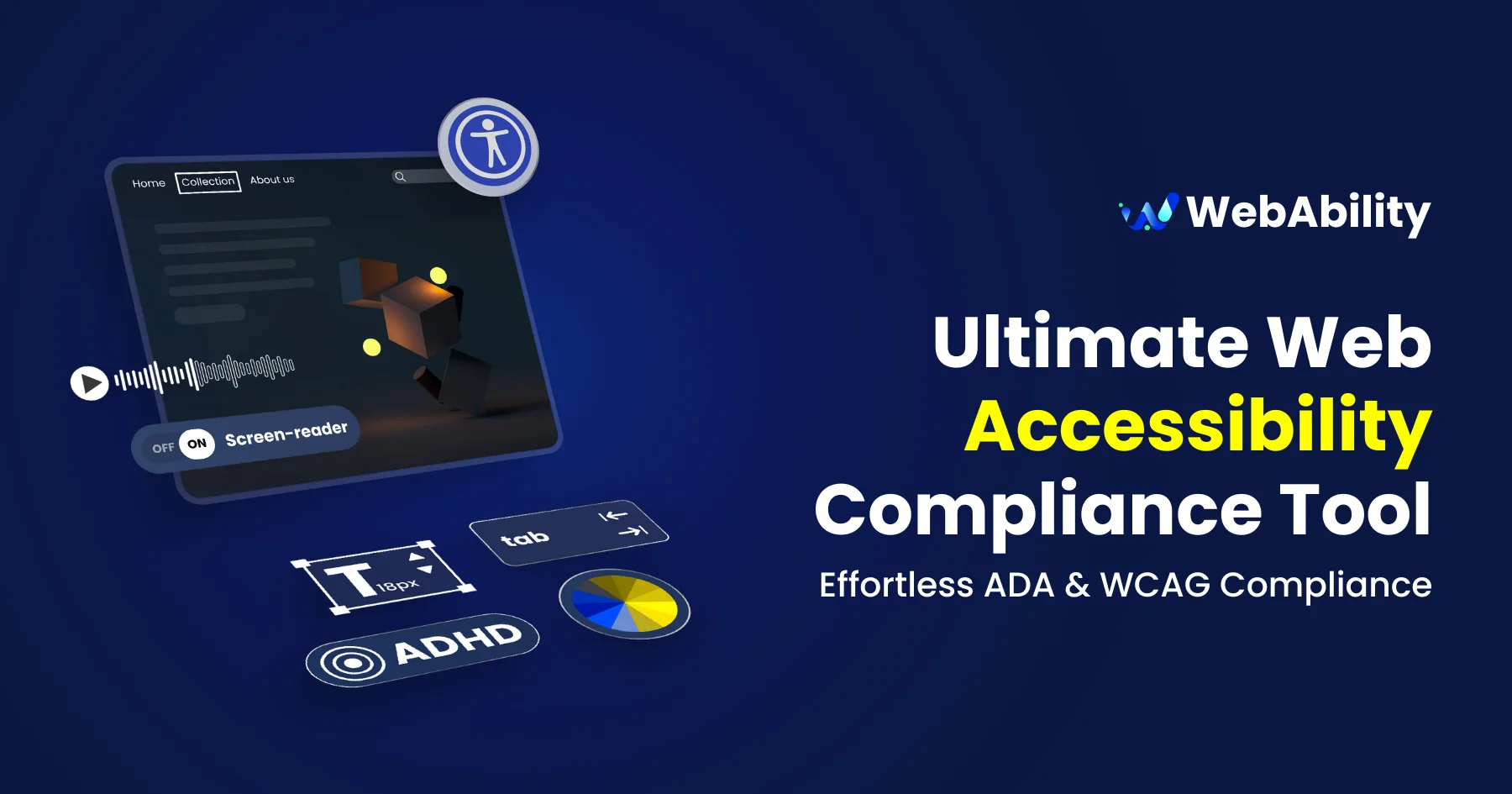
WebAbility is a comprehensive web accessibility solution designed to help websites comply with major accessibility standards including ADA, WCAG 2.1, Section 508, AODA, and the European Accessibility Act (EAA/EN301549). At its core is an accessibility widget that can be rapidly integrated into any website via simple installation guides for WordPress, Shopify, Wix, Webflow, Google Tag Manager, and plain HTML—no deep coding required. Beyond the core widget, WebAbility provides a rich suite of free and AI-powered tools: a Website Accessibility Scanner to identify compliance gaps, an AI Alt Text Generator for images, an AI Color Contrast Checker, a Free Image Upscaler, an Accessibility Statement Generator, and an Accessibility Cost Calculator. These tools collectively reduce the friction of achieving and maintaining compliance. WebAbility serves a wide range of industries including government, banking and finance, education, healthcare, retail and e-commerce, technology, automotive, and law enforcement. Businesses benefit not only from reduced legal risk but also from access to the $13 trillion global disability market. The platform is built around the principle that web accessibility is both a legal obligation and a business opportunity, helping organizations attract new customers, boost traffic through improved SEO, and demonstrate corporate social responsibility.
Key Features
- Accessibility Compliance Widget: A drop-in widget that enables ADA, WCAG 2.1, and Section 508 compliance on any website with minimal setup, supporting integrations with WordPress, Shopify, Wix, and Webflow.
- Website Accessibility Scanner: Free automated scanner that audits any website for WCAG and ADA compliance issues, surfacing actionable fixes to reduce legal risk.
- AI Alt Text Generator: AI-powered tool that automatically generates descriptive alt text for images, improving screen reader compatibility and search engine indexing.
- AI Color Contrast Checker: Analyzes foreground and background color combinations using AI to ensure they meet WCAG contrast ratio requirements for visually impaired users.
- Accessibility Statement Generator: Creates an official, standards-compliant accessibility statement for your website to demonstrate commitment to inclusive design and meet regulatory requirements.
Use Cases
- E-commerce businesses adding ADA compliance to their Shopify or Wix store to reduce lawsuit risk and reach customers with disabilities.
- Government and public sector websites meeting WCAG 2.1 and Section 508 mandates ahead of regulatory deadlines.
- Educational institutions ensuring their learning platforms comply with AODA and WCAG standards for students with disabilities.
- Healthcare providers making patient portals and informational sites accessible to users with visual, motor, or cognitive impairments.
- Marketing and web agencies offering managed accessibility compliance as a value-added service to their clients across multiple industries.
Pros
- Broad Platform Integrations: Supports quick installation on all major website platforms including WordPress, Shopify, Wix, Webflow, and Google Tag Manager, making adoption frictionless.
- Generous Free Toolset: Offers multiple free tools—scanner, contrast checker, alt text generator, and statement generator—providing real value before any paid commitment.
- Multi-Standard Coverage: Addresses ADA, WCAG 2.1, Section 508, AODA, and EAA/EN301549 in a single platform, reducing the need to manage multiple compliance tools.
Cons
- Widget May Not Achieve Full WCAG Conformance Alone: Overlay widgets are widely debated in the accessibility community and may not resolve all underlying code-level WCAG failures without additional manual remediation.
- Limited Deep Audit Capabilities: The platform focuses on automated compliance and overlay solutions; complex accessibility audits or manual testing workflows may still require third-party specialists.
Frequently Asked Questions
What accessibility standards does WebAbility support?
WebAbility supports ADA (Americans with Disabilities Act), WCAG 2.1, Section 508, AODA (Accessibility for Ontarians with Disabilities Act), and EAA/EN301549 (European Accessibility Act), covering the most common regulatory requirements worldwide.
How do I install WebAbility on my website?
WebAbility offers step-by-step installation guides for WordPress, Shopify, Wix, Webflow, Google Tag Manager, and plain HTML. Most installations require adding a small snippet of code or using a plugin, with no advanced development skills needed.
Is WebAbility free to use?
WebAbility offers a range of free tools including the Website Accessibility Scanner, AI Color Contrast Checker, and AI Alt Text Generator. A paid plan is required for the full accessibility widget and ongoing compliance coverage.
Does installing the WebAbility widget make my site fully ADA compliant?
The widget significantly improves accessibility and helps meet many ADA and WCAG 2.1 requirements. However, full compliance also depends on your site's underlying code and content. WebAbility recommends combining the widget with regular audits and content best practices.
Which industries benefit most from WebAbility?
WebAbility serves government agencies, banking and finance, education, healthcare, retail and e-commerce, technology, automotive, and law enforcement—essentially any industry subject to accessibility regulations or looking to expand their audience.