
About
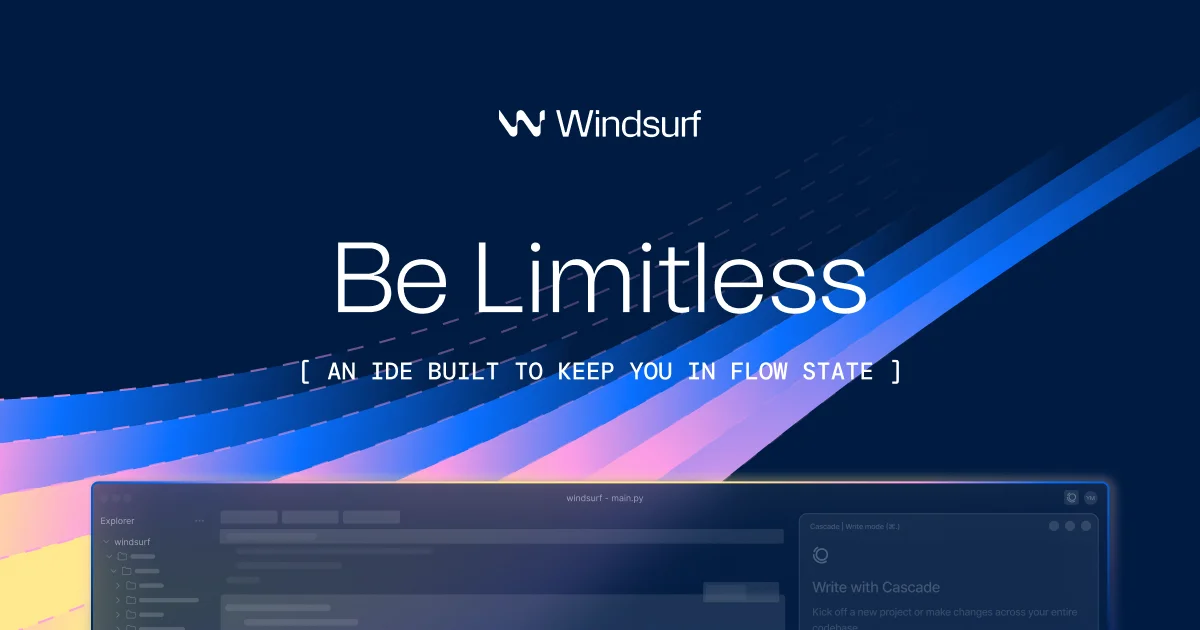
Windsurf IDE is the world's most advanced AI coding assistant, built as an AI-native IDE that keeps individual developers and enterprise teams in a continuous state of flow. At its core is Cascade, an intelligent AI engine that understands your codebase and workflow deeply over time. Key capabilities include Memories, which allow Cascade to retain important context about your project and preferences across sessions; Rules, which let teams define coding standards that Cascade automatically follows; and automatic Lint Fixing, where Cascade detects and resolves lint errors it generates without breaking your flow. Windsurf supports the Model Context Protocol (MCP), enabling seamless integration with external tools like Figma, Slack, Stripe, GitHub, PostgreSQL, and Playwright through a one-click plugin store. Developers can drag and drop images directly into Cascade to generate UI from designs, and the terminal integration (⌘+I) lets users run commands via natural language. Turbo Mode enables Cascade to auto-execute terminal commands, run previews, search documentation, and deploy apps autonomously. The IDE is ideal for individual developers seeking faster iteration, startups building quickly with AI, and enterprises looking to standardize AI-assisted development at scale. With 94% of code written by AI assistance, Windsurf dramatically reduces boilerplate and repetitive work, freeing developers to focus on creative problem-solving.
Key Features
- Cascade AI with Persistent Memory: Cascade remembers important facts about your codebase, workflow, and preferences across sessions, providing increasingly personalized and context-aware assistance over time.
- MCP Tool Integrations: Connect to curated external services like Figma, Slack, Stripe, GitHub, PostgreSQL, and Playwright via the Model Context Protocol with one-click setup in the plugin store.
- Turbo Mode & Auto-Execution: Enable Turbo Mode to let Cascade autonomously execute terminal commands, run previews, search documentation, and deploy apps without manual intervention.
- Automatic Lint Fixing: Cascade automatically detects and fixes lint errors it generates, keeping your code clean without interrupting your development flow.
- Drag & Drop Image to Code: Drop design images directly into Cascade to instantly generate or update UI layouts that match your designs, bridging the gap between design and development.
Use Cases
- Individual developers building web applications faster by letting Cascade handle boilerplate, lint errors, and repetitive coding tasks autonomously.
- Startups using Windsurf to rapidly prototype and deploy full-stack applications from a single AI-driven prompt.
- Enterprise engineering teams standardizing coding practices using Cascade's team-level Rules and Memory features across large codebases.
- Designers and developers collaborating by dragging design mockups into Cascade to instantly generate matching UI components.
- Developers integrating external services like databases, Slack, or Figma into their workflow through one-click MCP server connections.
Pros
- Deep Contextual Awareness: Cascade's memory system and codebase understanding mean the AI gets smarter about your project over time, reducing repetitive context-setting.
- Seamless Developer Experience: Features like inline terminal commands, live previews, and turbo mode minimize context switching and keep developers focused and productive.
- Extensive Integration Ecosystem: One-click MCP server integrations with popular tools like Figma, Slack, and GitHub make it easy to connect AI workflows to real-world development stacks.
- Enterprise-Ready: With 4,000+ enterprise customers and team-level rules and memory, Windsurf scales from solo developers to large engineering organizations.
Cons
- Requires Download & Installation: Windsurf is a desktop IDE, meaning users must download and install the application rather than accessing it purely through a browser.
- Heavy AI Reliance May Have a Learning Curve: Teams not accustomed to AI-driven workflows may need time to adapt to Cascade's autonomous behaviors, especially Turbo Mode.
- Pricing May Escalate for Large Teams: While a free tier exists, advanced features and enterprise usage can incur significant costs, especially for larger engineering teams.
Frequently Asked Questions
What is Windsurf IDE?
Windsurf is an AI-native integrated development environment (IDE) built around Cascade, an AI engine that deeply integrates into your coding workflow to provide context-aware assistance, memory, tool integrations, and autonomous task execution.
How is Windsurf different from Cursor or GitHub Copilot?
Windsurf differentiates itself with persistent memory across sessions, Turbo Mode for autonomous multi-step task execution, drag-and-drop image-to-code, and a one-click MCP plugin store — providing a more deeply integrated AI experience than tab-completion-style tools.
Is Windsurf free to use?
Windsurf offers a free tier for individual developers, with paid plans available for advanced features and enterprise use cases.
What is MCP and how does Windsurf use it?
MCP (Model Context Protocol) is a standard for connecting AI models to external tools and data sources. Windsurf uses MCP to let Cascade interact with services like Figma, Slack, Stripe, GitHub, and databases directly from within the IDE.
What is Turbo Mode in Windsurf?
Turbo Mode is a setting that allows Cascade to autonomously execute terminal commands, run preview servers, search documentation, and deploy applications without requiring manual confirmation for each step, dramatically accelerating development speed.