About
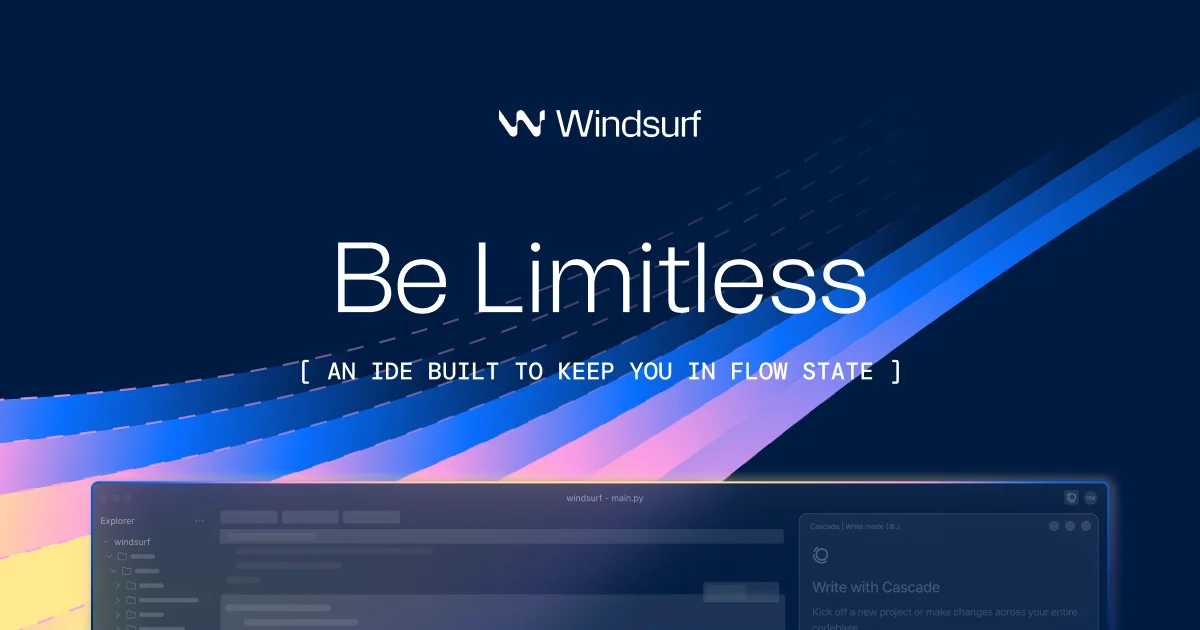
Windsurf (by Exafunction) is an AI-native integrated development environment designed to keep developers in a state of flow. At its core is Cascade, an intelligent AI agent that understands your codebase, remembers important context across sessions, and can autonomously execute multi-step coding tasks. Unlike traditional AI coding assistants, Windsurf is built from the ground up to integrate AI deeply into the editing experience. Key capabilities include persistent Memories that allow Cascade to recall codebase-specific patterns and workflows, customizable Rules that enforce coding standards, automatic Lint Fixing that detects and resolves errors it generates, and MCP (Model Context Protocol) support for connecting custom tools like Figma, Slack, Stripe, and PostgreSQL with one-click setup. Developers can drag and drop design images directly into Cascade to scaffold UI, use natural language to generate terminal commands, and enable Turbo Mode for fully automated command execution. Windsurf is trusted by over 1 million developers and more than 4,000 enterprise customers worldwide. It reports that 94% of code within its platform is written by AI, dramatically reducing time spent on boilerplate and repetitive tasks. The tool is ideal for individual developers, startups, and large engineering teams seeking to maximize productivity and maintain creative focus.
Key Features
- Cascade AI Agent with Persistent Memory: Cascade remembers important context about your codebase and workflow across sessions, enabling smarter, more consistent AI assistance over time.
- Automatic Lint Fixing: Cascade automatically detects and resolves lint errors it generates, keeping code clean without interrupting the developer's workflow.
- MCP (Model Context Protocol) Support: Connect to external tools and services like Figma, Slack, Stripe, PostgreSQL, and Playwright with one-click setup via the built-in plugin store.
- Turbo Mode & Terminal Command Generation: Turbo Mode enables Cascade to auto-execute terminal commands, while natural language terminal assistance helps developers stay in flow without memorizing CLI syntax.
- Drag-and-Drop Design-to-Code: Drop design images directly into Cascade to instantly scaffold UI layouts and components, bridging the gap between design and development.
Use Cases
- Individual developers building full-stack web apps using AI-generated code to skip boilerplate and accelerate feature delivery.
- Enterprise engineering teams standardizing coding patterns and workflows across large codebases using Cascade's Rules and Memory features.
- Designers and developers collaborating by dragging mockup images into Cascade to instantly generate matching UI code.
- Developers automating repetitive DevOps and terminal tasks using Turbo Mode for hands-free command execution.
- Startups rapidly prototyping and deploying applications with minimal manual coding, leveraging Windsurf's 94% AI-written code capability.
Pros
- Deep Codebase Awareness: Cascade's persistent memory and rules system gives it unparalleled understanding of your specific project, reducing repetitive context-setting.
- End-to-End Automation: From writing code to fixing lints, running terminal commands, and deploying previews, Windsurf can handle full development loops autonomously.
- Strong Community & Enterprise Adoption: With 1M+ users and 4,000+ enterprise customers, Windsurf has proven reliability and a large ecosystem of users and integrations.
- Intuitive UX for All Skill Levels: Praised by novices and experts alike, features like one-click MCP setup and live preview make it accessible without sacrificing power.
Cons
- Desktop-First Experience: Windsurf is primarily a downloadable IDE, which may not suit developers who prefer entirely browser-based or lightweight coding environments.
- Enterprise Features Behind Paywall: Advanced team features, higher usage limits, and enterprise-grade controls require a paid plan, which may be costly for solo developers or small teams.
- Turbo Mode Risk: Auto-executing terminal commands in Turbo Mode can lead to unintended changes if not carefully supervised, especially in production environments.
Frequently Asked Questions
What is Windsurf and how is it different from other AI coding tools?
Windsurf is an AI-native IDE built by Exafunction. Unlike AI plugins bolted onto existing editors, Windsurf is designed from the ground up around the Cascade AI agent, which maintains persistent memory, enforces custom rules, and can autonomously execute multi-step coding tasks.
Is Windsurf free to use?
Windsurf offers a freemium model — there is a free tier available for individual developers, with paid plans for teams and enterprise customers that unlock higher usage limits and advanced collaboration features.
What is Turbo Mode?
Turbo Mode allows Cascade to automatically execute terminal commands without requiring manual approval for each step, enabling fully autonomous coding workflows. It can be enabled or disabled in settings.
What integrations does Windsurf support?
Windsurf supports MCP (Model Context Protocol) integrations with tools like Figma, Slack, Stripe, PostgreSQL, Playwright, Neon, GitHub, and Sequential Thinking, all available via one-click setup in the plugin store.
What platforms does Windsurf run on?
Windsurf is available as a downloadable desktop application for macOS, Windows, and Linux. It is a full IDE, not just a browser-based tool.